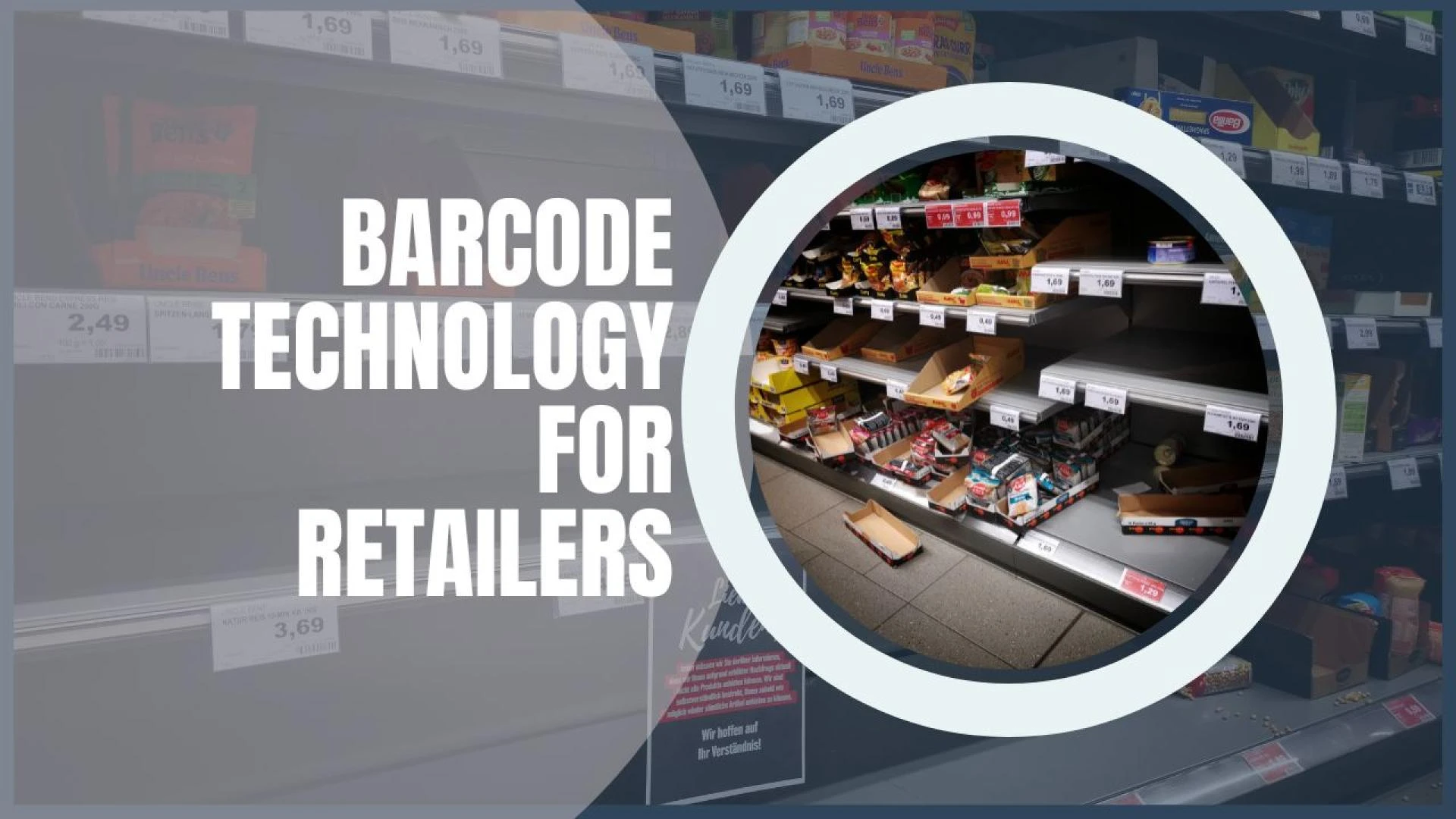

Barcode technology has been around for decades and shows no signs of slowing down. It has enabled retailers to be more efficient and productive in their day-to-day retail operations.
While reliable and robust, there are still many challenges to overcome, especially in retail environments. For example, unsuccessful barcode scans from damaged codes or simply missing a barcode scan can result in lost revenue and productivity.
This article will discuss various aspects of barcode reader technology in the retail environment.
Barcode Scanner on Different Devices
Barcode scanning can be achieved with different devices. Now, it is not limited to a specific barcode scanning device. Any device that supports barcode scanning capabilities can become a barcode scanner. Let's look at some barcode-scanning devices:
Smartphones: Browser-Based Applications and Native Apps
Customers and retailers can use barcode-scanning applications on their smartphones to scan barcodes. The advantage is that smartphones are ubiquitous, eliminating the need to purchase a separate hand-held device. While shopping, customers can simply scan barcodes for product information, price, place of origin, etc. This way, they can avoid standing in line while waiting at a POS counter.
For retailers, this also enables rich data capture. They can provide personalized discounts to their customers or build a predictive inventory based on their purchase history.
Hand-Held Barcode Scanners
Also known as "point-of-sale" (POS) scanners, these are commonly found in retail and grocery stores. These scanners are widely used due to their low cost, high reliability, and simplicity. The powerful lasers can read barcodes at two feet distances. They are easy to use and require minimal employee training.
Embedded Devices
There are other types of product code scanners that can capture images or read barcodes from a live video stream. According to Reuters, some Walmart stores use automated robots to go around the store aisles to check inventory levels, misplaced items, incorrect pricing, and mislabeling. Automated robots and drones offer numerous benefits and are becoming increasingly common in retail spaces.
Desktops
A desktop environment can also be used to scan barcodes and manage inventory. With a webcam or saved image on a computer, this method is most suited for back-end warehouse management. Your employees can simply scan a product barcode to manage inventory, track batches, and more.
Challenges when Implementing Barcode Technology
Ideally, a barcode would be flat without wrinkles, rips, or water damage. It would be free of dirt, grime, or marks. It would also be of adequate size and angle and have high resolution and contrast. It would be free from any skewing, smudging, or glare of any kind. However, ideal scenarios rarely play out as we would like.
Due to the high-speed supply chain, damaged barcodes are unavoidable in the retail industry. When a barcode becomes difficult to read, it slows down workflow efficiency, especially at a large scale.
To overcome difficult-to-read barcodes, you'll need industrial-grade software capable of advanced processing, such as binarizing, despeckling, smooth zooming, etc.
Look at several challenges while scanning a barcode:
Wrinkled Barcode on Packages: Many goods, such as clothing, produce, snacks, and other goods, are packaged in soft plastic bags. These bags are prone to wrinkling, which wrinkles the printed barcode. Deskewing a wrinkled barcode can sometimes diminish the quality of the image, reducing the barcode recognition accuracy.Issues Due to Product Packaging: Grocery stores have a wide variety of products, such as soda pop cans with reflective packaging. They often face issues like light glare from these reflective surfaces during scanning. Condensation on frozen foods often builds up, damaging the printed barcode label.UPC barcode lookup: During inventory tracking with UPC lookups or product information lookups, encountering damaged barcodes can seriously hinder workflow. It's equally important to have industrial-grade software during inventory and point-of-sale transactions to overcome these obstacles.Inventory Tracking: Tracking inventory is essential to inventory management, especially in automated storage and retrieval systems with thousands or millions of SKUs. A barcode scanner with low levels of precision can complicate things. Any missed, overlooked, or misplaced items result in an inaccurate inventory count, affecting the entire chain to the customer.
Qualities of an Ideal Barcode Reader
Retail Barcodes provide much-needed speed and accuracy in daily operations. However, they are incomplete without a robust barcode reader. It supplements the barcode and enhances its functionalities.
However, with so many barcode reading solutions, choosing the right one must be confusing. To help you out, we compiled several necessary features that every barcode scanning solution must have:
Multi-platform support such as Windows, Android, iOS, etc.Wide range of barcode support for different 1D and 2D barcodes. Scan setting customization like orientation, width, etc.Support for broken, wrinkled, or torn barcodeseasy-to-use user interfaceRapid scanning speedshould be able to scan multiple barcodes simultaneously.High-precision scanner
Conclusion
Barcodes are widely used in different retail operations. They simplify retailing and make things more efficient. However, to fully realize their potential, bringing in a robust barcode reader is equally important. It can help overcome the challenges that barcodes present. A quality barcode scanning solution can read torn or broken barcodes, scan multiple at once, and provide a high accuracy rate. So if you use barcodes, ensure you have an equally capable barcode reader to back it up!
























Sign in to leave a comment.