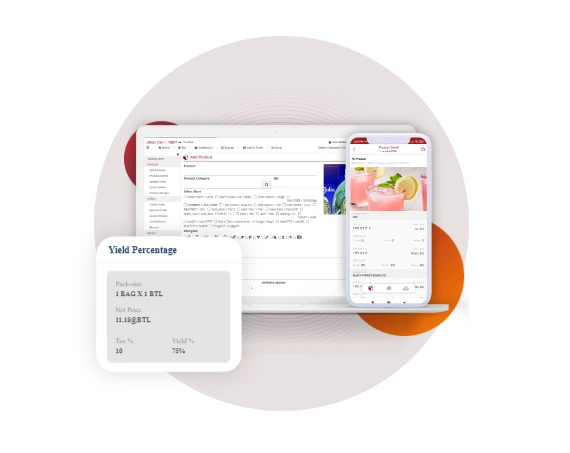

A beverage stocktake template in Excel is an invaluable tool for businesses in the hospitality industry, such as restaurants, bars, and cafes, as well as retail stores that sell beverages. This spreadsheet-based solution streamlines the process of tracking and managing beverage inventory, helping businesses maintain optimal stock levels, reduce waste, and control costs.
The key components of a beverage stocktake template in Excel typically include:
Item Details: This section records essential information about each beverage product, such as the product name, brand, supplier, and unit of measurement (e.g., bottles, cans, liters). Having a clear and organized item list makes it easier to manage inventory.
Opening Stock: The template allows users to input the initial quantity of each beverage product in stock at the beginning of a specific period, such as a week or month. This information serves as a starting point for tracking changes in inventory levels.
Purchases: Users can enter the quantity and cost of beverage products purchased during the specified period. This data is essential for calculating the total cost of replenishing inventory.
Sales: Recording the quantity of each beverage product sold helps businesses keep track of consumer demand and identify popular items. It also aids in calculating revenue generated from beverage sales.
Returns and Wastage: Businesses can record any beverages returned by customers (e.g., due to defects) and any wastage (e.g., spillage or expired products). This data is critical for identifying areas where losses can be reduced.
Closing Stock: The template calculates the closing stock by subtracting the total sales, returns, and wastage from the opening stock and purchases. This figure represents the quantity of each beverage product left in inventory at the end of the specified period.
Stock Value: By multiplying the closing stock quantity by the unit cost, the template provides the total value of the remaining beverage inventory. This information is crucial for financial reporting and budgeting.
Variance Analysis: Some templates include a variance analysis section, which helps businesses identify discrepancies between expected and actual inventory levels, enabling them to take corrective actions promptly.
Overall, a beverage stocktake template in Excel simplifies the process of monitoring beverage inventory, ensuring that businesses have the right products in stock to meet customer demand while minimizing waste and controlling costs. It's a versatile tool that can be customized to suit the specific needs and scale of any beverage-oriented business, ultimately contributing to improved efficiency and profitability.










Sign in to leave a comment.