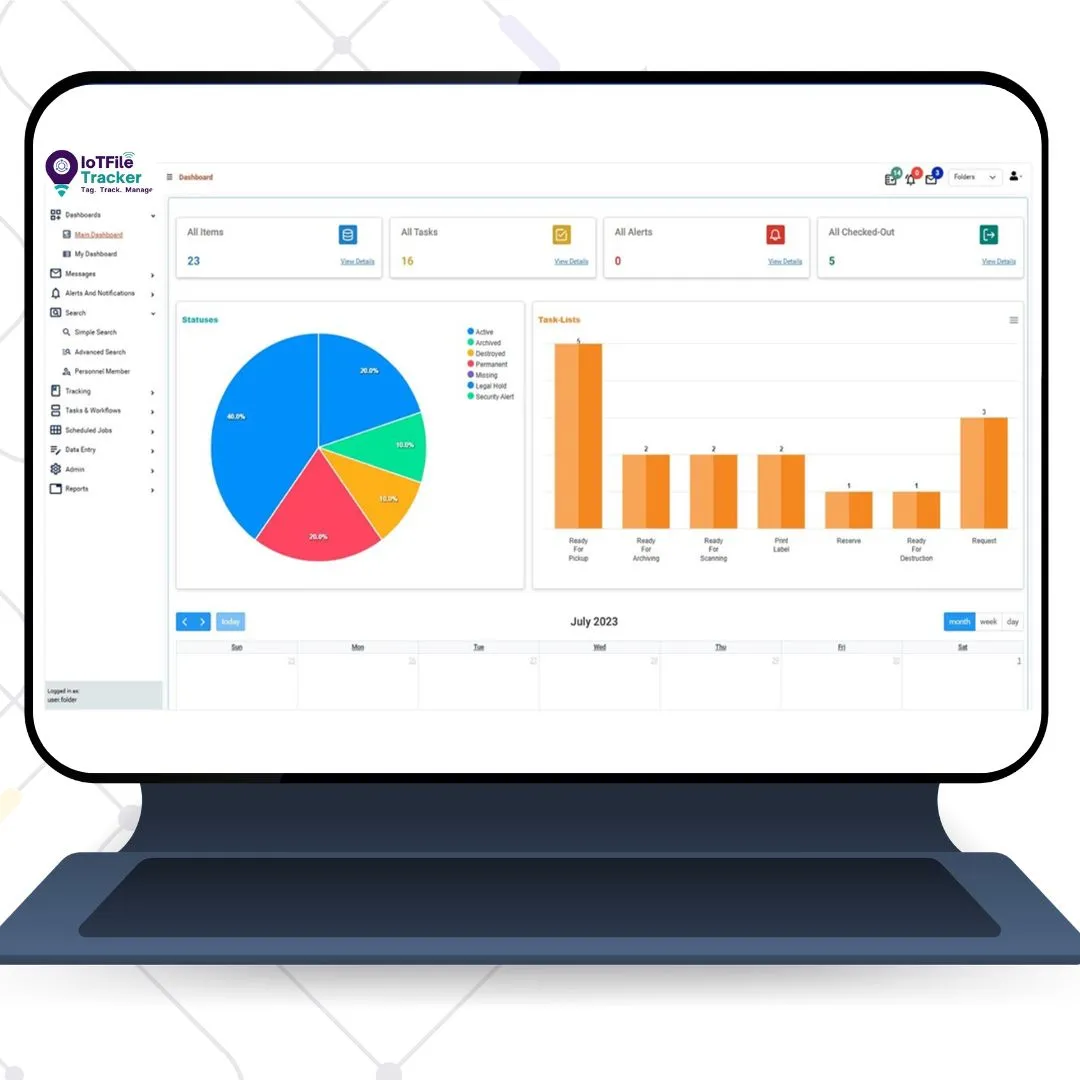

Managing hundreds or thousands of business files can be challenging, especially when employees need to locate specific documents quickly. Misplaced folders, outdated records, and manual tracking can waste valuable time and affect daily operations. File tracking management helps businesses organize physical documents, monitor their movement, and maintain accurate records. By using a reliable file tracking system, organizations can simplify file folder management, improve document accessibility, and reduce the effort required to manage large volumes of records.
What Is a File Tracking System?
A file tracking system is a solution that helps businesses identify, locate, and monitor physical files throughout their lifecycle. It records important information, such as file names, identification numbers, storage locations, and movement history.
Modern file tracking software allows employees to search for documents and check their recorded locations without relying entirely on paper registers or spreadsheets. Depending on the organization's requirements, the system can use barcode labels or RFID technology to improve tracking accuracy.
File tracking systems are useful in hospitals, legal firms, financial institutions, government departments, and corporate offices where maintaining organized records is essential.
Why Is File Folder Management Important?
Effective file folder management makes everyday document handling easier. When files are stored without a consistent labeling or categorization process, employees may spend unnecessary time searching through cabinets, shelves, and archive rooms.
A structured approach helps businesses organize folders by department, document type, date, or reference number. It also improves accountability by maintaining records of file movements and helping employees identify the last recorded location of a document.
With suitable file tracking software, organizations can reduce manual administrative work, improve record accessibility, and maintain better control over important business documents.
How Does File Tracking Software Work?
1. File Registration and Identification
The process begins by registering each file in the file tracking software. A unique identification number or barcode is assigned to the file or folder. Details such as the file name, department, category, and storage location are then recorded in the system.
2. File Movement and Location Updates
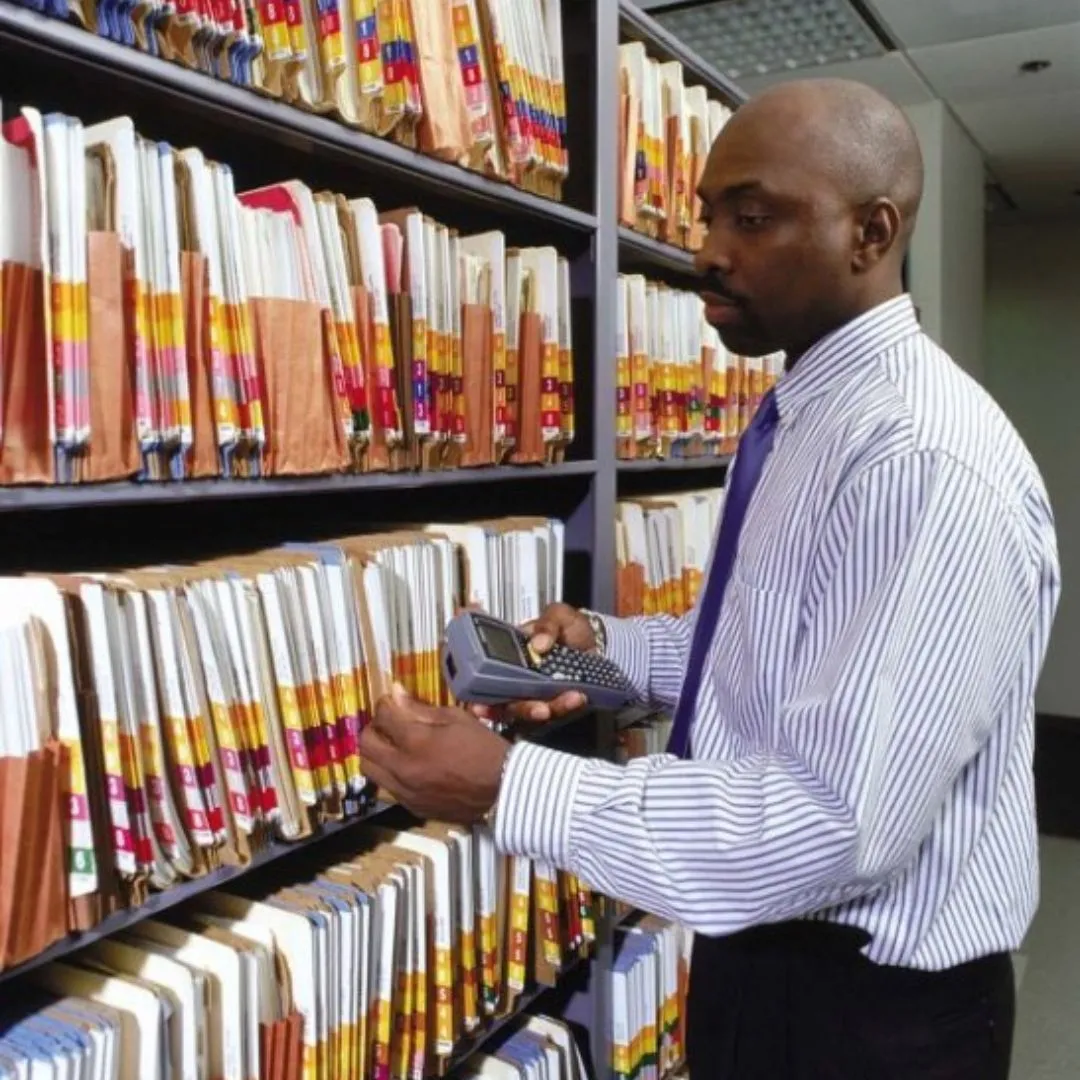
When a file moves between departments, employees, or storage areas, its movement can be recorded using a barcode scanner or another supported tracking device. These updates help maintain an accurate record of the file's location.
A real-time-based file tracking process can provide more current location information when movements are captured automatically or recorded promptly. The accuracy of the information depends on the technology and system configuration.
3. File Search and Retrieval
Employees can search the system using a file number, name, or other available details. Instead of manually checking multiple storage areas, they can refer to the recorded location and retrieve the required document more efficiently.
Barcode File Tracking System vs. RFID File Tracking
A barcode file tracking system uses printed barcode labels and scanners to identify files and record their movement. It is a practical choice for businesses that want a straightforward and cost-effective way to organize physical documents.
RFID file tracking uses radio-frequency identification tags and compatible readers. Depending on the setup, RFID technology can identify multiple tagged files without requiring each label to be scanned individually. This can be particularly useful for organizations managing large archives or frequent file movements.
Both technologies can support efficient file folder management. The right choice depends on the number of files, storage environment, budget, and tracking requirements.
Key Benefits of Real-Time-Based File Tracking
A well-planned file tracking system can offer several operational benefits:
- Faster document retrieval: Find files using recorded identification and location details.
- Improved accountability: Maintain a history of file movements and responsible employees.
- Better file organization: Keep records structured across departments and storage locations.
- Reduced manual errors: Use scanning and digital records instead of relying entirely on handwritten registers.
- Improved location visibility: Access updated file location information when the system receives timely tracking updates.
These benefits help businesses manage physical records more efficiently and reduce unnecessary delays in document-related tasks.
How to Choose the Right File Tracking Solution
Before selecting file tracking software, consider your document volume, storage locations, security requirements, and existing workflows. Evaluate whether a barcode file tracking system or RFID file tracking solution better suits your operations. Also, check reporting features, integration options, scalability, and ease of use. The best solution should make file management simpler for employees while supporting the organization's long-term requirements.
Conclusion
Effective file tracking management helps businesses organize records, monitor file movements, and retrieve documents with less manual effort. By implementing a suitable file tracking system, organizations can improve file folder management and maintain better control over physical documents. Whether using barcode technology, RFID file tracking, or real-time-based tracking capabilities, the right approach can make document management more accurate, accessible, and efficient.
















Sign in to leave a comment.