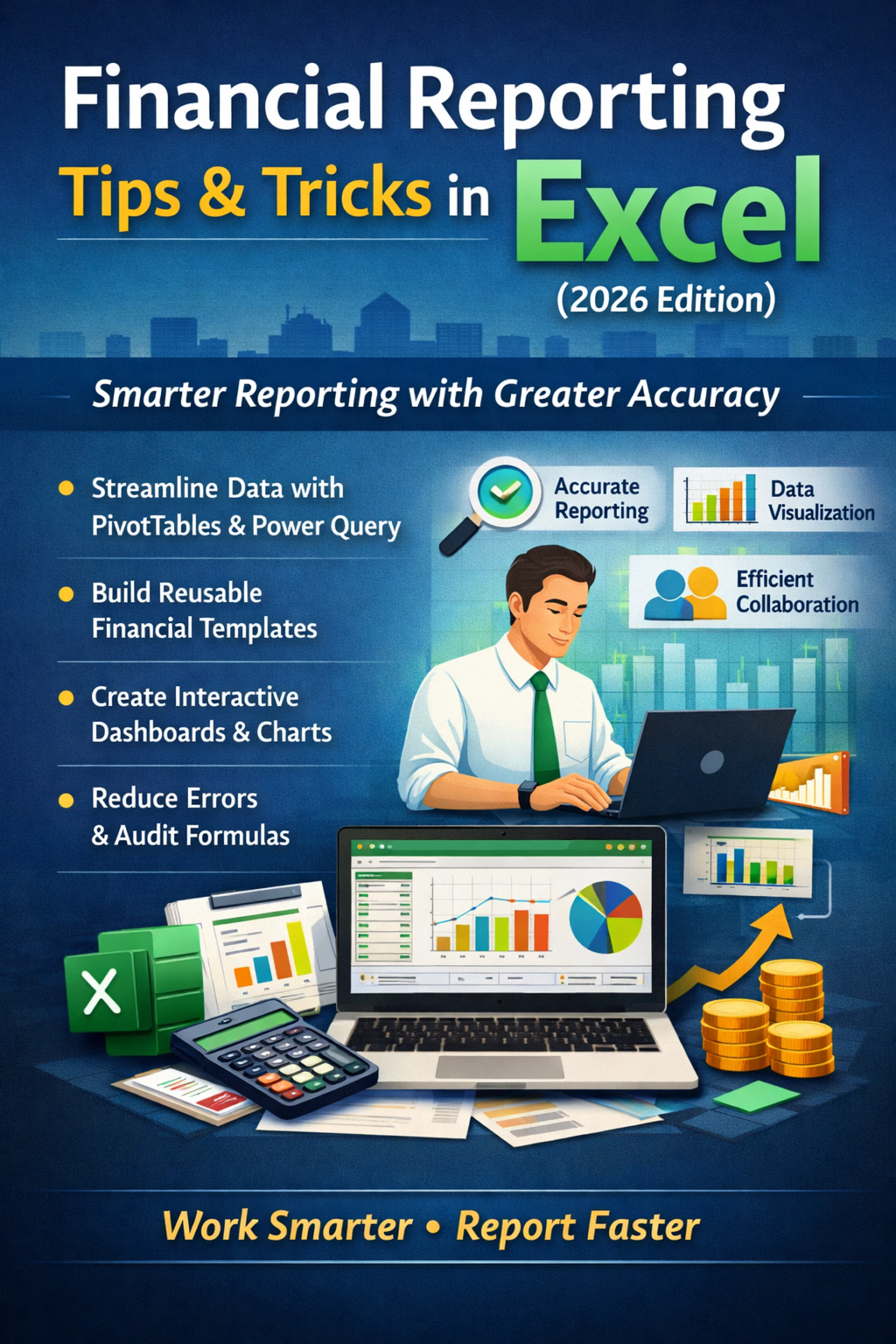

In today’s fast-moving business environment, finance professionals are expected to deliver accurate, timely, and insight-driven reports. Whether you’re preparing monthly statements, budgeting forecasts, or executive dashboards, mastering the right Excel Tips & Tricks can dramatically improve efficiency and accuracy.
The 2026 edition of Financial Reporting in Excel focuses on smarter automation, cleaner data organization, and more powerful analysis tools to help you stay ahead.
Why Excel Remains Essential for Financial Reporting
Despite the rise of specialized accounting software, Microsoft Excel continues to be the backbone of financial reporting. Its flexibility allows professionals to:
- Customize reports based on business needs
- Automate repetitive calculations
- Build interactive dashboards
- Analyze large datasets quickly
- Reduce manual errors
With the right Excel Tips & Tricks, Excel becomes more than a spreadsheet—it becomes a powerful financial reporting engine.
Key Excel Tips & Tricks for Financial Reporting in 2026
1. Use Dynamic Formulas for Accurate Calculations
Advanced formulas like XLOOKUP, INDEX-MATCH, SUMIFS, and IFERROR help automate complex calculations. These formulas reduce dependency on manual updates and ensure your reports stay accurate even when data changes.
2. Master Pivot Tables for Data Summarization
Pivot tables allow you to summarize thousands of rows of data within seconds. You can generate profit summaries, expense breakdowns, and trend analyses without writing complicated formulas.
3. Build Interactive Financial Dashboards
Use slicers, charts, and conditional formatting to create visually appealing dashboards. Decision-makers prefer visuals over raw numbers, and dashboards make financial insights easy to understand.
4. Automate Reports with Templates
Create standardized financial templates for monthly, quarterly, and annual reporting. This saves time and ensures consistency across all reports.
5. Apply Data Validation & Error Checks
Financial accuracy is critical. Data validation rules and conditional formatting help detect duplicate entries, missing data, or unusual variances before finalizing reports.
How These Excel Tips & Tricks Improve Productivity
When applied correctly, these techniques:
- Reduce report preparation time
- Improve data accuracy
- Minimize manual errors
- Enhance presentation quality
- Increase confidence in financial analysis
For accountants, finance managers, analysts, and controllers, these improvements directly impact decision-making quality.
Who Should Learn These Excel Reporting Techniques?
This 2026 Excel financial reporting approach is ideal for:
- Accountants
- Financial Analysts
- Finance Managers
- Controllers
- Bookkeepers
- Business Owners
If your role involves preparing or reviewing financial reports, upgrading your Excel skills is a smart investment.
Final Thoughts
Financial reporting is no longer just about numbers—it’s about delivering clear, accurate, and actionable insights. By applying advanced Excel Tips & Tricks, you can transform your reporting process, save valuable time, and present data with greater confidence.
The 2026 edition of financial reporting in Excel is designed to help professionals work smarter, not harder—turning complex data into meaningful business insights.


























Sign in to leave a comment.