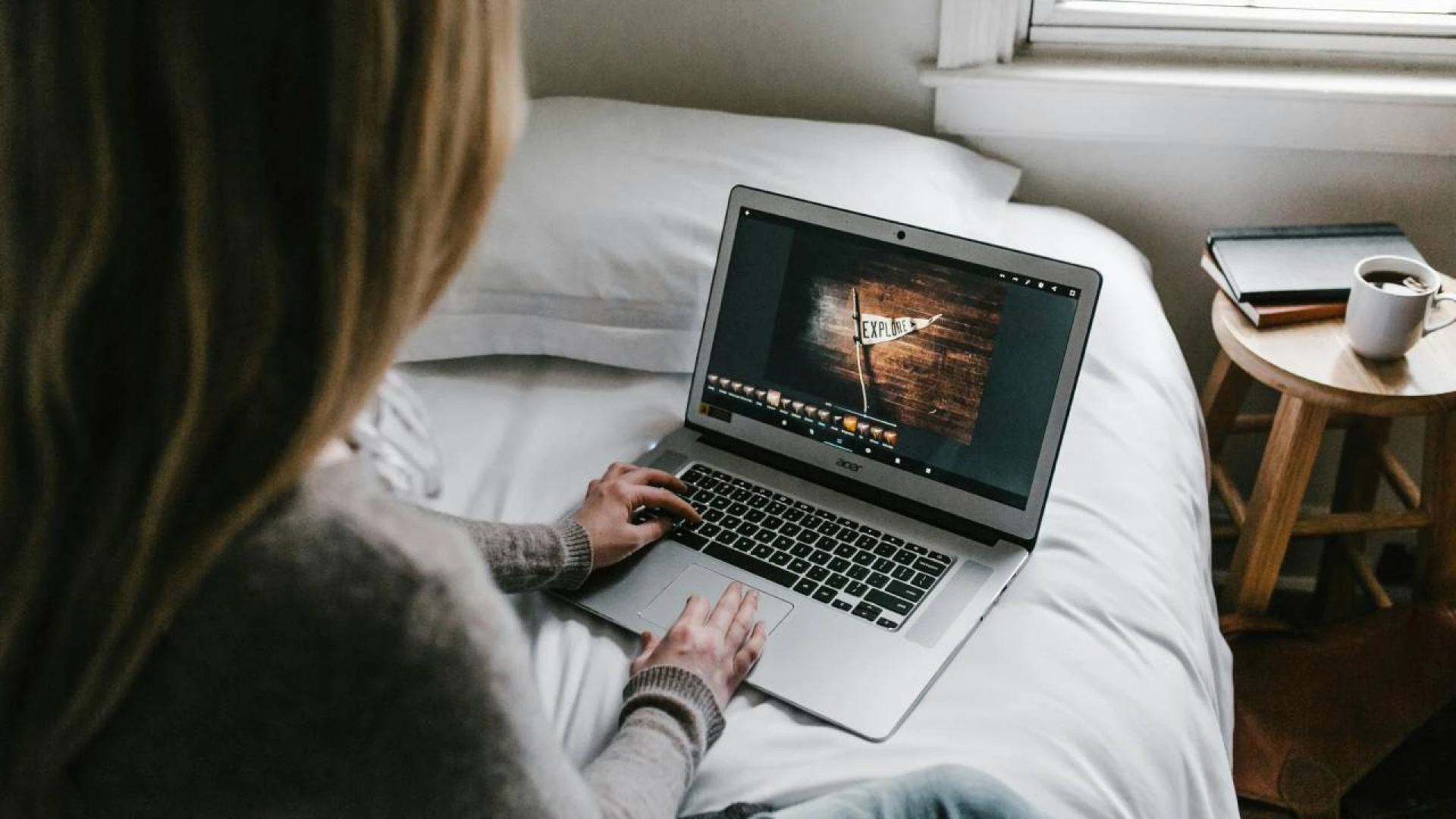

In today's world of digital technology, photo editing isn’t only for professionals. It doesn't matter if you're a budding photographer, a new business owner, someone who likes to share special moments via social media, or a budding blogger, editing photos is crucial for making your images look great. Many think that editing tools of high quality are expensive. But there are a lot of free photo editors that can help create amazing visuals.
This article explores the top ten free photo-editing tools you should be considering in 2025. It is ideal for beginners as well as professionals.
1. GIMP (GNU Image Manipulation Program)
GIMP appears often in discussions about free alternatives to Photoshop. It is a powerful and open-source tool, used by both hobbyists and professionals for photo editing, image composition, or graphic design.
Features:
- GIMP is a professional tool with advanced editing abilities. This includes layers, masks, customizable brushes, and many other tools.
- GIMP has a wide range of file formats that it can work with, including JPEGs and TIFFs as well Photoshop's PSD.
- Customizable plug-ins: GIMP, with its strong developer community and wide selection of plugins for extending its functionality, supports a range of plugins.
- User interface: The interface of this program is not as polished or as flexible as Photoshop. However, users can still adjust it to fit their needs.
Pro Tip:
GIMP is compatible with plugins, so you can use them to simulate the features of more expensive software. Resynthesizer can be a great substitute for Photoshop content-aware fill.
Why GIMP? GIMP can be a good alternative to Photoshop if you want professional features. These include layers, masks, detailed retouching, etc.
2. Canva
Canva, an online tool that allows you to quickly edit business presentations or create content for your social media accounts, is fantastic. It is simple to use and comes with drag-and-drop functionality as well as a wide range of templates.
Features:
- Extensive template library: Canva offers templates for almost everything--Instagram posts, posters, presentations, and even resumes.
- Canva includes basic photo editing features, such as cropping, text overlays, and filters.
- Canvas collaboration feature allows you to work with your team on a design. This makes it an excellent tool for small businesses.
- Mobile and desktop version: Available both on desktop and on mobile, you can make edits on the go.
Pro Tip:
Canva Pro provides businesses with access to premium templates additional design components, and advanced functions like the Brand Kit. However, for most users, the free version of Canva is more than adequate.
Why Choose Canva Canva makes it easy for you to edit photos and create graphics quickly, whether they are for marketing or social media.
3. Foto
The online editor Fotor is easy to use and focuses on efficiency. Fotor offers many filters and enhancement tools with one click, making it ideal for both beginners and those who edit photos regularly.
Features:
- One-tap editing: Ideal for beginners who do not want to spend time on complex editing.
- Batch processing allows for the editing of multiple photos simultaneously, saving time.
- Fotor is a collage maker with built-in templates. It's perfect for social content.
- Cloud storage: With Fotor, you can store and edit all your photos in the cloud.
Pro Tip:
In portrait photography, use "Beauty", a feature of Fotor. This will remove blemishes as well as smooth out the skin tones.
Why choose Fotor? Why choose Fotor? The software is ideal for those who want to enhance photos quickly.
4. Pixlr X
Pixlr X has a sophisticated, browser-based editor for editing photos that provides a similar user interface to professional photo editors like Adobe Lightroom. It is also completely free.
Features:
- Pixlr X offers layers similar to GIMP. This feature makes it easier to edit different elements of an image.
- Adjustments: Adjust brightness, contrast, and exposure with sliders.
- Pixlr X includes a variety of artistic filters, overlays, and other tools for editing photos.
- Cross-platform Compatibility: As browser-based it can be used with any device, even smartphones and tabs.
Pro Tip:
Pixlr X offers a similar healing tool to Photoshop to help remove unwanted elements from photos.
Why PixlrX? Pixlr X lets you edit in the Cloud without downloading anything.
5. PhotoScape X
PhotoScape X combines power and ease of use. This versatile software includes basic photo editing, GIF creation, and RAW picture processing.
Features:
- PhotoScape X can easily handle batch editing if you need to edit many images at once.
- RAW support - It allows RAW photo editing.
- PhotoScape X includes a range of filters that can be used to create a unique look.
- Screen capture: Ideal tool for creating tutorials.
Pro Tip:
PhotoScape X includes a feature known as 'Magic Color.' This allows you to instantly enhance the vibrancy and color of dull images with a single click.
Why choose PhotoScape X? This software is ideal for users who are looking for more advanced editing tools, such as GIF and RAW processing. But I still want an easy-to-use interface.
6. Snapseed
Snapseed for Android is a powerful photo editor app developed by Google. Snapseed features a sleek interface and powerful editing options, making it ideal for both amateurs and professionals who like mobile editing.
Features:
- RAW support - Edit RAW pictures directly on your Smartphone, ideal for Photographers on the Go.
- Selective adjustments - Make specific changes in a particular area without affecting others.
- Healing tool to remove unwanted items easily
- Snapseed filters and overlays: Snapseed can enhance your images with a variety of artistic effects.
Pro Tip:
Use the "Selective" tool to increase brightness, reduce contras,t and increase saturation in selected areas of your photograph.
Why choose Snapseed Snapseed can be your go-to app for powerful photo editing on your smartphone.
7. Darktable
Darktable, a free open-source software alternative to Adobe Lightroom for RAW processing, was developed specifically for RAW images. Photographers often use it to edit photos and grade colors.
Features:
- It is possible to experiment with editing without permanently changing the original picture.
- Darktable excels with RAW image processing and converts them into high-quality JPEGs.
- Darktable allows precise color adjustments for professional-grade editing.
- Cross-platform: Compatible with Windows and macOS.
Pro Tip:
Darktable's Tone Mapping function is ideal for recovering lost detail in high-contrast photographs, particularly landscape photos.
Why choose Darktable? Darktable, a free and robust tool to manage and edit RAW pictures is a good choice for photographers.
8. BeFunky
BeFunky Online Photo Editor is an easy-to-use, fun photo editor. It's perfect for anyone who doesn't want advanced editing but still wants to make eye-catching designs. It combines simple photo editing functions with graphic designing capabilities.
Features:
- One-click editing: Use BeFunky's enhancement tools to quickly improve image quality.
- Collage maker - Create creative and artistic collages.
- Cartoonizer - Turn your photos into fun cartoons with just a click.
- BeFunky is a great resource for graphic design templates. They offer a variety of options, such as templates for posters and brochures.
Pro Tip:
You can give your images a unique look by using the Photo to Art feature.
Why choose BeFunky? BeFunky allows you to add fun, creative effects to your photos. You don't need professional tools.
9. InPixio
InPixio has been designed with beginners in mind. It provides all the basic photo editing tools that you will need such as brightness adjustment, filters, and cropping without the complexity.
Features:
- It's simple to use, even for first-time editors.
- In Pixio filters and effects offer a variety to enhance the photos.
- Cut the background out of your images so you can create more creative works.
- Edit from anywhere - desktop or mobile.
Pro Tip:
The Objects Delete feature helps you remove unwanted items from images in a few clicks.
Why choose InPixio? InPixio will be the perfect choice for you if what you're looking for is a no-fuss, simple photo editor. It has many useful features including object removal, creative effects, and more.
10. Paint.NET
Paint.NET started as a simple replacement for Microsoft Paint. It has since evolved into a robust photo editor, with many features for both beginner and intermediate users.
Features:
- Paint.NET offers layers for editing, similar to GIMP. This feature makes it easy to handle complex edits.
- Support for Plugins. You can add plugins that extend Paint.NET’s capabilities. These include adding new features or improving functionality.
- Paint.NET comes with a range of filters and special effects. They include blurs as well as sharpening, distortion, and other tools.
- Beginner Friendly: Even newcomers can easily navigate the interface.
Pro Tip:
Paint.NET includes a tool known as the "Clone Stamp", which can be used for removing blemishes, objects, or other imperfections from your images.
Why choose Paint.NET? Paint.NET is a great option for users looking for an easy, layer-based editor, which offers more control than basic tools like Microsoft Paint while avoiding the steep learning curve required by professional software.
Conclusion
In 2025 you'll find no shortage of excellent free photo editing applications that will meet all your needs, whether they are basic edits or advanced photo manipulation. Canva's easy-to-use platform is perfect for beginners. If you are a professional photographer, then GIMP and Darktable will be a powerful tool. Choose the tool that best suits your needs.
These tools are free and will allow you to improve your photos, regardless of skill level or budget. You can now explore, experiment, and create stunning visuals.



















Sign in to leave a comment.