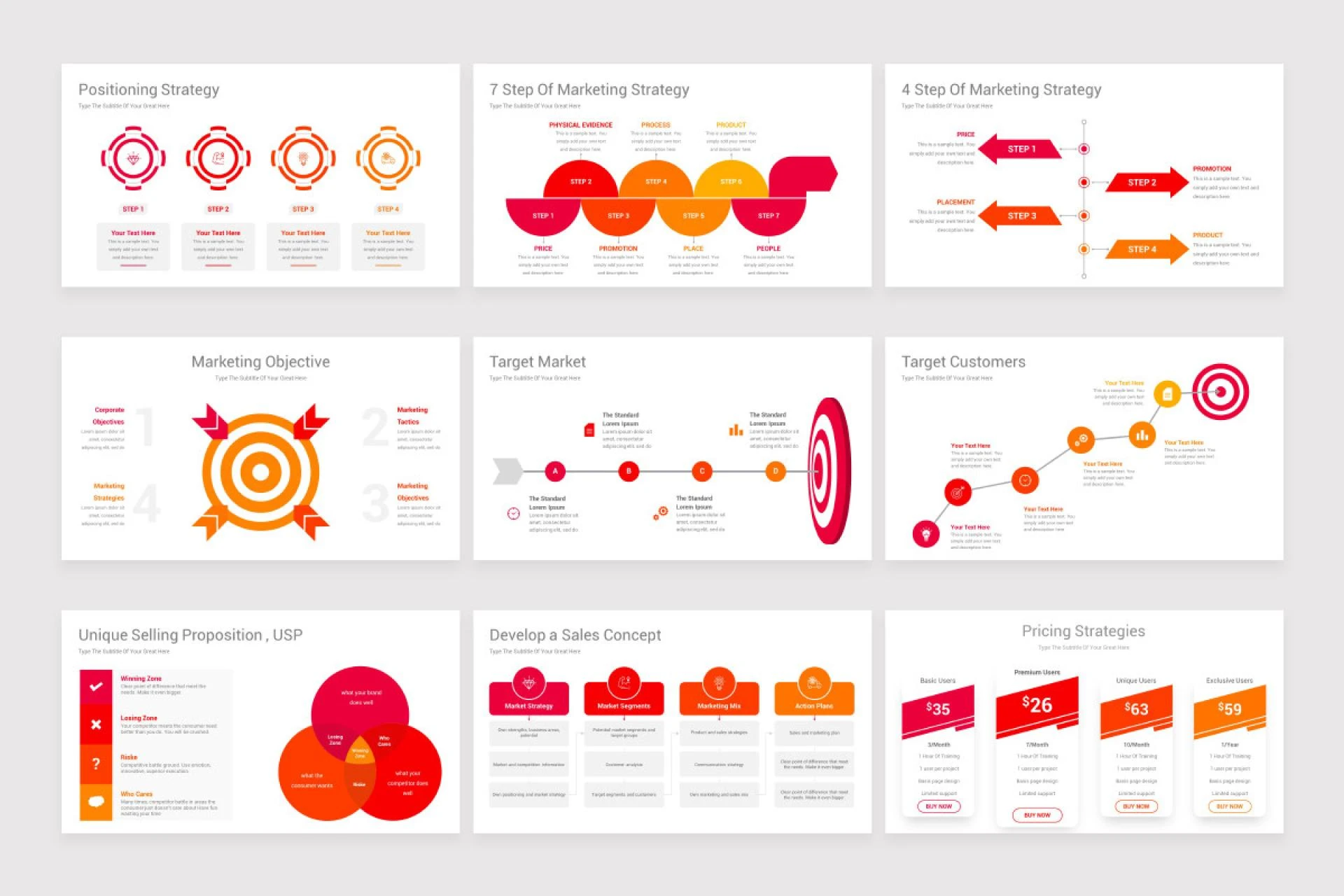
Creating an engaging PowerPoint presentation is both an art and a science. From business proposals and investor decks to school projects and training materials, presentations are often the bridge between your ideas and your audience’s understanding. At the core of any great presentation lies a thoughtfully designed template—one that provides structure, visual appeal, and a cohesive flow. But when it comes to selecting a template, a common question arises: Should you use a free or paid PowerPoint template?
This question doesn’t have a one-size-fits-all answer. Your choice depends on various factors like the purpose of your presentation, your audience, your budget, and the level of customization you need. Let’s take a deep dive into the advantages and disadvantages of both free and paid PowerPoint templates and determine which might be right for you.
The Appeal of Free PowerPoint Templates
Free templates have become incredibly popular, largely due to their accessibility. A quick search online yields thousands of results, offering everything from simple business layouts to colorful educational slides.
Advantages of Free Templates
- Cost-Effective: The most obvious advantage is that they cost nothing. For individuals, small businesses, startups, or students working on tight budgets, this can be an essential consideration.
- Wide Availability: Free templates are available across numerous platforms including Microsoft Office, Canva, Slidesgo, and other design-oriented websites. You can find templates for virtually every theme or industry.
- Quick Access: You don’t have to go through payment gateways or sign up for subscriptions. Most free templates are available with a simple download.
- Good Enough for Basic Use: If your presentation doesn’t require high-end visuals or if it’s meant for informal or internal communication, free templates can often suffice.
Disadvantages of Free Templates
- Overused Designs: One of the biggest drawbacks is that free templates are often downloaded and used by countless people. If you're using a popular free template, there's a chance someone in your audience has seen it before.
- Limited Customization: Free templates typically come with fewer customization options. You might find it difficult to match the template to your brand colors or add unique elements.
- Basic Visual Appeal: While some free templates are well-designed, many are basic and lack the polish of premium versions. This can affect the professionalism of your presentation.
- Limited Support and Updates: If a free template has issues, don’t expect customer service. Also, free templates may not be updated for compatibility with newer versions of PowerPoint.
The Case for Paid PowerPoint Templates
Paid templates are crafted by professional designers and often include comprehensive features that aim to provide value for money. They are especially popular among marketing professionals, corporate teams, and educators looking to make a strong impression.
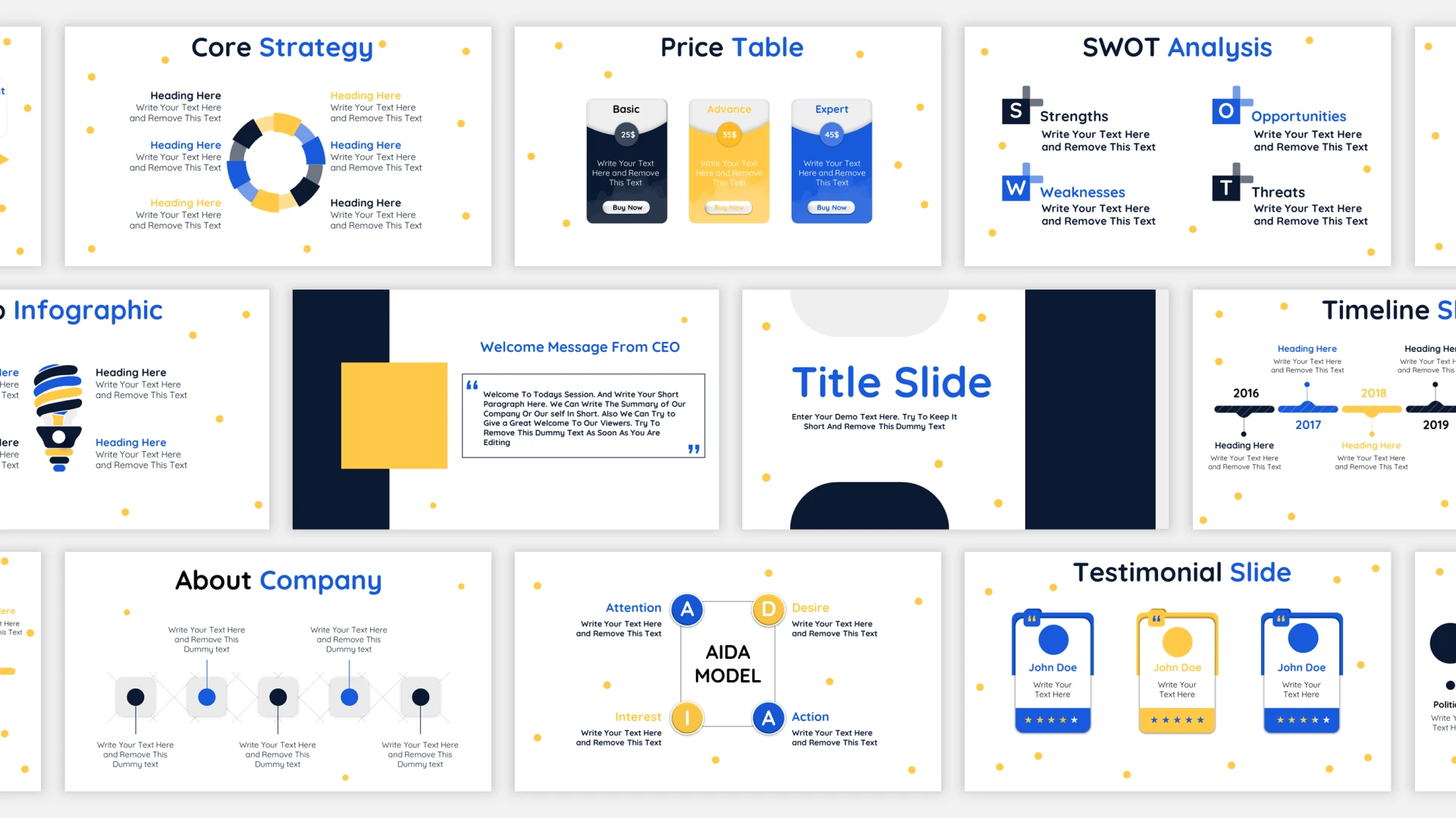
Advantages of Paid Templates
- Unique, High-Quality Design: Paid templates usually stand out with their originality and visual appeal. They are professionally made with attention to detail, consistent formatting, and modern design trends.
- Customization Flexibility: Most paid options offer a high degree of customization. Whether it’s changing color schemes, modifying layout structures, or integrating brand elements, you’ll find it easier to tailor paid templates to your needs.
- Full Slide Decks: Paid templates often come with a complete set of slides: title, agenda, comparison, process, data charts, contact, and more. This saves time and ensures your presentation is comprehensive.
- Time-Saving Features: Advanced features like pre-animated slides, infographic elements, editable charts, and mockup placeholders are often included, helping you create dynamic presentations more efficiently.
- Support and Documentation: Reputable template providers offer customer support, guides, and tutorials. This can be particularly helpful if you're unfamiliar with certain design elements or functionalities.
- Branding Consistency: For companies, brand consistency is crucial. Paid templates allow for easier incorporation of logos, fonts, and color palettes, ensuring a cohesive brand image.
Disadvantages of Paid Templates
- Cost: Although they’re not overly expensive, the cost can add up if you need multiple templates or access to premium design platforms. For occasional users, this may be hard to justify.
- Learning Curve: Some paid templates come with complex features or heavy animations that may be difficult to edit without a good grasp of PowerPoint.
- Not Always Unique: While less likely to be widely used, paid templates can still be purchased by multiple people. Unless you opt for a custom-designed template, there’s no guarantee your design will be unique.
Choosing Between Free and Paid Templates
Now that we've outlined the pros and cons of both, the next step is deciding which is right for you. Below are several scenarios and recommendations based on different user needs.
1. You’re a Student or Educator
Free PowerPoint templates often serve well in academic settings. Students creating class projects or educators preparing lectures can find ample options that are visually adequate and easy to use. Unless you’re preparing a keynote address or submitting a professional-grade project, there’s little need to invest in a paid template.
2. You’re an Entrepreneur or Startup Owner
First impressions matter, especially when pitching your business to investors or partners. In these cases, a paid template can help you deliver a polished, professional presentation. The added features and high-quality visuals justify the investment, especially if the presentation could influence funding or business growth.
3. You’re a Corporate Professional or Consultant
When preparing internal reports, team meetings, or client proposals, maintaining consistency and professionalism is vital. Paid templates allow for branded designs and offer flexibility that can align with corporate standards. Moreover, features like editable charts and timelines make it easier to visualize complex data.
4. You’re a Freelancer or Creative Professional
If your presentation serves as a portfolio or pitch to attract clients, the design quality is a reflection of your brand. While it’s possible to find well-designed free templates, a paid option usually better supports customization, unique layout, and modern aesthetics—helping your work stand out.
5. You Need a Presentation Quickly
If you’re short on time and need to pull together a presentation in a matter of hours, free templates are often faster to acquire. However, premium templates with drag-and-drop features and pre-filled content blocks can also save significant time during creation.
Platforms to Consider
For free PowerPoint templates, some popular sources include:
- Microsoft Office Online: Offers basic templates directly within PowerPoint.
- Slidesgo: Known for its wide range of educational and professional templates.
- Canva: Offers a hybrid of free and premium templates with intuitive editing tools.
For paid PowerPoint templates, top providers include:
- Envato Elements: Offers a subscription model with access to thousands of templates.
- SlideModel: Specializes in business-oriented slide decks and data visuals.
- GraphicRiver: Pay-per-template model with high-quality individual slide sets.
Best Practices for Any Template
Regardless of whether you choose a free or paid option, there are a few universal best practices to keep in mind:
- Keep It Simple: Avoid clutter. Each slide should focus on a single idea or message.
- Use Consistent Fonts and Colors: Maintain a unified style throughout the deck.
- Limit Animation: Use transitions and animations sparingly for a more professional feel.
- Visualize Data: Replace text-heavy slides with charts, graphs, and icons where possible.
- Tailor the Template: Even if you're using a great template, it’s essential to adapt it to your content. Don’t just plug in data—ensure every slide supports your story.
Final Verdict: Free or Paid?
The answer to the free vs. paid debate boils down to purpose and expectations. Free templates are great for quick, low-stakes, or internal presentations. Paid PowerPoint templates are better suited for high-stakes environments where design, branding, and customization are crucial to success.
If you frequently create presentations or rely on them to generate business outcomes, investing in a high-quality paid template or even a template bundle may be a smart move. However, if you only occasionally present, and design isn’t your top priority, free templates can more than meet your needs.
Ultimately, the key lies in understanding your audience and the impact your presentation must make. Whether you choose free or paid PowerPoint templates, ensuring clarity, coherence, and visual appeal will always remain the foundation of effective storytelling.




























Sign in to leave a comment.