Generative Engine Optimization for Local Businesses: A Practical Implementation Guide


Picture someone typing "Which dentist near me offers same-day emergency appointments?" into an AI assistant. If your business is not among those recommendations, you could miss an opportunity to attract potential customers. Local businesses now have an additional discovery channel that requires a different approach from traditional search rankings. This guide to generative engine optimization (GEO) shows how to get started step by step, without a big budget. If you prefer professional assistance, an agency with AI search visibility specialists can help manage the more complex aspects of implementation.
What May Influence Whether AI Assistants Mention a Local Business
A local answer is usually built from three layers. Structured listings such as map profiles and directories supply the basics: name, address, hours and categories. Reviews and public mentions suggest what real customers think. Your own website supplies the detail that listings cannot hold, including pricing, services and policies. Platforms combine these sources in different ways and do not fully disclose how they select recommendations, so the safest plan is to be accurate and consistent in all three places.
What Local Searchers Actually Ask
Questions put to AI tools tend to be longer and more specific than typed searches. Expect urgency ("open now", "same day"), comparison ("best for toddlers", "cheaper alternative to"), suitability ("wheelchair accessible", "vegan options") and trust ("licensed", "well-reviewed"). A café that states "step-free entrance, oat milk and laptop-friendly seating" gives an assistant something to match, whereas "great atmosphere" gives it nothing.
Step 1: Optimise Your Business Listings
Claim and verify your Google Business Profile
Claim and verify your profile first. Verification confirms ownership, lets you manage how your business appears and is required for performance data. An unclaimed or unverified profile may still appear, but you will have limited control over its accuracy. Choose the most accurate primary category, add secondary categories only where they are relevant, and complete services, attributes, opening hours and special holiday hours. Upload real, current photos of your premises, team and work.
Do not ignore Bing, Apple and industry directories
Bing Places for Business and Apple Business Connect offer free listing tools, although setup and verification times vary. Add the main directories for your trade too, such as a medical directory for clinics or a legal directory for solicitors. Use consistent business names, addresses and phone numbers across all platforms. Consolidate duplicate or outdated listings rather than creating new ones, and watch for policy warnings or suspension notices on your profiles.
Step 2: Establish a Consistent Customer Review Strategy
Ask honestly and widely
Invite customers to share honest feedback after a genuine experience, through a text message, QR code or direct review link. Do not offer payment, discounts or free products in exchange for reviews. Avoid review gating, which means inviting only satisfied customers to leave public reviews while steering unhappy ones elsewhere. Ask on the platforms your customers actually use, following each platform's rules.
Reply without oversharing
Reply to every review, thanking the customer and mentioning the service in general terms. Healthcare and legal businesses should never confirm treatment or case details in public. Assign an owner, a response-time target and an escalation route for negative reviews.
Step 3: Establish Your Website as a Reliable Local Information Source
Write location pages that are genuinely different
If you run several branches, give each its own page with real local detail: staff names, parking advice, nearby landmarks and the services offered there. Pages that simply replace the location name without meaningful local information offer little value and may be considered doorway pages. Link each location page from your main navigation, service pages and relevant blog posts, and write opening hours as plain text.
Spell out services, credentials and policies
Create a page for each core service, explaining who it suits, what is included, typical timelines, price ranges and your licences or accreditations. Add the policies customers care about, such as cancellations and warranties. State wheelchair access, parking, language support, appointment availability and payment options in plain text.
Answer real customer questions
Review your call logs, WhatsApp messages, email enquiries and customer reviews to identify frequently asked questions, such as "How much does it cost?", "Do you take walk-ins?" and "Are you open on Sundays?" Answer each in a couple of plain sentences, then add detail.
Add LocalBusiness schema
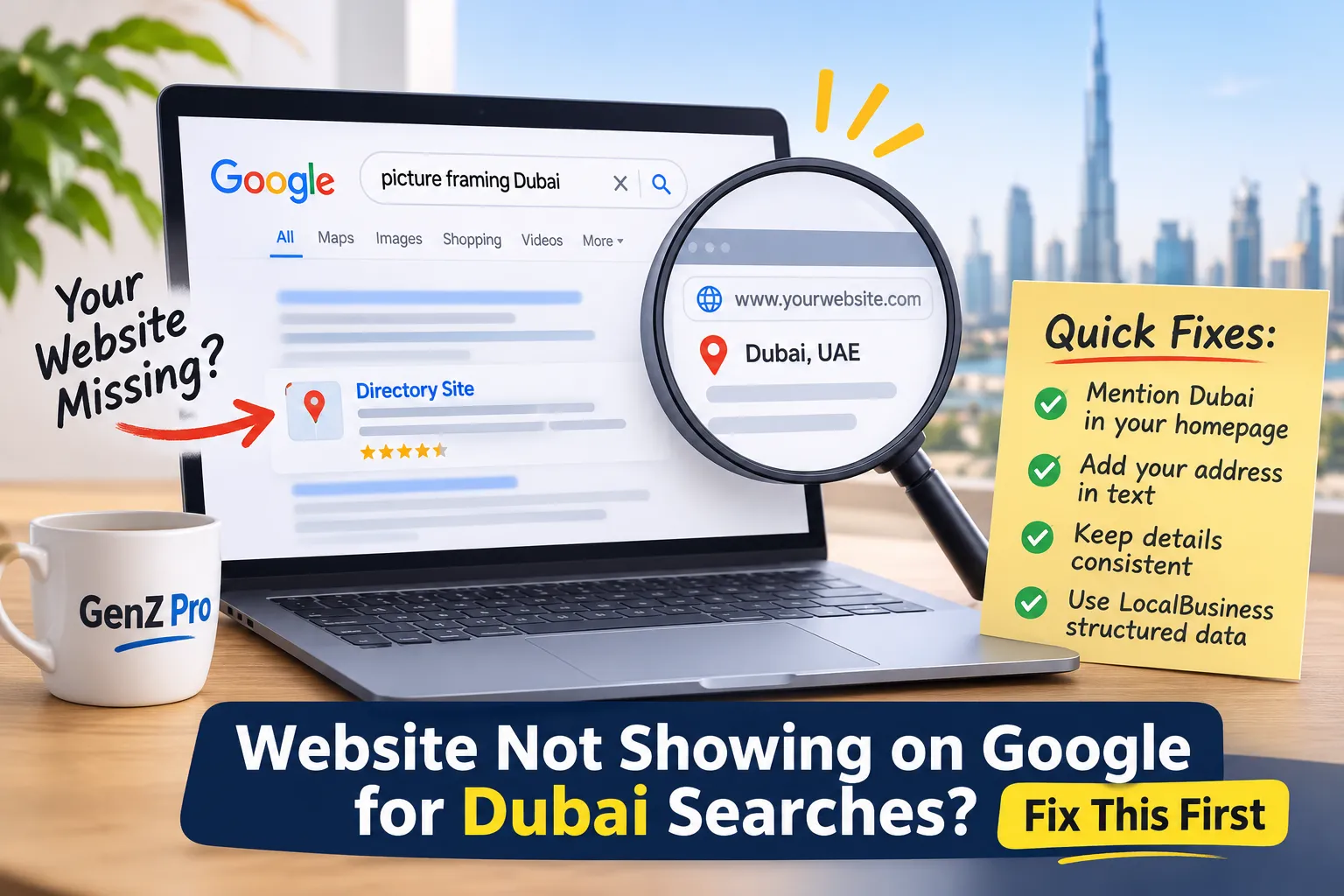
Mark up your details with LocalBusiness or a more specific type such as Dentist or Restaurant. Include address, geo coordinates, opening hours, areaServed, phone number and sameAs links to your profiles. Keep it in sync with the visible page, because incorrect opening hours in the markup can be misleading. If you manage many branches, local GEO support can help standardise this at scale.
Step 4: Build Local Authority Through Third-Party Mentions
AI assistants may rely on independent sources when assessing the credibility of local businesses. Aim for coverage in places a neighbour would trust: local newspapers, chambers of commerce, schools, charities, trade associations and partner websites. A relevant mention from a trusted source can carry more weight than a low-quality directory listing, so prioritise relevance and audience fit over volume. Describe yourself consistently, for example as a "family-run physiotherapy clinic specialising in sports injuries", so systems learn what you are known for.
Step 5: Optimise Service-Area and Multi-Location Businesses
Service-area businesses such as plumbers and electricians should hide the home address on their profile if customers never visit, and list the areas served clearly instead. Multi-location brands need one profile for each real, staffed location. A virtual office used only as a mailing address is not eligible, although a co-working space may qualify if your business permanently staffs it during stated hours. Set up a simple update routine so opening hours, photos and offers stay accurate for each branch.
Support the languages your customers commonly use
Publishing key service and location information in the languages your customers use can make it easier for them to find and understand your business.
Step 6: Maintain Up-to-Date Visuals and Business Information
Use original, current images of your premises, products and team rather than stock photography. Publish your menu, price list or product range as page text, since PDFs and images are harder to read. Outdated opening times can create a poor customer experience and reduce trust, so update holiday, seasonal and temporary hours promptly.
Step 7: Measure Local AI Search Visibility
Use Business Profile performance data to watch calls, direction requests and website clicks. Add UTM parameters to the website link on your profile so GA4 can separate that traffic. Each month, test 15 to 20 local questions such as "best physiotherapist near me" or "who offers weekend appointments", and note which businesses are named. Results shift between sessions and locations, so look for trends rather than single outcomes. Add a "How did you hear about us?" field to forms and ask phone callers, since some customers may say an assistant recommended you. Keep a simple record of changes and dates to help identify possible relationships between your actions and changes in visibility.
A Practical 90-Day GEO Implementation Plan
Spend the first month fixing listings and gathering missing facts. In month two, publish location and question pages, add schema and start the review routine. In month three, pursue local mentions, begin the monthly testing and tune whatever the results reveal. Assign responsibility to one person to ensure accountability and consistent implementation, and revisit the plan each quarter.
Common Mistakes to Avoid
Common mistakes include purchasing fake reviews, adding unnecessary keywords to business names, listing ineligible virtual offices and leaving outdated duplicate listings live. These practices can lead to removed reviews, profile restrictions or suspension, and they can leave systems unsure which business is real.
Local GEO Readiness Checklist
- Google Business Profile is claimed, verified and complete
- Name, address and phone details match everywhere, with duplicates removed
- Reviews are requested without incentives or gating, and every review gets a reply
- Each location and core service has its own detailed page
- LocalBusiness schema matches the visible page
- Monthly question tests and profile metrics are recorded
Frequently Asked Questions
Do small local businesses really need to worry about AI search?
Yes, as one discovery channel among several. Map results, regular search and word of mouth still matter, but more people now ask assistants for recommendations, and the groundwork overlaps heavily with good local SEO.
Can I pay to be included in AI answers?
Advertising policies and formats vary by platform, and paid placement should not be assumed to guarantee organic citation. Accurate listings, genuine reviews and clear web content remain the dependable foundation.
How long does it take to see results?
Listing improvements may produce noticeable results within weeks, while reviews and local mentions build over months.
Ready to Put Your Business on the Map?
Local visibility rewards patient, consistent effort. If you would like a tailored plan, an audit or hands-on help, contact us and the Ferventers team will help you choose the right first move.





Sign in to leave a comment.