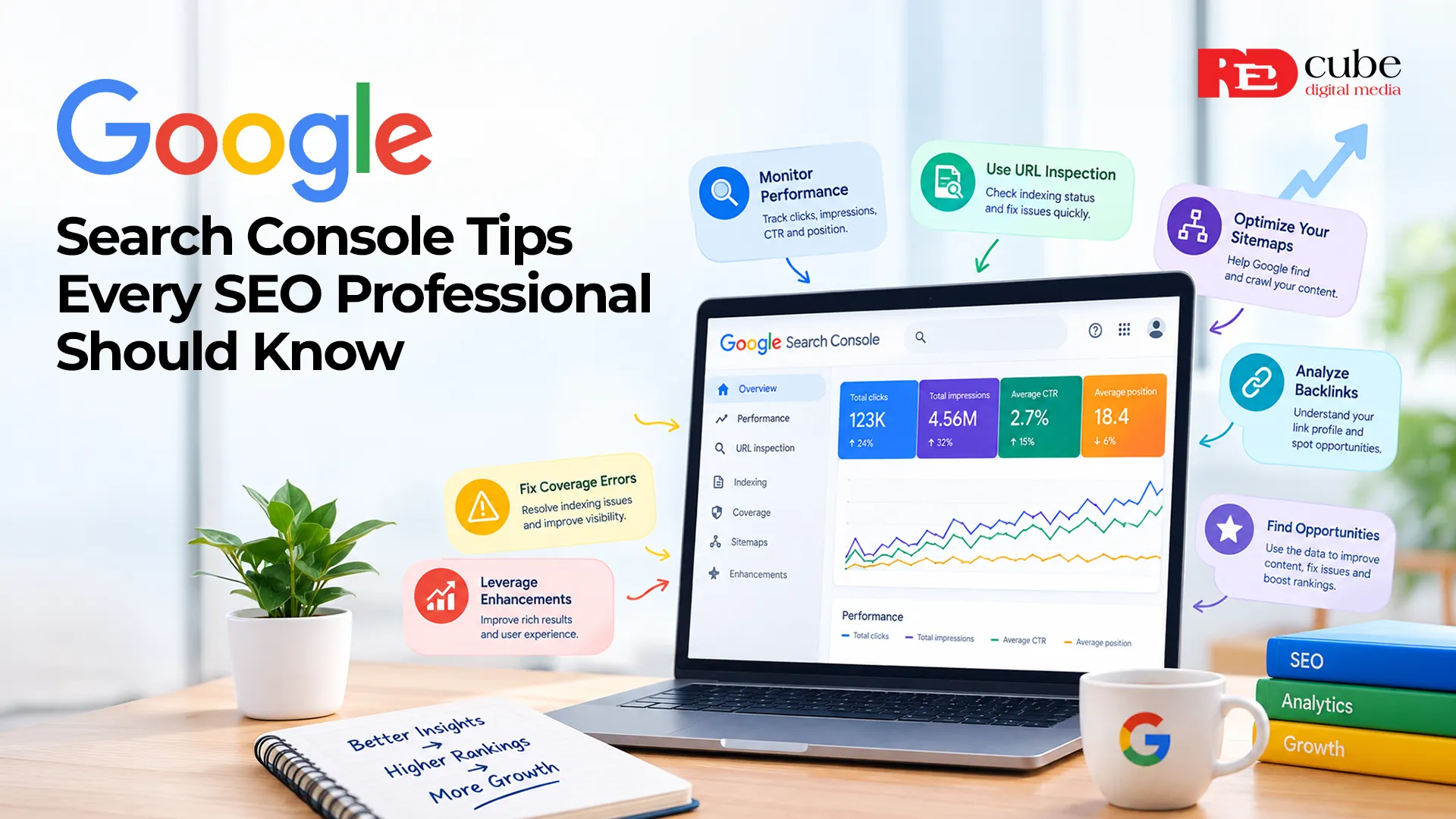

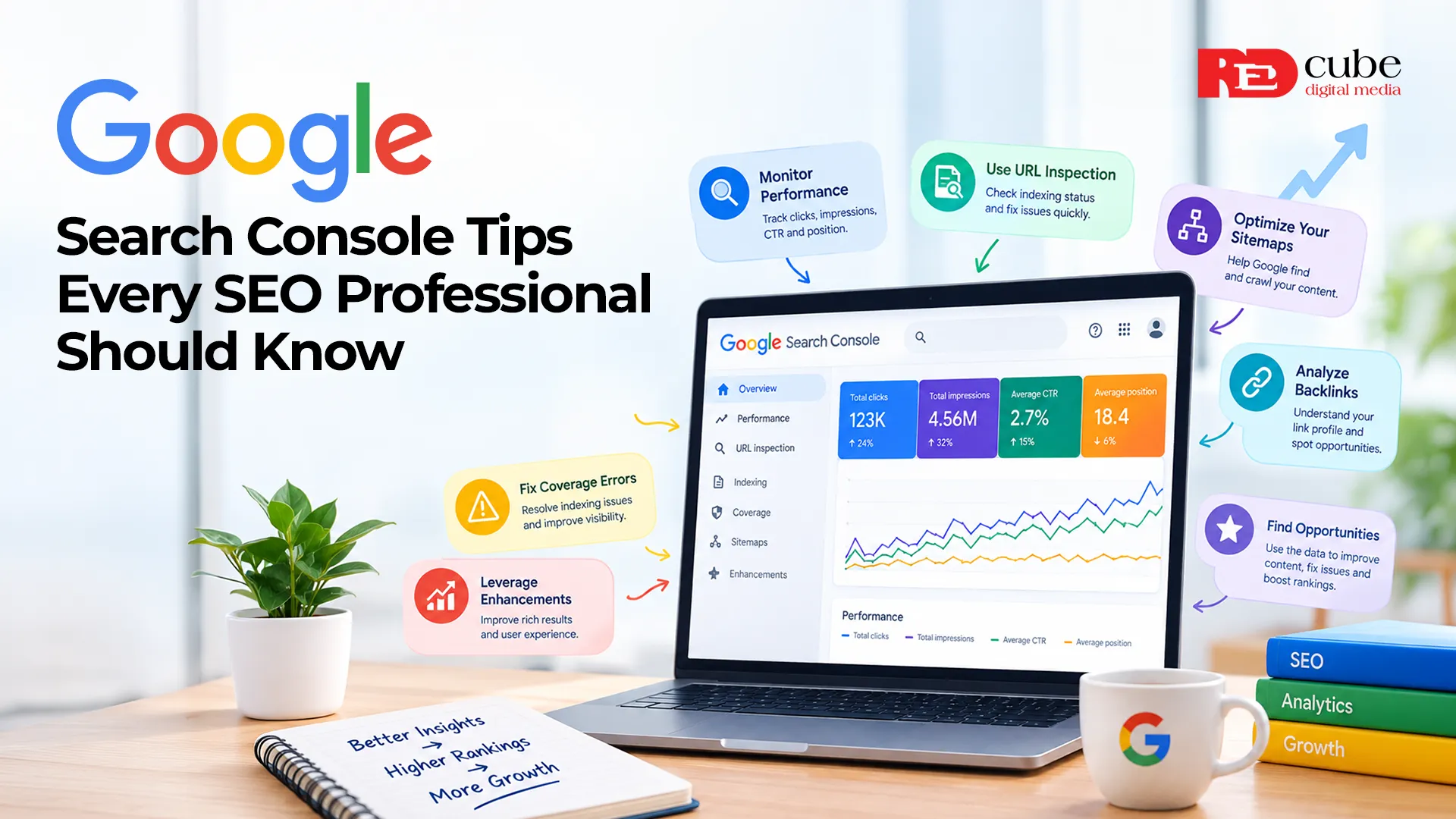
If you work in SEO, you should check one tool regularly: Google Search Console.
It is free, comes directly from Google, and gives you information that you cannot get from simply searching your website on Google. You can see which queries drive impressions, which pages receive clicks, whether Google has indexed your content, and whether technical problems are affecting your website.
However, many businesses install Google Search Console, look at the performance report once, and rarely return to it. That means they are missing useful information.
Whether you are managing a small business website, an e-commerce store, or a large website, these SEO tips can help you get more value from Google Search Console and make better decisions about your SEO strategy.
1. Check the Performance Report Regularly
The performance report is one of the most useful sections inside Google Search Console.
It shows you how your website performs in Google Search based on:
- Clicks
- Impressions
- Average click-through rate
- Average position
- Search queries
- Pages
- Countries
- Devices
- Search appearance
The important part is not simply looking at the numbers. You need to understand what they are telling you.
For example, imagine one of your pages has 50,000 impressions but only 500 clicks.
That gives you a 1% click-through rate. The page is getting visibility, but the title or description may not be convincing enough to earn clicks.
On the other hand, a page receiving 5,000 impressions and 500 clicks has a 10% click-through rate. This type of comparison can help you identify pages that deserve further attention.
2. Find Keywords You Are Already Ranking For
One of the most useful SEO tips is to stop focusing only on the keywords you want to rank for. Look at the keywords you are already appearing for. You may discover that a blog post written around one topic is appearing for dozens or even hundreds of related searches.
For example, you publish an article targeting
Technical SEO Checklist
But Google Search Console shows that the article is also receiving impressions for:
- Technical SEO audit
- Technical SEO tips
- Website technical audit
- Technical SEO checklist for websites
- How to fix technical SEO
These additional queries can give you ideas for improving the existing article. You could add relevant sections, answer unanswered questions, improve headings, or create supporting content.
3. Look for Pages With High Impressions but Low CTR
This is one of the easiest opportunities to find inside Google Search Console. Go to the performance report and sort your pages by impressions. Then look for pages that receive significant visibility but very few clicks.
Suppose a page receives 20,000 impressions but has a 1.5% CTR. That does not automatically mean the page has poor content.
Your title could simply be less appealing than the competing results.
Try improving:
- Page title
- Meta description
- Search intent alignment
- Content introduction
- URL structure
- Relevant structured data where appropriate
After making changes, monitor the page over time.
4. Use Search Console to Improve Technical SEO
Google Search Console is especially valuable for technical SEO. The Pages report can show you which URLs Google has indexed and which ones have issues.
You may find pages that are:
- Crawled but not indexed
- Discovered but not indexed
- Blocked by robots.txt
- Excluded because of redirects
- Marked as duplicates
- Returning server errors
Not every excluded page is a problem.
For example, a website may intentionally have pages that should not appear in Google.
5. Use URL Inspection Before Publishing Important Pages
The URL inspection tool is particularly useful when you have published a new page or made major changes to an existing one. Enter the URL into Search Console and check whether Google can access and index it.
You can see information about:
- Indexing status
- Canonical URL
- Crawling
- Mobile usability
- Page availability
- Referring pages
If you have launched an important service page and it is not indexed, you do not want to discover the problem several weeks later.
After making significant changes, you can also request indexing when appropriate.
6. Pay Attention to Core Web Vitals
Website performance has become an important part of modern SEO.
Google Search Console includes a Core Web Vitals report that helps you understand how your pages perform based on real-user data.
The three current Core Web Vitals are:
- LCP - Largest Contentful Paint: Measures loading performance.
- INP - Interaction to Next Paint: Measures responsiveness.
- CLS - Cumulative Layout Shift: Measures visual stability.
Google recommends a good user experience across these areas and provides specific thresholds for assessing performance.
If your report shows poor performance, do not immediately start changing everything. Look at the affected page templates first.
If hundreds of pages have the same issue, the cause may be a common element such as a large image, JavaScript file, plugin, or website template.
7. Compare Mobile and Desktop Performance
People use different devices to access websites, and Search Console lets you examine performance by device.
Compare your mobile and desktop data.
You may find that:
- Mobile receives more impressions.
- Desktop produces a higher CTR.
- Certain pages perform better on one device.
- A particular query has different performance depending on the device.
If most of your visitors are coming from mobile devices but your website was designed mainly around desktop users, that is worth addressing.
8. Check Your Sitemap
Your XML sitemap helps Google discover important URLs on your website. Inside Google Search Console, the Sitemaps section allows you to submit your sitemap and monitor whether Google can process it.
A basic sitemap review should check:
- Is the sitemap accessible?
- Does it contain the correct URLs?
- Are important pages included?
- Are deleted pages still listed?
- Are redirected URLs included unnecessarily?
- Does the sitemap return errors?
Your sitemap should represent the pages you actually want search engines to discover and index.
9. Use Search Console Data for Content Planning
Google Search Console can become a valuable source of content ideas. Instead of creating your next blog topic based solely on keyword tools, look at what people are already searching for when they encounter your website.
Suppose you run a digital marketing agency in Delhi and notice that your website receives impressions for searches related to:
- SEO services for small businesses
- Google Ads agency in Delhi
- Local SEO services
- SEO audit services
- Digital marketing cost in Delhi
These queries can become future blog topics, service pages, FAQs, or supporting resources. The data is coming from searches where your website has already appeared, so it gives you a useful starting point.
10. Compare Different Time Periods
Never judge your SEO performance from one day's data.
Search Console allows you to compare different periods.
For example:
Last 3 months vs previous 3 months
or
Last 28 days vs previous 28 days
This can help you identify meaningful changes.
Look for:
- Rising clicks
- Falling clicks
- Increased impressions
- Declining CTR
- Position changes
- New queries
- Pages losing visibility
Seasonality should also be considered.
A travel website, for example, may naturally receive more searches during certain months. A sudden increase or decrease is not always caused by an SEO problem.
The Final Note
Google Search Console is much more than a tool for checking whether your website is ranking. Used properly, it can help you understand what people are searching for, which pages are performing well, where technical problems exist, and where your website has room to improve.
The most useful approach is to treat the data as a starting point for investigation.
If clicks drop, find out why.
If impressions increase but CTR remains low, review the page. If a valuable page is not indexed, investigate the technical reason. If a new group of search queries appears, consider whether your content should cover those topics in more detail.
For businesses working with an experienced digital marketing agency in Delhi, Google Search Console can also provide useful data for measuring and refining an ongoing SEO strategy.
Need help understanding your website's search performance?
A professional SEO team can review your Google Search Console data, identify technical issues, analyze keyword opportunities, and create a practical plan to improve your website performance and organic visibility.
Have you found an unexpected insight in Google Search Console? Share your experience or question with us.
Frequently Asked Questions
Q1. What is Google Search Console used for?
A. Google Search Console helps you monitor how your website performs in Google Search. You can review search queries, clicks, impressions, indexing, technical issues, Core Web Vitals, and other search-related information.
Q2. How often should you check Google Search Console?
A. You can check important alerts and performance changes weekly. A deeper analysis once a month is useful for most websites.
Q3. Can Google Search Console improve SEO?
A. Google Search Console does not directly improve rankings. However, the information it provides can help you identify problems and make better SEO decisions.
Q4. What is the most important Google Search Console report?
A. The Performance report is one of the most useful because it shows queries, pages, clicks, impressions, CTR, and average position. The Pages report is equally important when you are investigating indexing and technical SEO issues.
Q5. Does Google Search Console show all my website's keywords?
A. No. Search Console provides a sample of search queries associated with your website. It should be used as one source of SEO data rather than a complete list of every query for which your website appears.




























Sign in to leave a comment.