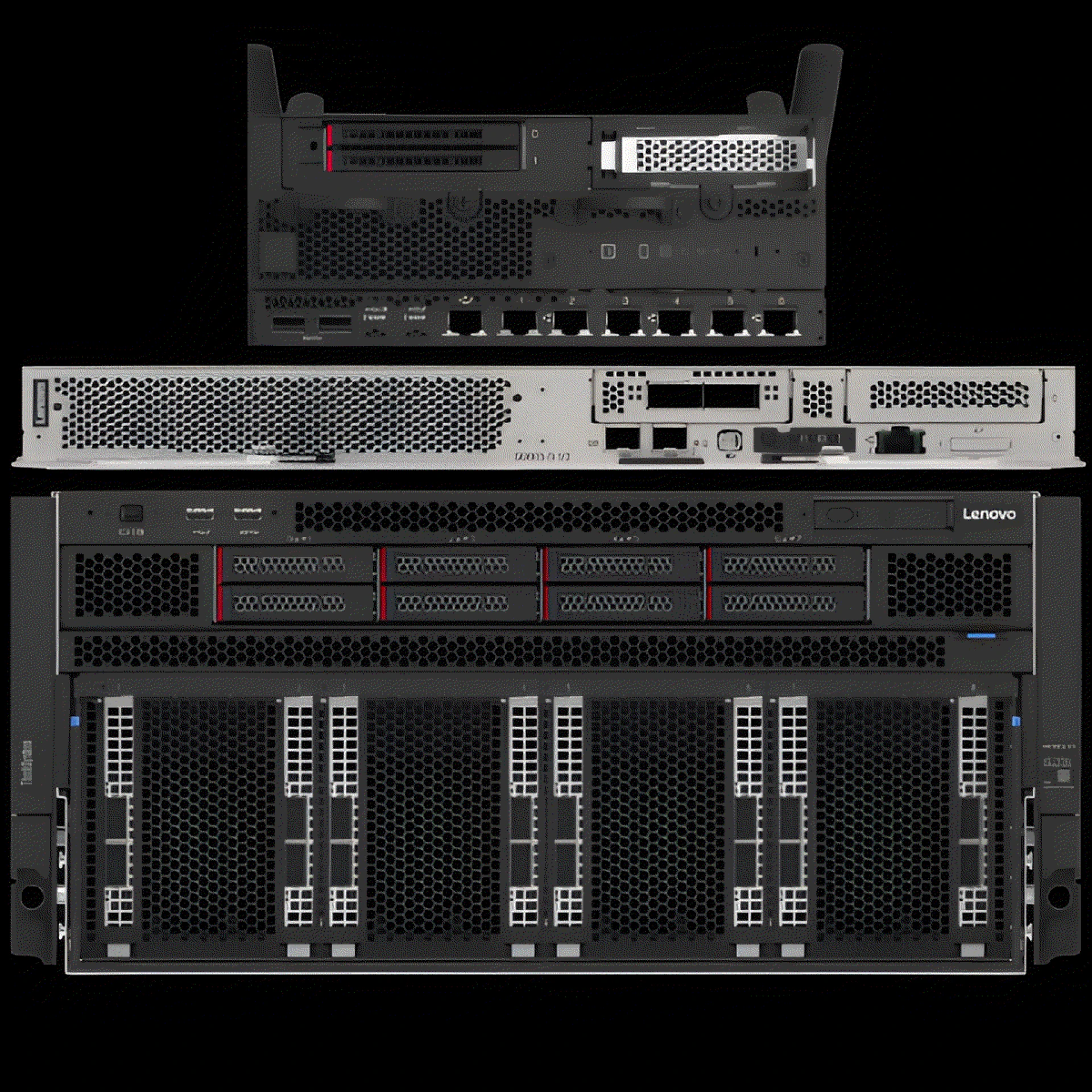

Modern IT teams manage many systems every day while supporting users, applications, and business goals. As environments grow larger, teams need a clear way to organize computing resources without confusion or wasted effort. A server computer creates that structure naturally and dependably.
It brings order to processing, storage, and workloads so teams can work with clarity and confidence. Instead of spreading systems across many disconnected machines, a server computer gives IT teams a shared foundation they can understand and manage together. This approach supports teamwork, planning, and consistency across daily operations.
Let us explore seven practical ways a server computer improves resource organization across IT teams while keeping operations smooth, predictable, and easy to manage.
1. Centralizes Resource Placement Across Teams
A server computer brings resources into one clear location that every team can rely on. This structure helps teams understand where computing power lives and how it supports the organization.
How centralized placement supports daily work
When teams use a server computer, they stop spreading workloads across random systems. Instead, they place applications, data, and processing in a shared environment that follows clear rules.
- Teams know where workloads run at all times
- Teams reduce confusion during handovers or shift changes
- Teams align faster during planning and execution
Everything lives in one organized space, teams move with confidence and shared understanding.
2. Creates Clear Ownership of Computing Resources
Resource organization improves when teams understand who owns what. A server computer makes ownership visible and practical.
Each team manages its assigned workloads within the same system. This clarity reduces overlap and avoids duplication of effort. Teams respect boundaries while still working together on the same platform. As a result, accountability improves, and coordination becomes natural rather than forced.
3. Maintains a Consistent Structure for Workload Placement
A server computer follows a predictable structure that helps teams place workloads in the right location every time. This consistency removes guesswork from daily decisions.
When teams follow the same structure, they avoid scattered deployments. New workloads fit into existing patterns, which keeps systems clean and easy to understand. Over time, this consistency builds trust across IT teams and supports long-term planning.
4. Simplifies Coordination Between IT Teams
Large organizations rely on many IT teams working together. A server computer acts as a shared reference point that connects their efforts.
Ways coordination improves with shared systems
A server computer supports collaboration by giving teams a common environment.
- Infrastructure teams prepare standardized resources
- Application teams deploy within known boundaries
- Operations teams monitor everything from one place
This shared structure reduces friction and keeps teams aligned without constant meetings or explanations.
5. Enables Easier Resource Tracking and Planning
Resource organization improves when teams can see what they use and what remains available. A server computer makes this visibility part of everyday work.
Teams track capacity usage through clear systems rather than assumptions. This clarity supports better planning and avoids sudden shortages. When teams plan with real data, they build confidence and reduce stress across projects.
6. Speeds Up Onboarding for New Team Members
New team members learn faster when systems follow a clear structure. A server computer provides that structure in a way that feels logical and approachable.
Instead of learning many disconnected systems, new hires focus on one organized environment. They understand how resources connect and how teams share responsibility. This approach builds confidence early and helps new team members contribute sooner.
7. Builds a Strong Foundation for Scalable Team Growth
As organizations grow, IT teams grow with them. A server computer supports this growth by keeping resources organized even as demand increases.
How organized systems support growth
Growth becomes manageable when systems scale in a structured way.
- Teams add workloads without disrupting existing ones
- Teams maintain clarity as environments expand
- Teams protect operational rhythm during change
This stability helps teams stay calm, focused, and effective as responsibilities increase.
Conclusion
A server computer does more than run workloads. It creates a shared structure that helps IT teams work together with clarity and purpose. By centralizing resources, defining ownership, and supporting consistent organization, it turns complex environments into understandable systems. Teams communicate better, plan smarter, and grow with confidence.
When resource organization improves, people feel supported rather than overwhelmed. The real value of a server computer comes from how it brings teams together around a common foundation. That foundation helps IT teams move forward with trust, alignment, and a clear sense of direction especially when supported by enterprise-grade platforms.





























Sign in to leave a comment.