How Cloud Printing is Revolutionizing Document Management for Enterprises

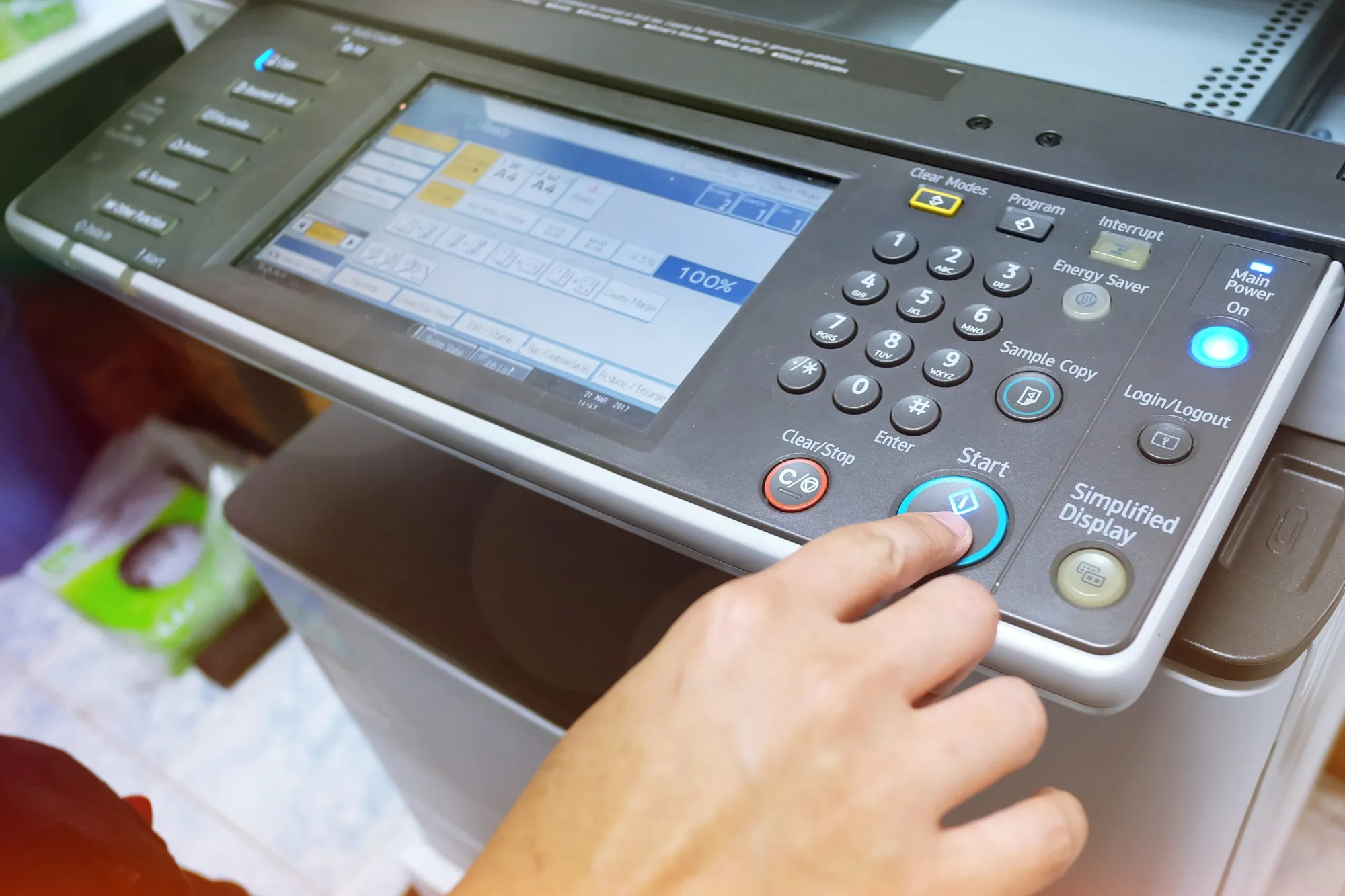
Printing was something you did on one computer and one printer in the same office at the same time. Instead of creating a document, sending it to a nearby machine, and collecting the printed pages, cloud printing allows authorized users to send documents to connected printers from multiple devices and locations.
This can make daily document management easier for businesses with remote employees, multiple offices, or flexible working arrangements.
Printing From Anywhere
With cloud printing, employees can send approved documents to an office printer connected to the cloud. For example, a salesperson working from home might prepare a proposal and send it to the office printer before coming in for a client meeting.
That reduces the hassle of moving files from one device to another. Employees can work on laptops, tablets, and smartphones and still have access to printing when they need a hard copy.
Businesses looking for a reliable copy printer in Anchorage, AK, can also consider cloud connectivity when evaluating equipment, alongside traditional printing and copying features.
Connecting Paper and Digital Workflows
Cloud printing is just part of a larger trend in connected document management. Today’s multifunction printers can scan paper documents and send them directly to cloud storage, email accounts, or other approved locations.
This is useful for a business that receives a signed contract or paper form and needs to share it with employees at a different location. It is also easier to use equipment that can scan the document to a local computer and upload it manually.
These capabilities can help companies maintain a more seamless connection between physical paperwork and digital files.
Better Support for Remote Teams
Flexible document access has become more useful with hybrid and remote employment. Employees may not be at the same desk or even in the same building. Cloud-based printing gives businesses another way to stay connected to document workflows.
For example, an office team can print the hard copies while an employee prepares the materials remotely. This setup may be useful for companies that regularly create client packets, forms, presentations, or other materials that need to be found at a specific location.
Security Still Matters
Don't compromise document security for convenience. Cloud-connected printing can involve sensitive business information, so access restrictions are a key consideration.
Features such as user authentication, PIN-based print release, encryption, and administrative controls can help businesses limit access to confidential documents. Employees can send a file to a printer and have the pages printed only after they authenticate themselves at the device.
Businesses looking at Canon copier printers in Anchorage, AK, can look at security and cloud connectivity as well as print quality, speed, and copying features.
A More Connected Way to Print
Cloud printing is not a substitute for traditional office printing. Instead, it gives businesses more freedom in how and where they create documents. Employees can work from a variety of locations, and connected printers and copiers can help connect physical and digital document processes.
Cloud printing is a useful feature for businesses looking to update their office technology, helping with flexible work, easier document sharing, and more efficient day-to-day operations.




Sign in to leave a comment.