

Short-form video work moves fastest when teams can turn an idea into something visible before the first production meeting. Grok Imagine Video 1.5 gives creators a practical way to explore AI video concepts from text prompts, still images, and reference material, making it useful for campaign planning, product storytelling, and rapid creative testing.
Why AI video prototyping matters
A video idea often sounds clear in a brief but becomes difficult once a team starts discussing camera movement, pacing, scene continuity, and visual tone. Traditional storyboards help, but they can still leave big questions unanswered. AI video generation gives teams a middle step: not a finished commercial, but a moving visual draft that makes the concept easier to judge.
For marketers, this can mean testing several hooks before committing to a shoot. For product teams, it can mean visualizing a feature story before building a motion graphics package. For founders and solo creators, it can turn a small creative direction into a presentable short clip without needing a full production stack.
What makes Grok Imagine Video 1.5 useful
xAI describes the Grok Imagine video model family as part of its Imagine API for generating and editing visual media. The 1.5 preview model supports text and image inputs for video output, which is important because many real creative workflows begin with both a written brief and a visual reference. A team may already have a product photo, brand mood board, character reference, or scene still. Being able to guide generation with those assets can make the first result feel closer to the intended direction.
The model is especially relevant for short video drafts: social ad concepts, product launch teasers, scene exploration, brand mood clips, educational explainers, and pitch-deck visuals. The goal is not to replace art direction. The goal is to make art direction more concrete earlier in the process.
Text-to-video for fast concept exploration
Text-to-video is the most direct workflow. A creator writes a prompt that describes the subject, environment, camera movement, lighting, and mood. Instead of asking a designer or editor to interpret the idea from scratch, the team can generate a first version and react to it.
A useful prompt usually includes four parts: the subject, the action, the setting, and the camera language. For example, a product marketer might describe a compact AI workstation on a glass desk, subtle studio lighting, a slow push-in camera move, and a clean software demo atmosphere. That kind of prompt gives the model more creative structure than a vague request like “make a futuristic video.”
Image-to-video for product and character continuity
Image-to-video is valuable when the starting point already exists. A product render, app mockup, lifestyle photo, or character portrait can become the first frame for a generated clip. This workflow is helpful because it reduces the gap between the brand asset and the final motion concept.
For example, a SaaS team could begin with a dashboard screenshot and generate a short sequence that suggests activity, depth, and motion around the interface. A creator working with a character image could test subtle movement, scene mood, or camera framing while keeping the original reference visible in the creative process.
Reference-guided workflows for brand direction
AI video tools become more useful when they support repeatable direction instead of isolated experiments. Reference-guided work helps teams preserve a consistent mood across multiple attempts. A brand team might use references for color palette, lighting style, product angle, or character appearance. A content team might test several opening shots while keeping the same general world and tone.
This is where an organized generation workflow matters. Keep prompt versions, reference images, and selected outputs together. Name each test by campaign, scene, and intent. Treat the AI video output as creative material that can be reviewed, revised, and compared, not as a one-click final answer.
A practical workflow for teams
- Start with the purpose. Decide whether the clip is for an ad hook, a product story, a social post, or a pitch visual.
- Write one clear scene. Short AI videos work better when the prompt focuses on one moment instead of several unrelated actions.
- Add visual constraints. Include aspect ratio, lighting, camera motion, mood, and any brand references.
- Generate several directions. Compare pacing, composition, and clarity rather than judging only the first result.
- Use the best output as a brief. Share the selected clip with designers, editors, or stakeholders to guide the next production step.
Where FastMoro AI fits
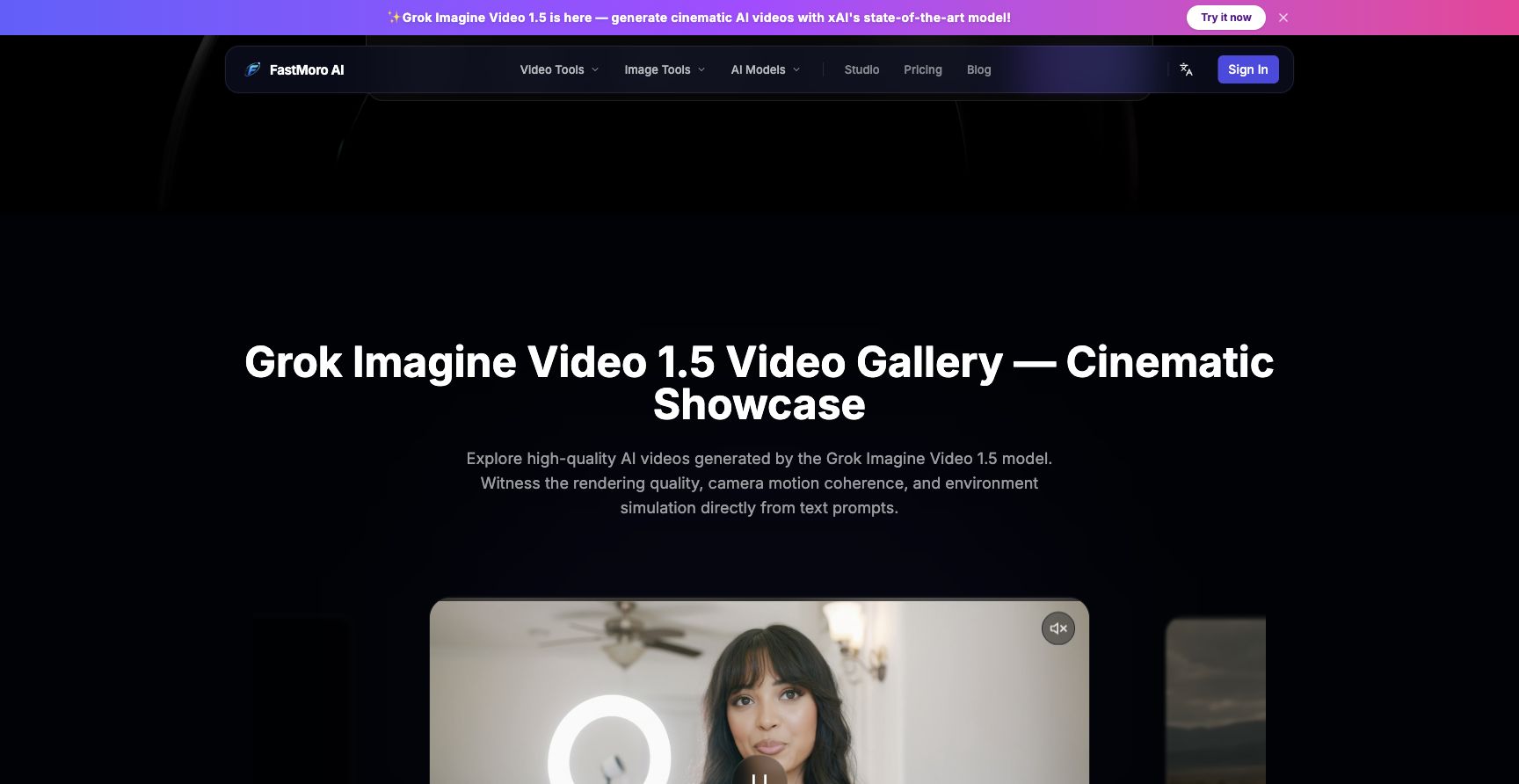
FastMoro AI packages these video-generation workflows in a browser-based creative studio, so users can move between text-to-video, image-to-video, and reference-style experimentation without setting up local GPU tools. That matters for small teams that need speed, and for larger teams that want a lightweight way to evaluate ideas before they become expensive.
The strongest use case is early creative development: exploring campaign angles, producing quick visual samples, building mood clips, and helping non-technical stakeholders understand what a concept could feel like. When used this way, AI video generation becomes less of a gimmick and more of a communication tool.
Final thoughts
Grok Imagine Video 1.5 is best understood as a fast prototyping layer for modern visual work. It helps teams turn written ideas and reference assets into short motion drafts that can be reviewed, revised, and developed further. For creators who need to move from idea to visual direction quickly, that speed can make the whole creative process sharper.























Sign in to leave a comment.