
Businesses need to protect sensitive information while giving employees reliable access to the tools they use every day. Managing security across individual computers, remote workers, and multiple office locations can create challenges for IT teams. Desktop as a Service (DaaS) offers a cloud-based approach that helps organizations manage desktop environments centrally and support employees working from different locations.
With DaaS solutions, businesses can provide virtual desktops that employees access through supported devices and internet connections. Centralized administration, configurable security policies, and consistent application environments can help reduce certain IT risks while making everyday tasks easier to manage.
Understanding how DaaS supports data protection and employee productivity can help businesses determine whether this model fits their operational requirements.
What Are DaaS Solutions and How Do They Work?
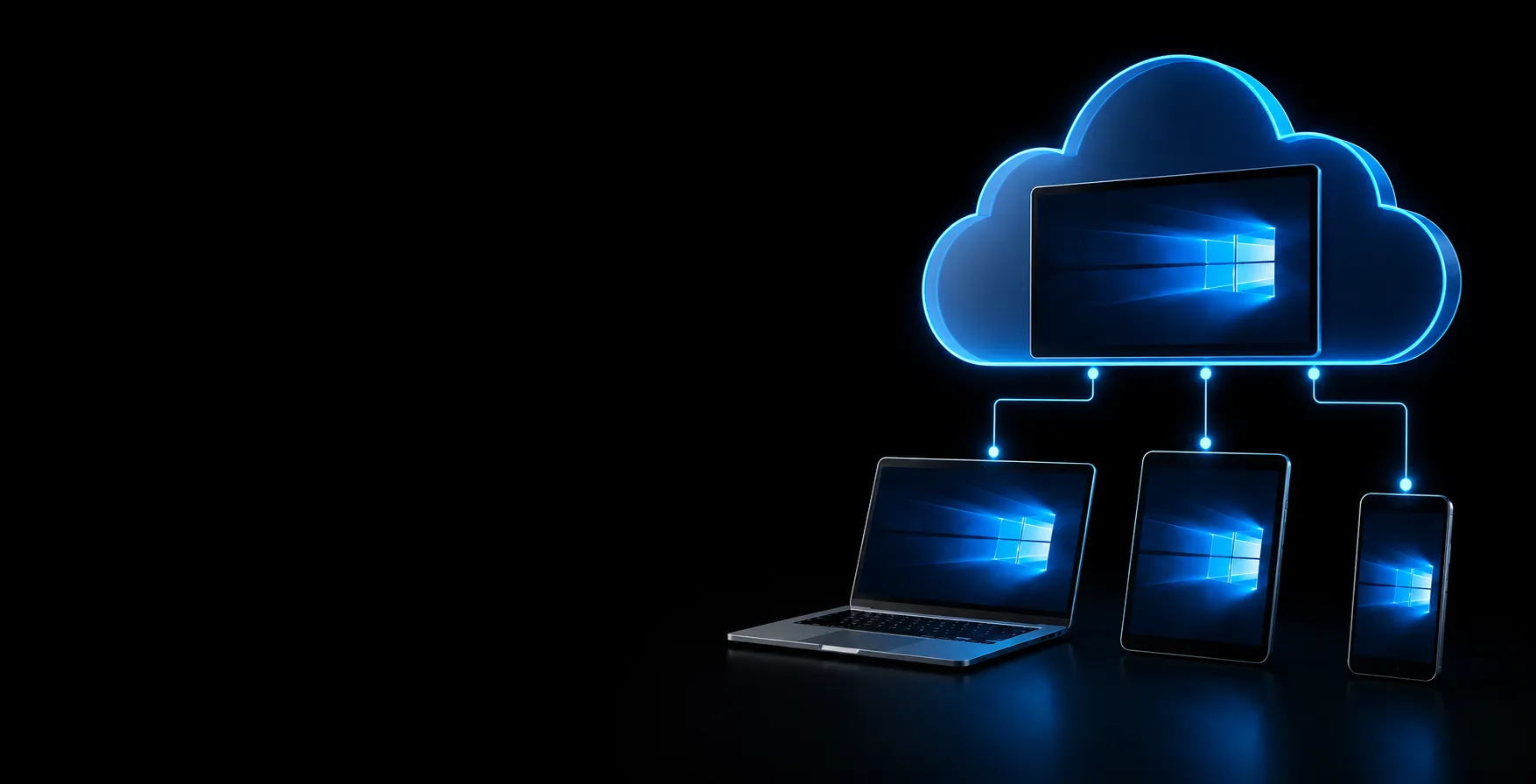
Desktop as a Service is a cloud computing model in which a third-party provider hosts and manages virtual desktop infrastructure. Employees connect to their assigned desktop remotely using a laptop, desktop computer, tablet, or another supported device.
The desktop runs in a hosted environment rather than relying entirely on the employee's local computer. Depending on the configuration, applications, operating systems, and business data remain within the managed cloud environment while users interact with them remotely.
DaaS generally involves three main components:
- Cloud-hosted desktops: Virtual desktop environments provide access to the operating system, business applications, and user settings.
- Centralized administration: IT teams can manage access permissions, software configurations, updates, and security policies from a central location.
- Remote connectivity: Employees can connect to their assigned desktops from approved devices, subject to the organization's access policies and connectivity requirements.
With properly configured DaaS solutions, businesses can create more consistent working environments for distributed teams while reducing the effort required to maintain individual physical computers.
How DaaS Solutions Improve Data Security
Protecting business information requires more than installing antivirus software on individual computers. Organizations need consistent access controls, timely security updates, reliable recovery procedures, and visibility into how users access sensitive data.
The following capabilities explain how DaaS can help businesses strengthen their security practices.
1. Data stays off the endpoint
With a physical PC, files live on the device. If a laptop is lost or stolen, so is the data on it. In a DaaS environment, data is processed and stored in the cloud, and only screen images and keystrokes travel to the user’s device. A lost laptop becomes an inconvenience rather than a breach.
2. Centralized control and policy enforcement
IT can apply security policies in one place: who can log in, which apps they can open, whether copy-paste, printing, USB access, or file download is allowed. Instead of configuring hundreds of individual machines, administrators manage a single, consistent environment.
3. Stronger access management
DaaS platforms commonly support multi-factor authentication (MFA), single sign-on, and role-based access, so users only reach what their job requires. You can revoke access immediately when an employee leaves or a device is compromised.
4. Faster, more consistent patching
Unpatched software is a common entry point for attackers. Because desktops are built from a central image, you can apply operating system and application updates once and roll them out to everyone, rather than relying on each user to restart and update.
5. Built-in backup and recovery
Cloud-hosted desktops can be paired with backup and disaster recovery, so ransomware, hardware failure, or accidental deletion doesn’t have to mean lost work. Recovery is a matter of restoring a desktop or data, not rebuilding a machine.
6. Support for compliance
Industries such as healthcare, finance, and legal services face regulations like HIPAA, GDPR, and PCI DSS. Centralized logging, encryption options, and access controls make it easier to demonstrate how data is protected. Compliance still depends on how the environment is configured, so confirm your provider’s certifications and your own responsibilities.
How DaaS Solutions Improve Workforce Productivity
Data security is important, but employees also need an IT environment that helps them complete their work without unnecessary interruptions. By centralizing desktop resources and simplifying access to applications, DaaS can improve day-to-day workflows for remote, hybrid, and office-based teams.
1. Work from anywhere, on any device
Employees sign in to the same desktop at the office, at home, or while traveling, with the same files and applications. Contractors and seasonal staff can use their own devices without IT shipping hardware.
2. Faster onboarding
Setting up a new laptop can take hours or days. With DaaS, a new user’s desktop can be provisioned from a template, often within minutes, so people become productive on day one.
3. Less downtime
When a local device fails, the user can log in from another one and carry on exactly where they left off. IT also spends less time on repairs and reimaging, and more time on projects that move the business forward.
4. Consistent performance on modest hardware
Heavy applications run on cloud resources rather than the local device, so older laptops and lightweight thin clients can still deliver a smooth experience. Resources such as CPU, memory, and GPU can be scaled for roles that need more power.
5. Simpler collaboration
When everyone works in one managed environment with shared applications and storage, version confusion drops, and teams can work from the same files without emailing copies back and forth.
6. Predictable costs
DaaS is usually subscription-based, which turns large hardware refresh cycles into a monthly operating expense and lets you add or remove desktops as headcount changes.
DaaS vs. Traditional Desktop Infrastructure
Both traditional desktops and cloud based virtual desktop can support business operations, but they differ in how resources are delivered and managed.
| Feature | Traditional Desktop Infrastructure | DaaS |
| Data storage | Business files may be stored locally | Data can remain in a centrally managed cloud environment |
| Security management | Often requires managing individual endpoints | Centralized desktop policies are generally available |
| Access | Commonly tied to a physical device unless remote access is configured | Designed for remote access from supported devices |
| Software updates | May require device-by-device administration | Centralized tools can simplify patch deployment |
| Employee onboarding | Requires preparing hardware and software | Standardized desktop templates can speed provisioning |
| Device failure | May require repairs or rebuilding the computer | Users may reconnect from another compatible device |
| Scalability | Often involves purchasing additional hardware | Desktop resources can often be adjusted through the provider |
| Cost structure | Hardware purchases and ongoing maintenance | Usually subscription-based, with additional costs depending on the service |
The right approach depends on application compatibility, performance requirements, security needs, licensing, and total cost of ownership. DaaS can improve consistency and flexibility, but it still requires appropriate configuration and ongoing management.
What Should Businesses Consider Before Adopting DaaS?
Before implementing DaaS, businesses should evaluate their applications, security requirements, network infrastructure, and budget.
Start by identifying the applications employees use every day. Specialized software, graphics-intensive workloads, peripheral devices, and particular licensing arrangements may require testing before migration.
Next, review the provider's security capabilities. Look for support for MFA, role-based access, encryption, audit logging, backup and recovery, and endpoint security integrations. Confirm which features are included in the service and which require separate products or configuration.
Network performance is another important consideration. Virtual desktops depend on reliable connectivity, and high latency or insufficient bandwidth can affect responsiveness. Test the service with representative employees and workloads before moving the entire organization.
Finally, compare the full cost of ownership. Include subscription fees, software licenses, storage, computing resources, support, data transfer, and migration expenses. A well-planned implementation should balance security, employee productivity, and long-term operational costs.
Conclusion
DaaS can help businesses strengthen data protection and improve workforce productivity through centralized desktop management, configurable access controls, consistent application environments, and flexible remote access. When supported by appropriate security policies, monitoring, employee training, and recovery planning, it can provide a practical foundation for modern work environments.
Apps4Rent offers fully managed Desktop as a Service solutions with secure remote access, daily backups, SSD storage, a 99.9% uptime guarantee, and 24/7/365 technical support. Businesses can scale desktop resources as their requirements change and access their work environments from supported devices. Visit Apps4Rent today to explore available plans and find a suitable solution for your business.




















Sign in to leave a comment.