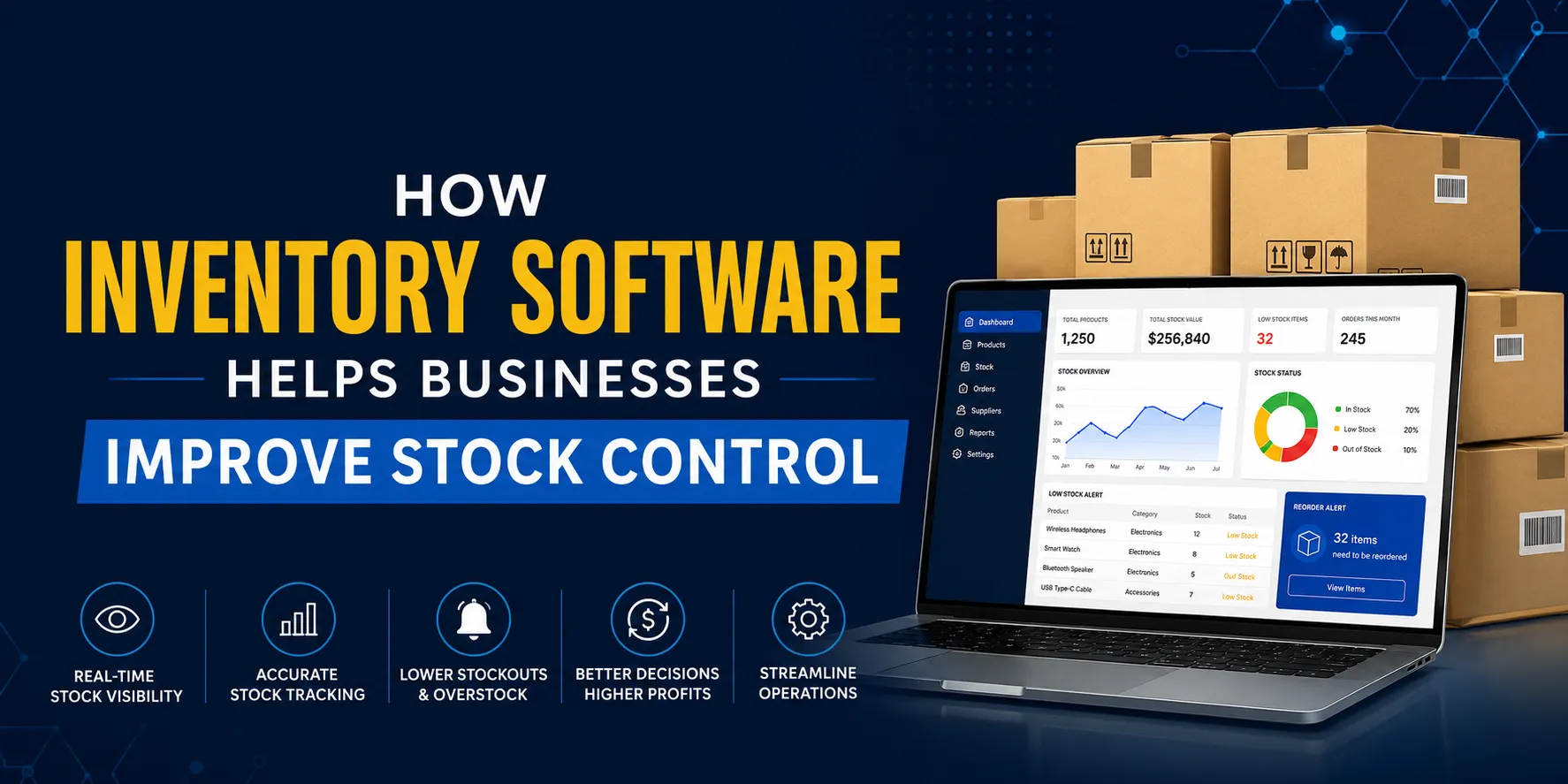

Inventory software helps businesses maintain accurate stock levels by centralising product data across locations, automating reorder triggers, and reducing manual errors. It gives teams real-time visibility into what is available, what is moving, and what needs replenishment. This directly reduces overstock, prevents stockouts, and improves fulfilment accuracy for retailers, distributors, and growing SMEs.
Stock problems rarely start with bad intentions. They start with bad visibility. A retailer oversells a product that was never updated in the system. A distributor holds too much slow-moving stock because no one flagged the trend. A small business owner spends hours counting inventory manually, only to find discrepancies the next week. These are not isolated issues — they are the everyday cost of poor stock control. The right inventory software solves these problems at the source.
What Makes Centralised Stock Visibility So Valuable?
When inventory data lives in spreadsheets, standalone point-of-sale terminals, or disconnected systems, your team is always working with incomplete information. Centralised inventory software pulls everything into one platform — purchases, sales, returns, transfers, and adjustments — updated in real time.
The practical impact is significant. Your warehouse team and your sales team are looking at the same numbers. Your purchasing decisions are based on actual data, not estimates. And when a customer asks about availability, you can answer with confidence instead of guessing.
Real-Time Stock Updates Reduce Human Error
Manual stock tracking depends on people recording every movement accurately, every single time. That is an unrealistic standard. Inventory software automates stock adjustments when goods are received, picked, shipped, or returned. The result is a live, accurate record that does not rely on human consistency to stay correct.
Multi-Location Tracking Removes Blind Spots
For distributors and retailers managing multiple warehouses or store locations, a fragmented view of stock is a daily operational risk. Centralised software shows stock levels across every location in one dashboard. You can identify where surplus stock is sitting, which location is running low, and how to redistribute without placing unnecessary orders.
How Inventory Management Software Reduces Stock-Related Losses
Stock-related losses come in two main forms: overstock and stockouts. Both are expensive. Overstock ties up working capital and creates write-off risk, especially for perishable or seasonal goods. Stockouts lead to lost sales, frustrated customers, and damage to supplier relationships.
Inventory management software addresses both issues through automated reorder points and demand-based replenishment logic. When stock for a particular SKU drops below a set threshold, the system either raises an alert or generates a purchase order automatically. This keeps your inventory aligned with actual demand rather than gut feel.
| Stock Issue | Manual Approach | With Inventory Software
|
|---|---|---|
| Stockouts | Noticed after a sale is lost | Automated low-stock alerts prevent the gap |
| Overstock | Identified during physical counts | Demand trends flag slow-moving items early |
| Data Discrepancies | Corrected manually, often delayed | Real-time sync across all touchpoints |
| Reordering | Based on memory or periodic checks | Triggered automatically by set thresholds |
Key Features That Directly Improve Stock Control
Not all inventory tools are built the same. For SMEs, retailers, and distributors, the features that deliver the most practical value are:
- Product identification by barcode or serial numbers — Provides clarity in the identification process, fastens the process of receiving and dispatching, and increases audit precision.
- Batch and expiry control — Essential for the food, pharmaceuticals, and consumer goods industries where products have limited shelf life.
- Purchase order management — Integrates purchase planning with inventory management, so that you buy only what is required.
- Stock value reporting — Offers both financial and operational departments a common view of stock value based on FIFO, LIFO, and weighted average cost systems.
- Sales and demand analysis — Shows the products that are moving quickly and those that are not.
Each of these features feeds into the central goal: replacing reactive stock management with proactive, data-driven decisions.
Why Integration with CRM and Sales Systems Matters
Inventory does not exist in isolation. It is directly connected to sales performance, customer commitments, and supplier relationships. When your stock system integrates with your sales pipeline or CRM solutions Singapore businesses use to manage customer relationships, the benefits multiply.
Your sales team can check live stock availability before committing to a customer order. Your customer service team can provide accurate delivery timelines. And your operations team can align procurement with upcoming demand, not just historical averages. That level of coordination is only possible when your systems talk to each other.
How SMEs Specifically Benefit from Inventory Software
While small and medium enterprises are reluctant to invest in software for tracking inventories as it seems too complicated, on the contrary, they need it the most. The process which is efficient for ten items will fail for a hundred. What you really need is something that will grow with your business.
In the case of a retailer opening its second store, having centralized stock visibility ensures no double buying and no confusion as to which store owns what product. For a distributor integrating a new supplier into its operations, automated ordering procedures can save several hours per week.
Reducing the Cost of Stock Audits
Old-style stock-taking requires a complete shutdown of operations, removal of employees from their normal routine work for days, and the counting of physical inventory to reconcile it with written documents. Inventory software makes perpetual stock-taking possible, meaning that your records remain up-to-date at all times. Stock checking will be easier, annual audits less disruptive, and errors identified sooner.
Choosing the Right Inventory Software for Your Business
The best inventory software for your business is the one that matches your operational complexity without overwhelming your team. Consider these factors before selecting a platform:
- Scalability: Will it be able to cope with increased SKUs, locations, and transactions without needing a system overhaul?
- Compatibility: Will it integrate with your existing systems for accounting, e-commerce, or CRM?
- Adoption: Is the user interface easy enough for your team to adopt and use effectively without extensive training?
- Vendor support and localisation: Does the vendor understand your local market environment?
These are not just technical questions. They determine whether the software becomes a core part of how your business runs, or an expensive tool that no one uses to its full potential.
For businesses in Singapore looking for a practical, locally supported solution, Genic Solutions provides inventory management software built for the operational realities of SMEs, retailers, and distributors. Their platform is designed to deliver centralised stock visibility without the complexity that often holds businesses back from making the switch.
Frequently Asked Questions
What is inventory software used for?
Inventory management software can be used for the purpose of managing inventory across one or several places. With this software, the process of reordering inventory can be automated, while mistakes in entering data can be prevented. At the same time, it gives you visibility on where the inventory goes.
How can inventory software minimize the occurrence of stockouts?
The Inventory Management System establishes a predetermined reorder point for each inventory item. When the inventory falls below the set reorder point, the system automatically triggers a warning message. This ensures that replenishment occurs before stockout happens, as opposed to when there are lost sales.
Can small businesses benefit from inventory software?
Yes, because as the company expands, manual systems which function well at smaller scales start to fail. With inventory management software, your company can scale along with your needs, cutting down the time you spend counting inventory and ordering it, giving even smaller teams the precision that large companies use every day.
Does inventory software integrate with CRM systems?
The vast majority of present-day inventory management systems are designed to interface with CRM and sales applications. This makes it possible for the sales staff to view the real-time stock levels prior to placing an order, while at the same time ensuring that purchasing matches customer demands.
How does centralised inventory visibility improve accuracy?
Centrally visible means all the teams – Sales, Warehouse, Finance and Procurement – have access to live data. This will prevent any discrepancy due to different software and delay in updating the data manually and will result in recording each stock movement in real time.
What should I look for when choosing inventory management software?
Make sure that scalability, compatibility with your existing systems, ease of use by your team, and vendor support which knows your local market is taken into consideration. You need to ensure that your chosen platform suits your current level of complexity but can scale as your company grows.

























Sign in to leave a comment.