Introduction
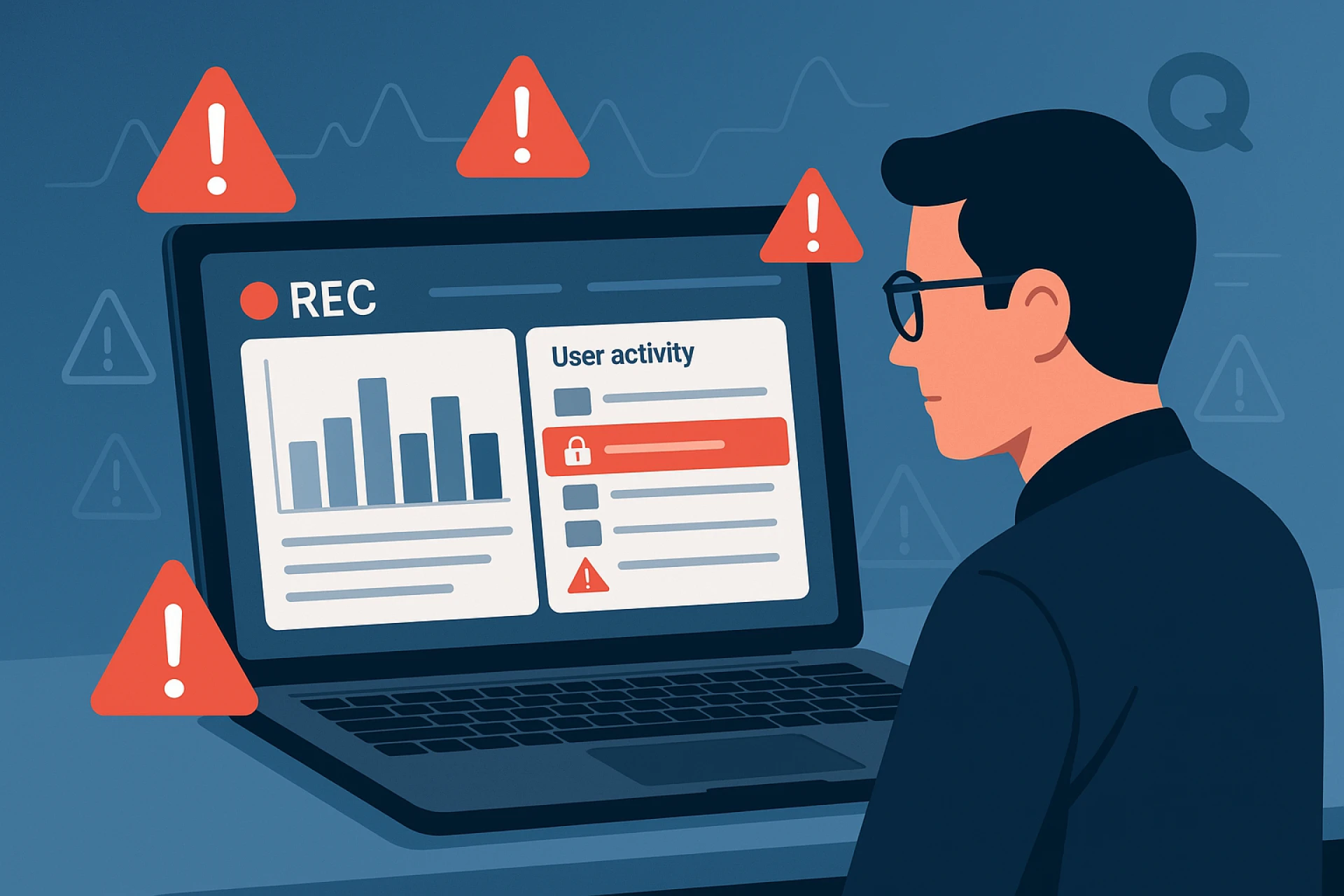
You can’t always watch what your team does in a digital-first workplace, but that’s okay. Small problems stay hidden until they turn into big setbacks. This happens when there is no visibility. Screen recording emerges as the transformational tool for business needs. Screen recording isn't just for spying. It helps you spot early warning signs and gives your team quick support.
This guide shows how screen recording helps find problems early. It helps you lead your remote or hybrid teams confidently and effectively.
1. What are digital red flags?
Digital red flags are warning signs that show possible issues online. They can relate to connections, digital ads, security, and money transfers.
Red flags aren't always obvious.
Digital warning signs are tiny signals that let us know when work processes go wrong. These may include:
- Workers frequently change between websites related to their job responsibilities and personal interests.
- Users encounter difficulties when operating essential platforms and tool applications.
- Slow responses and other idle times.
- Attempts to use unauthorized software.
- Repeated errors or failures to make progress on tasks.
The observation of finished work alone prevents people from spotting early warning indicators. Finding warning signs early helps administrators fix key problems. These include poor workforce training, unclear work processes, and low motivation.
2. The Limitations of Traditional Monitoring
Basic Tools Don’t Show the Real Picture
Time trackers and activity logs reveal how much time your team spends on work and software. These tools fail to reveal the actual situation at hand.
For example: – Time spent by users in a single app does not confirm whether they remain stuck or focus on their work. - A person reads help articles and shares if they understand better or still feel confused.
These tools only give you numbers. They don’t explain why something is happening. That’s the problem—they miss the full story behind the work.
3. Why Screen Recording Gives You the Bigger Picture
See How Work Actually Happens
Time logs, together with activity trackers, provide evidence of past events. The recorded screen displays the actual procedure step by step. Screen recording lets you watch people do tasks. This gives you better insight into three key aspects:
- Their approach to finishing work tasks.
- Observation indicates where team members are held up and what pulls their focus away.
- Their movement between tools and applications functions at what level of efficiency?
Screenshot recording technology captures each action your team takes while working on tasks. This helps you see how they operate. You can also spot possible delays and find areas to optimize.
4. Spot problems early; fix them faster
Don’t wait for issues to get out of hand
Screen recording technology lets you catch small problems before they become big ones. This helps you stay ahead and fix issues quickly. For example:
- One team member can fail to understand his or her assigned duties.
- When someone repeats past errors, it indicates that their instructions require improvement.
- Pressing buttons too fast or being idle for too long can mean burnout or stress.
- Attempts to access prohibited websites or applications present security vulnerabilities to system operations.
5. A Tool, not a Trap: Ethical Screen Recording
Build trust, not fear
Screen recording makes some users feel uneasy, which is a common concern among people. The execution method of screen recording determines its success.
Following these steps will help you achieve the right approach to screen recording.
- Be transparent: Inform your team members about this event, together with its purpose. Your focus should be on betterment rather than punishment.
- Limit Recording to Work Hours: Personal breaks or time need to be avoided at all costs.
- Use it for insight, not surveillance: look at future trends and training options. Don't focus on constant error-checking.
Screen recording is a useful tool that promotes success for individuals and teams.
6. How I Use Screen Recording with Monitoring Tools
Smarter Monitoring, Less Micromanaging
I achieved a proper balance through the implementation of modern monitoring systems. These tools connect screen recording with behavior analysis. Users can spot patterns quickly, skipping long observation times.
The proper tool enables users to:
- The system will warn you about risky activities. This includes unauthorized access or excessive computer inactivity.
- Session highlights function as an alternative to reviewing full-length recordings.
- The system detects workflow problems and skill-related issues that need assistance.
Types of Monitoring Tools:
1. Productivity-Focused Tools
Examples: Time Doctor and Hubstaff. These tools track how team members use their work hours.
✅ Track time
✅ Team members should turn on real-time tracking of their website and app usage.
✅ Spot distractions
2. Security-Driven Tools
- Examples: Teramind, Kickidler. These tools secure your company’s assets and watch for unsafe employee behavior.
✅ Record screen activity.
✅ These tools help you find leaked data and spot unusual activities.
✅ Keep your business secure
3. Behavioral Analytics Tools
- Examples: Veriato, ActivTrak. These tools show how employees work, not just what they do.
✅ Spot workflow issues
✅ See signs of burnout or confusion
✅ Improve training and support
4. All-in-One Performance Tools
- Examples: Qoli.ai, Work Status
Overall, these tools perform every organizational task, thereby offering full visibility to users.
✅ Time tracking + screen recording
✅ Productivity insights
✅ Manage remote or hybrid teams easily
Qoli.ai offers several services. It has screen recording and behavior analytics. Users can control mobile devices and monitor children. These features assist work teams and remote staff in managing their work flexibly.
Work Status includes tracking, reporting, and team monitoring. These tools let you see performance as it happens.
These all-in-one tools make monitoring easy. You don’t need separate apps for tracking, recording, or reporting. Qoli.ai does it all in one place—simple, smart, and effective.
Conclusion
Screen recording offers a superior method of working with remote teams. Screen recording technology lets you spot issues quickly and understand why they happen. This helps you guide your team members to perform at their best.
Watching tasks happen removes the need for tracking numbers and guessing failures. You can solve technical problems quickly. Also, knowing how your teammates work helps you support them. This way, you improve workflows without taking charge.



























Sign in to leave a comment.