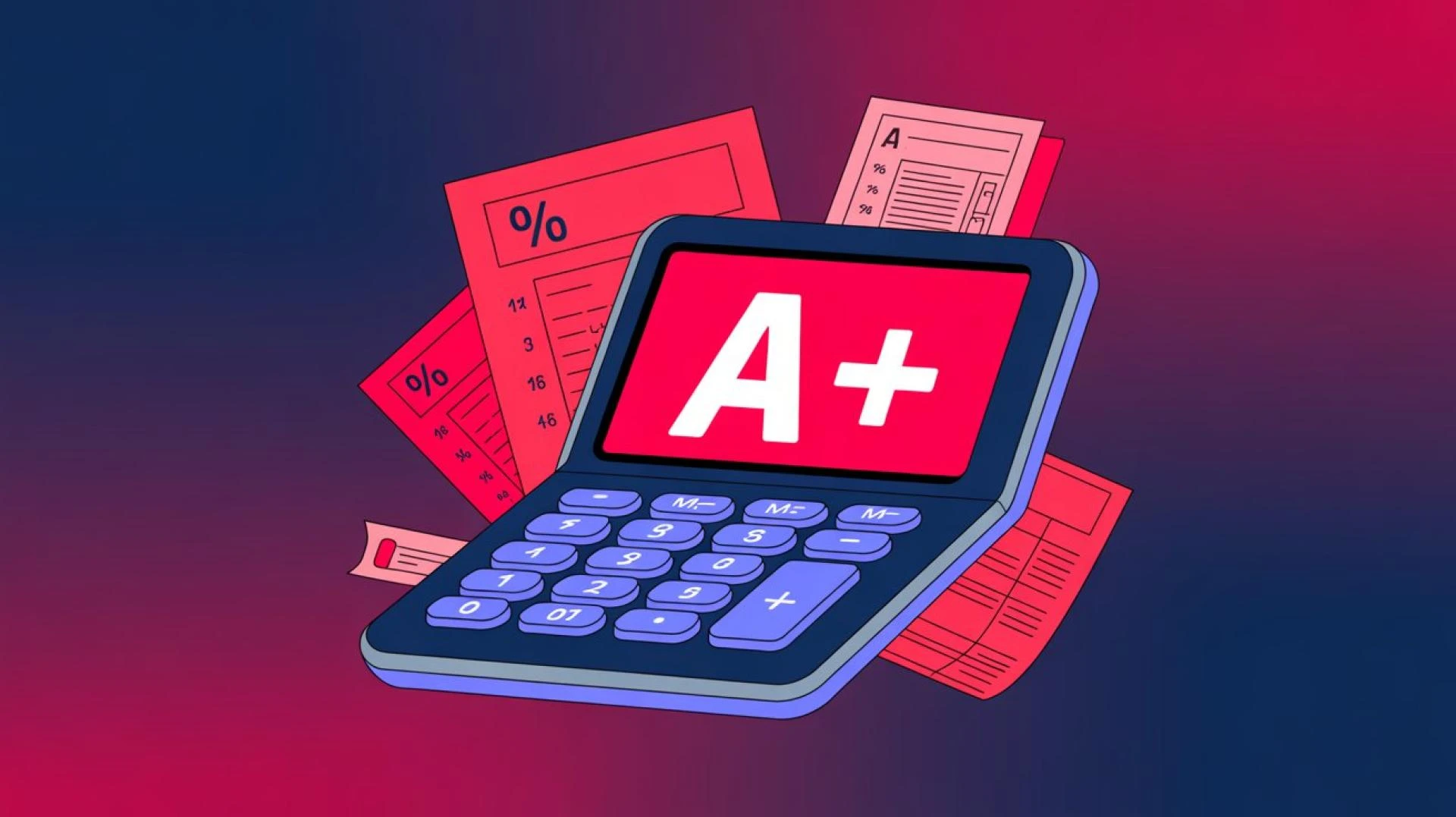

Teachers today handle more work than ever. They plan lessons, check homework, give tests, talk with parents, and complete reports. Grading can take a large part of their time. Smart digital tools can make this work faster and more accurate, while still staying fair to students.
This article explains how these online grade calculator tools can fit into a busy classroom and help teachers focus more on teaching and less on math.
1. Why Faster Grading Matters for Modern Classrooms
1.1 The Impact of Timely Feedback on Student Learning
Students learn best when they get feedback quickly. If they wait weeks to see a test result, they may forget what they were thinking when they answered. Quick results help them:
- See what they did well
- Spot mistakes while the topic is still fresh
- Change how they study for the next test
Faster grading means students are not left guessing too long about how they are doing. It also helps them feel that their work matters and is noticed. This saves time and makes it easy to predict final grades.
1.2 Balancing Lesson Planning, Assessment, and Administrative Tasks
Teachers must juggle many tasks at once. They prepare lessons, check work, answer emails, and attend meetings. When grading takes too long, other important tasks can suffer.
Speeding up this work has clear benefits:
- More time to design better lessons
- More energy to support students who need extra help
- Less stress in busy weeks, such as at the end of a term
Saving even a few hours a week adds up to a lot of extra time over a school year.
2. What Is a Grade Calculator in a Teaching Context?
2.1 Basic Types of Digital Grading Tools Teachers Can Use
In a classroom, this kind of tool is usually a simple program that handles marks. It might be:
- A built‑in tool inside a learning platform
- A stand‑alone app or website
- A custom spreadsheet set up by the teacher
All of these share one goal: to take raw scores and turn them into clear results with less manual work.
2.2 Key Features That Help Automate Routine Calculations
Helpful features often include:
- Adding and updating scores for each student
- Handling different categories like homework, quizzes, tests, and projects
- Applying weights to each category
- Dropping the lowest score if the teacher chooses that rule
- Showing current averages without extra math
With these features, the teacher types the score once and lets the tool handle the rest.
3. Setting Up Your Grading System Before Using Any Tool
3.1 Defining Clear Weighting for Homework, Tests, and Projects
Before any digital system can work well, the grading rules must be clear. A teacher needs to decide:
- What percent of the course is homework
- How many quizzes and tests count
- How projects or labs fit into the mix
For example:
- Homework: 15%
- Quizzes: 20%
- Tests: 40%
- Projects: 25%
When these numbers are set and written in the syllabus, it becomes easy to enter them into a digital tool.
3.2 Aligning Your Gradebook With School Policies and Standards
Schools and districts often have rules about:
- Passing marks
- How final averages are rounded
- Whether certain tasks must be included
A teacher should match their digital gradebook to these rules. This avoids problems later, such as grades that do not match the school’s official system. Once the setup matches the policy, the teacher can trust the numbers that come out.
4. How Grade Calculators Reduce Manual Number Crunching
4.1 Automating Weighted Averages for Different Assignment Categories
Without help, calculating a weighted average can be slow. The teacher has to:
- Change each score to a percentage
- Multiply by the weight
- Add up all the parts
A digital system does this automatically for each student. When a new score is entered, the average updates on its own. This removes many chances for small math errors and makes large classes easier to manage.
4.2 Converting Raw Scores to Percentages and Letter Marks Instantly
Many teachers still write “18/25” or “42/50” on papers. Then they need to turn these into percentages and, in some schools, into letter marks like A or B.
A good tool can:
- Turn raw points into a percentage as soon as the score is entered
- Match that percentage to a letter grade using the school’s scale
- Keep all of this consistent across the whole class
This saves time and makes it easy to explain how a final grade was reached.
5. Practical Ways Teachers Can Use Grade Calculators Day to Day
5.1 Entering Class Scores to Get Instant Overall Results
In daily practice, a teacher might:
- Collect a quiz
- Mark each paper
- Type scores into the tool
Right away, the tool updates the class average and each student’s standing. The teacher no longer needs to keep a separate list on paper or do extra math on a calculator.
5.2 Quickly Updating Grades After Make‑Up Work and Retests
Make‑up work and retests can be hard to manage on paper. Each change may require redoing the math for that student.
With a digital system, the teacher just:
- Replaces the old score with the new one
- Let the tool recalculate the average
The new result appears at once, which keeps records up to date and fair.
6. Using Digital Tools to Speed Up Progress Reports and Parent Communication
6.1 Creating Snapshot Reports of Student Performance in Seconds
When report time comes or when a parent asks for an update, a teacher often needs a quick summary. A digital system can:
- Show each student’s current average
- List missing or late assignments
- Highlight areas where the student is strong or weak
Many tools allow printing or exporting these views, saving time on manual notes.
6.2 Sharing Clear, Data‑Based Feedback During Conferences
During parent‑teacher meetings, clear data helps. With digital records, a teacher can:
- Point to trends over time
- Show how much each type of work affects the overall result
- Explain how a student can improve in practical steps
This makes the conversation less about guessing and more about clear, shared facts.
7. Saving Time With Batch Grading and Template Setups
7.1 Building Reusable Grading Templates for Different Courses
Teachers who teach the same class each year can gain a lot from templates. Once they set up:
- Categories and weights
- Naming rules for assignments
- The grading scale
They can save the setup as a template. Next year, they simply copy it, update dates, and start entering scores. This avoids building the system from scratch each time.
7.2 Copying Settings Across Sections to Standardize Assessment
Many teachers handle more than one section of the same subject. They want those sections graded in the same way.
With digital tools, they can:
- Set up one class with all the rules
- Copy the structure to other sections
- Keep grading consistent across all groups
This not only saves time but also supports fairness for all students.
8. Supporting Fair and Transparent Assessment Practices
8.1 Showing Students How Their Final Mark Is Calculated
Students often wonder how their final grade was decided. A clear digital system can help teachers explain:
- Which tasks counted the most
- How each score affected the average
- Why a final number or letter is what it is
Some platforms even let students see their current standing at any time, which builds trust and reduces surprise at the end of the term.
8.2 Using Consistent Formulas to Reduce Human Error
Even the best teacher can make mistakes when doing math by hand, especially with large classes. Digital tools apply the same formula every time.
This helps to:
- Avoid math slips
- Make grading rules consistent
- Ensure that every student is treated the same way under the system
When numbers are handled by a tested formula, teachers can focus on the quality of student work rather than on calculations.
9. Combining Grade Calculators With Learning Management Systems
9.1 Syncing Scores From Online Quizzes and Assignments
Many schools use online platforms where students submit work or take quizzes. In some cases, scores from these tools can flow directly into the grading system.
This can:
- Remove the need to type scores twice
- Reduce input errors
- Speed up the time between work being submitted and the grade being recorded
The teacher can then spend more time reviewing tricky cases instead of copying numbers.
9.2 Exporting and Importing Data Between Platforms Efficiently
Even when full syncing is not available, many systems allow exporting and importing files, such as spreadsheets. A teacher can:
- Download scores from one platform
- Upload them to another
- Keep the gradebook current without typing every line by hand
This is especially helpful at the end of a term when schools ask for final records in a certain format.
10. Common Mistakes Teachers Should Avoid When Using Grading Tools
10.1 Entering Incorrect Weights or Dropped‑Score Rules
A digital system is only as good as its setup. Common issues include:
- Typing the wrong weight for a category
- Forgetting to set dropped‑score rules when the syllabus allows them
- Mixing up points and percentages
To avoid these problems, teachers can:
- Double‑check the setup at the start of the term
- Test the system with a few fake scores
- Ask a colleague to take a quick look at the settings
Catching mistakes early saves many headaches later.
10.2 Relying Only on Numbers Without Looking at Student Growth
Numbers are helpful, but they do not tell the whole story. A student might show great effort and progress even if their average is still low. On the other hand, some students may have high scores but are not challenged enough.
Effective teachers use digital results as one tool among many. They also:
- Read the written work carefully
- Notice class participation
- Talk with students about their learning
This balanced view makes grading more human and more just.
11. Tips for Choosing the Right Calculator for Your Classroom
11.1 Evaluating Ease of Use, Reliability, and Support
Not every tool is right for every teacher. When choosing one, it helps to think about:
- How easy it is to learn and use daily
- Whether it works well on school devices and networks
- If there is clear help, such as tutorials or support staff
A good system should make life easier, not harder. If it takes more time to manage than it saves, it may not be the right fit.
11.2 Considering Data Privacy and School Technology Requirements
Student information must be kept safe. Before using any digital service, teachers should:
- Check whether their school or district approves it
- Read basic notes about data privacy
- Avoid sharing student names or IDs on tools that are not secure
Following school rules protects both students and teachers.
12. Final Thoughts: Turning Time Saved on Grading Into Better Teaching
When teachers use smart tools to handle the math side of grading, they free up valuable time. That time can be turned into:
- More personal feedback for students
- More creative and engaging lessons
- More support for learners who struggle
Digital help does not replace the teacher. Instead, it allows the teacher to do what humans do best: guide, explain, encourage, and inspire.

























Sign in to leave a comment.