How the Right Task Management Software Keeps Teams Organized


Juggling several tasks at once can easily become confusing. Team members are required to manage deadlines, prioritize tasks, attend meetings, make approvals, and manage changing project requirements. Important work may easily be forgotten in the process.
It gets even harder if the team manages its tasks in spreadsheets, e-mails, instant messaging apps, and different applications. The absence of one centralized solution will make it difficult for team members to understand what they are supposed to do, make mistakes or find out about delays when deadlines are close.
The selection of the right task management software will help create order amid all that confusion. Instead of remembering everything and getting updates from different sources, the team will be able to plan, delegate, set deadlines and control the progress of the tasks in a single workspace.
The most efficient task management software will also provide managers with valuable information on how the process goes. It will allow for task prioritizing, progress monitoring, workload management and reporting.
Why Task Management Becomes Challenging
Even small projects may consist of many individual tasks. The greater the number of people involved, the harder it becomes to coordinate things.
The following problems may arise:
- Unclear task ownership
- Missed deadlines
- Poor task prioritization
- Repetitive or duplicated work
- Uneven workload distribution
- Limited visibility into project progress
- Too many separate tools
Such problems seem to be insignificant at first glance, but combined together, they can hinder the whole process.
Putting Priorities in Perspective
Not all tasks have equal importance. There are some that are critical, and there are those which can wait.
Best task management software allows to set priorities right and plan work correspondingly.
Useful capabilities include:
- Priority labels
- Due dates
- Task dependencies
- Status updates
- Recurring tasks
- Project categories
It enables employees to understand more clearly what needs to be done, rather than making assumptions about the order of priorities themselves.
Clarifying Team Responsibilities
Perhaps one of the easiest ways to ensure no confusion arises is through clarifying task responsibilities.
With each task assigned to someone specific with a deadline set, employees will understand what they are accountable for, and managers will easily recognize any task that remains pending, overdue, or completed.
Some of the areas where it may help prevent include:
- Two employees unknowingly work on the same task
- Important tasks have no clear owner
- Team members wait for information from others
- Tasks are not delivered on time due to unclear responsibilities
Clarity in ownership leads to accountability without complicating things.
Measuring Project Progress
Knowing the tasks that have been assigned is helpful, but it’s also important to know how far along the work is.
A task management tool offers various ways to view the activity of the project. For instance, a team could be viewing the work through Kanban boards, tasks list, calendars, or timelines.
Such tools would allow the manager to foresee possible issues before they arise.
A quick project review can reveal:
- Tasks approaching their deadlines
- Blocked activities
- Overdue work
- Completed milestones
- Dependencies affecting other tasks
Managing Workloads More Effectively
Productivity does not only involve loading employees with more work. Workload should be realistically assigned to teams.
If one person in a team is loaded with too many assignments, while the other one is underloaded, then the task will be completed very slowly.
Task management systems can assist managers to evaluate workload and assign assignments efficiently.
This supports:
- Better resource allocation
- More balanced workloads
- Improved deadline planning
- Fewer workflow bottlenecks
- Greater visibility into team capacity
Choosing the Right Features
Every organization has its own unique processes. Thus, it is wrong to make your choice solely based on the feature set.
Instead, try to understand whether the software you choose matches the process flow of your organization.
Some of the important features that should be considered are:
- Simple task creation and assignment
- Flexible project organization
- Multiple task views
- Progress tracking
- Reporting and analytics
- Time tracking capabilities
- Collaboration features
- Integrations with existing tools
- Mobile accessibility
- Scalable pricing
An intuitive platform that is easy to use will always be more helpful than a sophisticated tool with too many features that no one actually needs.
Beyond Tasks: An Understanding of Work Execution
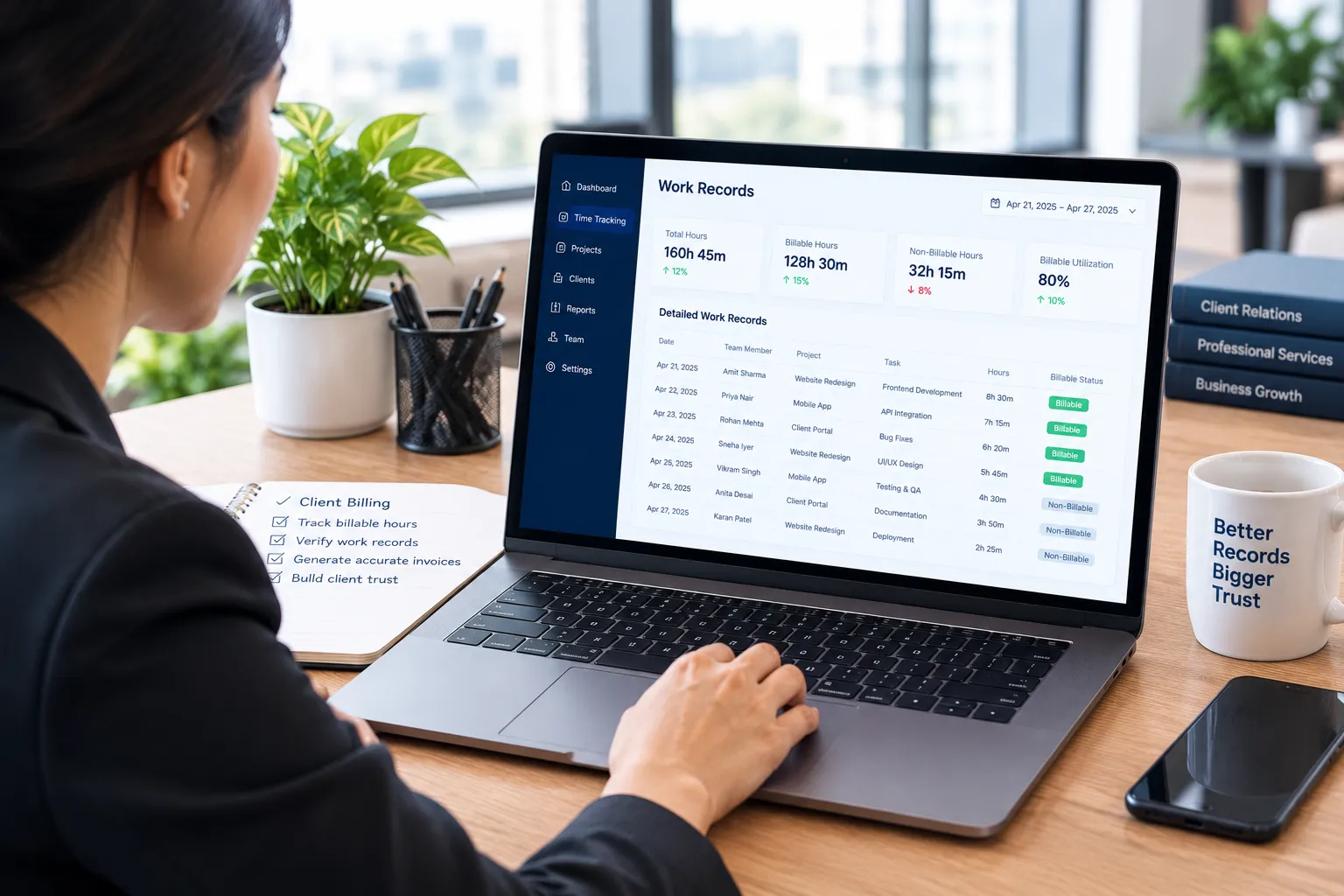
Completing tasks is just one component of project performance. It might also be important for managers to know how long certain tasks take and at which stages there are bottlenecks.
The integration of task information with time and productivity statistics is possible.
For example, teams can identify whether:
- Certain tasks consistently take longer than expected
- Projects are receiving enough resources
- Employees are spending excessive time on administrative work
- Deadlines will be influenced by the recurring bottlenecks
- The work is proceeding as planned
Such kinds of visibility can help improve planning and decision-making.
Conclusion
Effective task management all boils down to clarity in the end. When employees know what tasks need to be accomplished, who is responsible for completing them, and when they should be completed by, then project management becomes a lot simpler.
If your team wants to integrate the management of tasks, time tracking, and project management into one application, Workstatus has solutions for that.
Effective task management could potentially lead to decreased confusion, increased collaboration, balanced workloads, and more productive project management.
FAQs
1. What is task management software?
Task management software helps individuals and teams create, assign, organize, prioritize, and track tasks throughout a project or workflow.
2. Why is task management important for teams?
It gives teams greater clarity around responsibilities, priorities, and deadlines while helping managers monitor project progress and workload distribution.
3. What features should task management software have?
Important features can include task assignment, deadlines, priorities, project views, progress tracking, collaboration, reporting, workload management, and integrations.
4. Can task management software improve productivity?
Yes. By reducing confusion and making priorities and responsibilities clearer, task management software can help teams spend less time organizing work and more time completing it.
5. Is task management software useful for remote teams?
Yes. Centralized task assignments, progress updates, deadlines, and collaboration features can help remote teams stay aligned even when employees work from different locations.







Sign in to leave a comment.