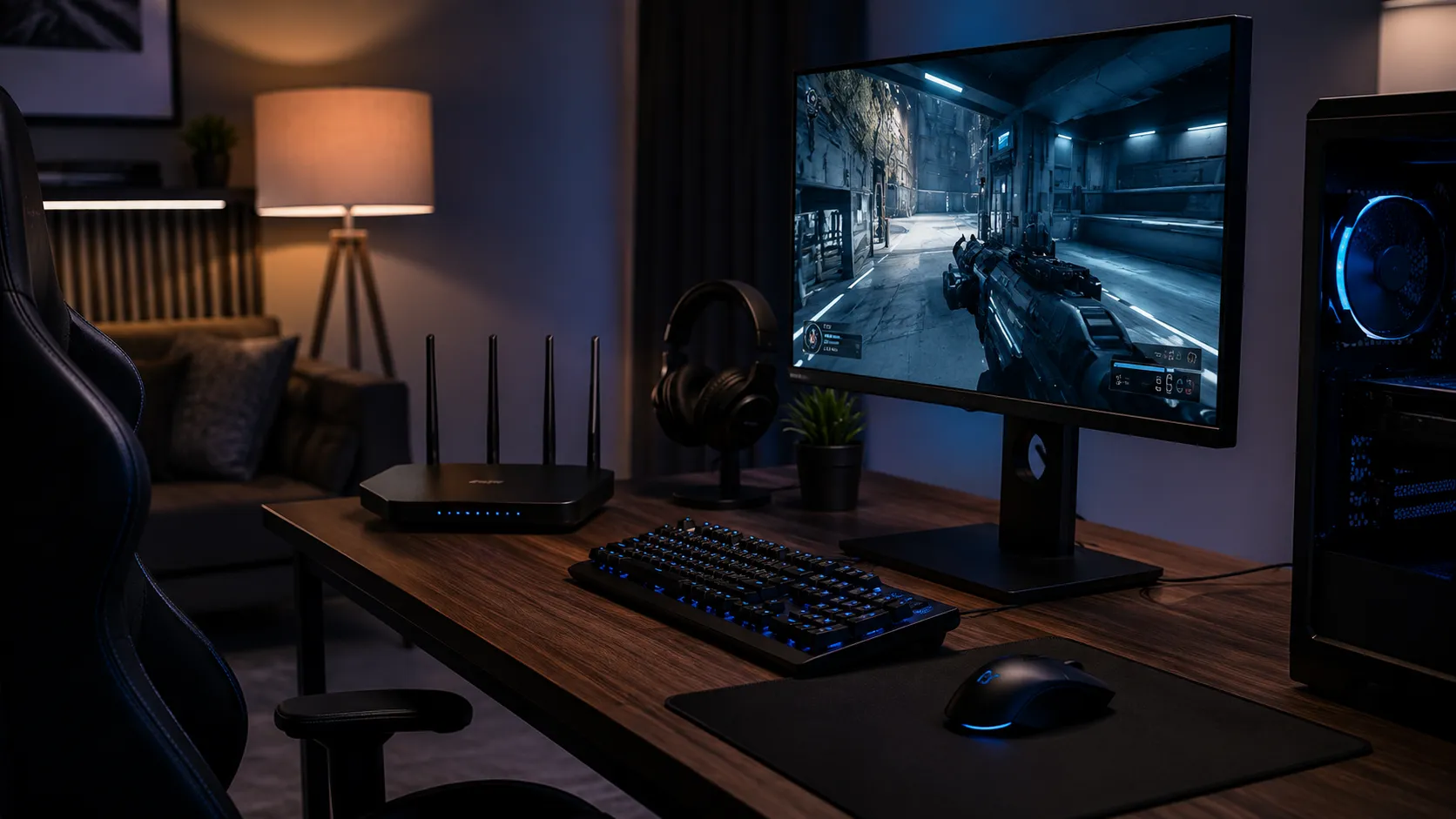

Better gaming speed is not only about faster downloads. Online games need low latency, fewer drops, and a steady connection. If your router is not set up properly, your gameplay may still lag even with a strong internet plan.
Focus on Response Time
A useful router setting for gaming should improve response time by giving your device a cleaner and more stable connection. High speed may help downloads, but low ping is what makes gameplay feel quick and responsive.
This is why router adjustments should focus on traffic priority, WiFi strength, and reduced interference.
Pause Downloads Before Gaming
Game updates, cloud backups, file downloads, and app updates can increase ping. These background tasks may run quietly but still use bandwidth.
Before starting a gaming session, pause heavy downloads and close unnecessary apps.
Connect to the Strongest WiFi Band
Use 5GHz WiFi if your device is close to the router. It usually gives faster response and less interference. If the 5GHz signal is weak, test 2.4GHz for better range.
The right band is the one that gives fewer drops and more stable ping.
Restart the Router When Ping Becomes Unstable
If your ping suddenly becomes unstable, restart both the router and modem. This refreshes the connection and clears temporary network issues.
It is a simple step that often fixes sudden lag before deeper troubleshooting is needed.
Summary
Better gaming speed comes from stable response time, reduced background usage, and the right WiFi band. Simple router adjustments can help make online gaming smoother and more reliable at home.
























Sign in to leave a comment.