
Creating a powerful and stylish gaming setup doesn’t have to cost a fortune. With the right strategy and a well-chosen refurbished gaming PC, you can enjoy premium gaming performance while staying well within your budget. Refurbished PCs have come a long way offering modern specs, stylish cases, and warranties that rival new builds.
In this guide, we’ll walk through how to build a complete dream setup using refurbished hardware, highlight what to look for when buying, and showcase two excellent options from Veno Scorp: the Nova NV-130MS and the Titan V6-600MS.
Why Choose a Refurbished Gaming PC?
A refurbished gaming PC is a system that has been previously used or had certain components renewed but has undergone testing, repairs, and upgrades to meet quality standards. These machines offer several advantages:
- Cost savings: Refurbs are significantly more affordable than new systems.
- Proven reliability: Each unit is tested and certified before resale.
- Eco-friendly: Buying refurbished reduces electronic waste.
- Excellent specs: Many refurbished PCs include modern graphics cards, SSDs, and stylish cases.
Whether you're entering the world of PC gaming for the first time or looking to build a secondary setup, going refurbished can be a smart move.
Start with the Right Machine
Your dream setup begins with the PC itself. Let’s explore two standout refurbished models from Veno Scorp, one of the UK’s fastest-growing gaming PC retailers.
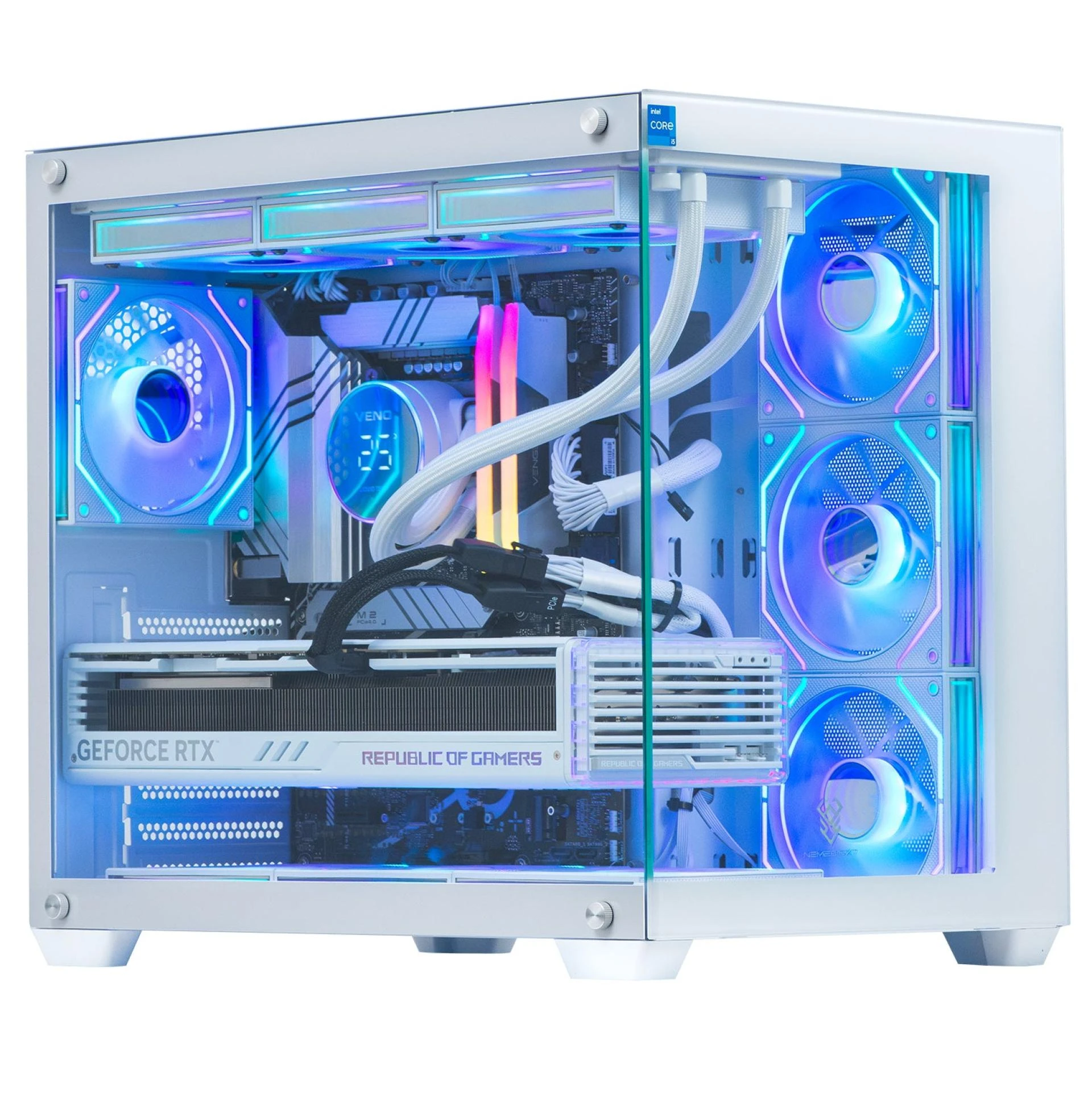
Nova – NV-130MS
Processor: Intel Core i3 12th Gen
Graphics Card: NVIDIA RTX 3050 6GB
Memory: 16GB DDR4 RAM
Storage: 1TB SSD
If you’re after modern performance and future-proof features, the Nova NV-130MS is a stellar choice. With a powerful 12th Gen Intel processor and an RTX 3050 graphics card, this system handles modern titles like Call of Duty, Fortnite, and Cyberpunk 2077 with ease.
Its combination of DDR4 RAM and SSD storage means fast load times, responsive multitasking, and smooth gaming even when streaming or recording gameplay. The sleek case design also makes it ideal for a clean, professional setup.
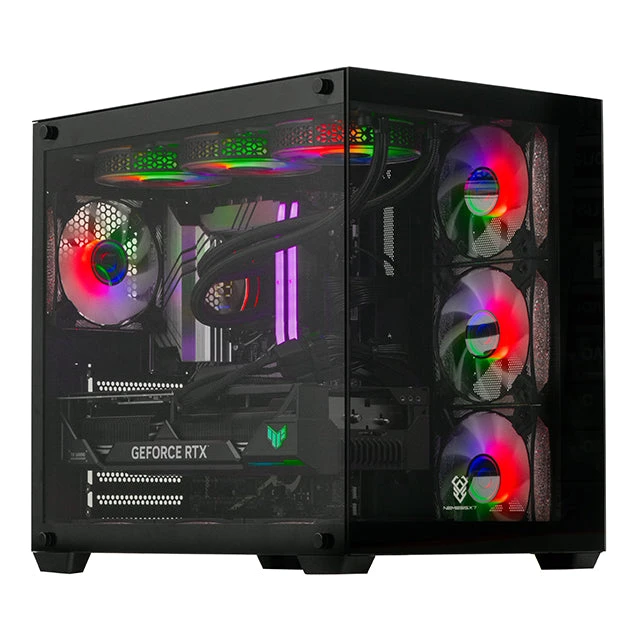
Titan – V6-600MS
Processor: Intel Core i7 4th Gen
Graphics Card: AMD Radeon RX 580 8GB
Memory: 16GB DDR3 RAM
Storage: 480GB SSD
Looking for something more budget-friendly without sacrificing performance? The Titan V6-600MS offers tremendous value. It’s equipped with the ever-reliable RX 580 graphics card, which still punches above its weight in 1080p gaming.
The i7 4th Gen CPU, while older, still delivers solid multitasking performance ideal for casual gaming, esports titles, and game streaming. The case design has ample airflow and space for upgrades.
Building the Perfect Setup Around Your Refurbished Gaming PC
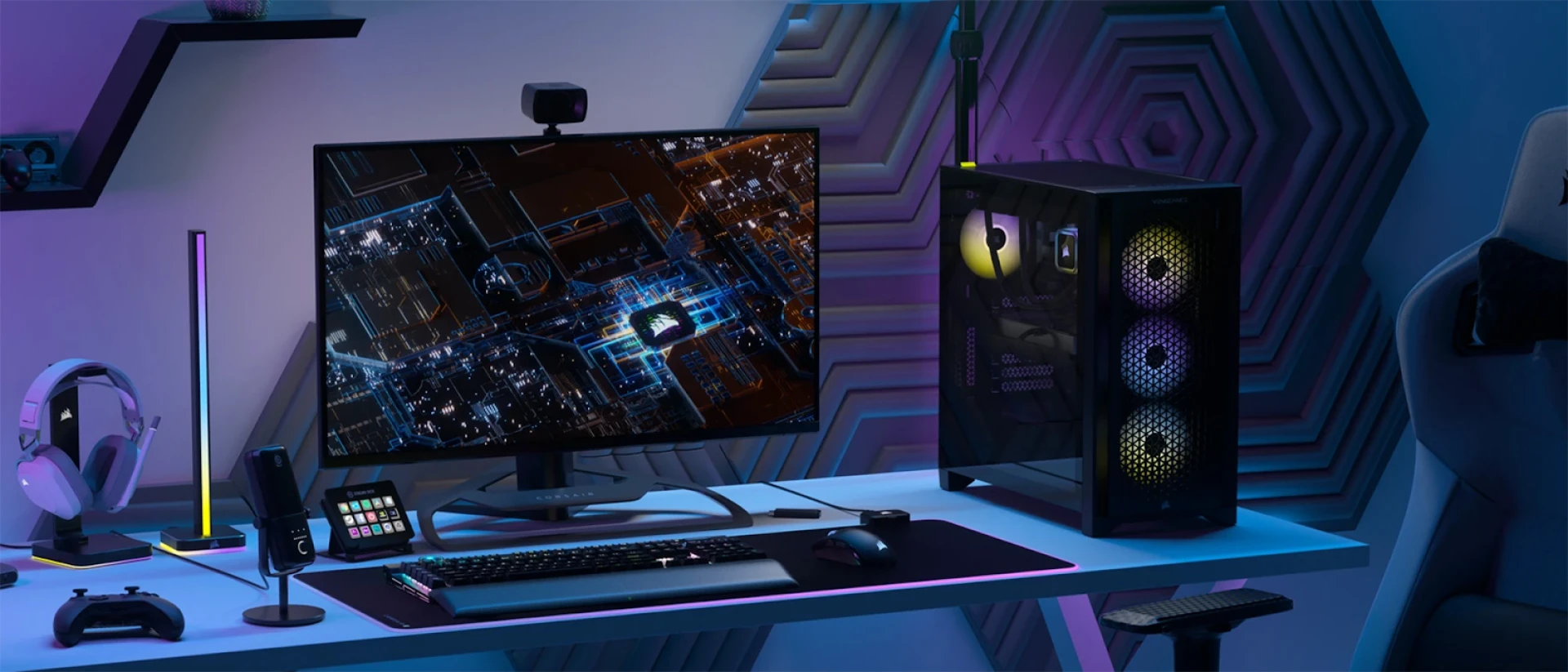
Buying a quality PC is step one but your setup isn't complete without the right peripherals and environment. Here’s how to elevate your space into a true gaming haven.
1. Choose the Right Monitor
Your monitor should complement your PC's graphics capabilities.
- For the Nova NV-130MS: Look for a 1080p 144Hz or 1440p 75Hz display. The RTX 3050 can handle both with ease.
- For the Titan V6-600MS: Stick with a 1080p 60–75Hz display. The RX 580 is well suited for smooth performance at this resolution.
Also, consider screen size and panel type. A 24" or 27" IPS monitor provides excellent color reproduction for immersive gameplay.
2. Pick a High-Quality Keyboard and Mouse
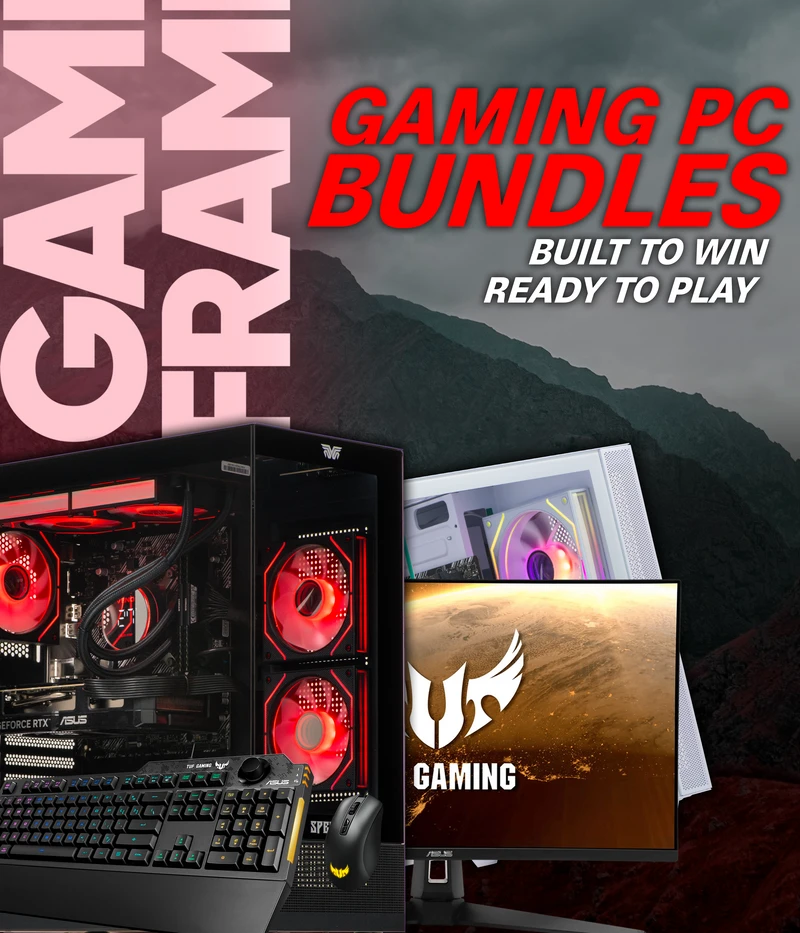
Mechanical keyboards with RGB lighting and programmable keys add both function and flair. Pair it with a responsive gaming mouse that suits your hand size and DPI preference. Many retailers offer combo bundles for convenience.
3. Add a Gaming Headset
A wired headset with surround sound can significantly boost your competitive edge. Look for headsets with adjustable headbands, noise-cancelling mics, and comfortable ear cushions for long sessions.
4. Desk and Chair Setup
No dream setup is complete without a comfortable and functional desk and chair.
- Desk: Opt for a wide, sturdy desk with cable management holes and enough space for dual monitors.
- Chair: Invest in an ergonomic gaming chair with lumbar and neck support to avoid fatigue.
5. Cable Management and Aesthetics
A clean setup is a happy setup. Use Velcro ties or cable trays to route wires neatly. Add LED strips behind your desk or monitor for a soft backlight that reduces eye strain.
6. Streaming or Content Creation Add-ons
If you're planning to stream or create content, you may want to add:
- A quality USB microphone
- A webcam
- Second monitor for multitasking
- Capture card
The Nova is particularly well-suited to light content creation tasks due to its modern CPU and RTX card with hardware encoding support.




























Sign in to leave a comment.