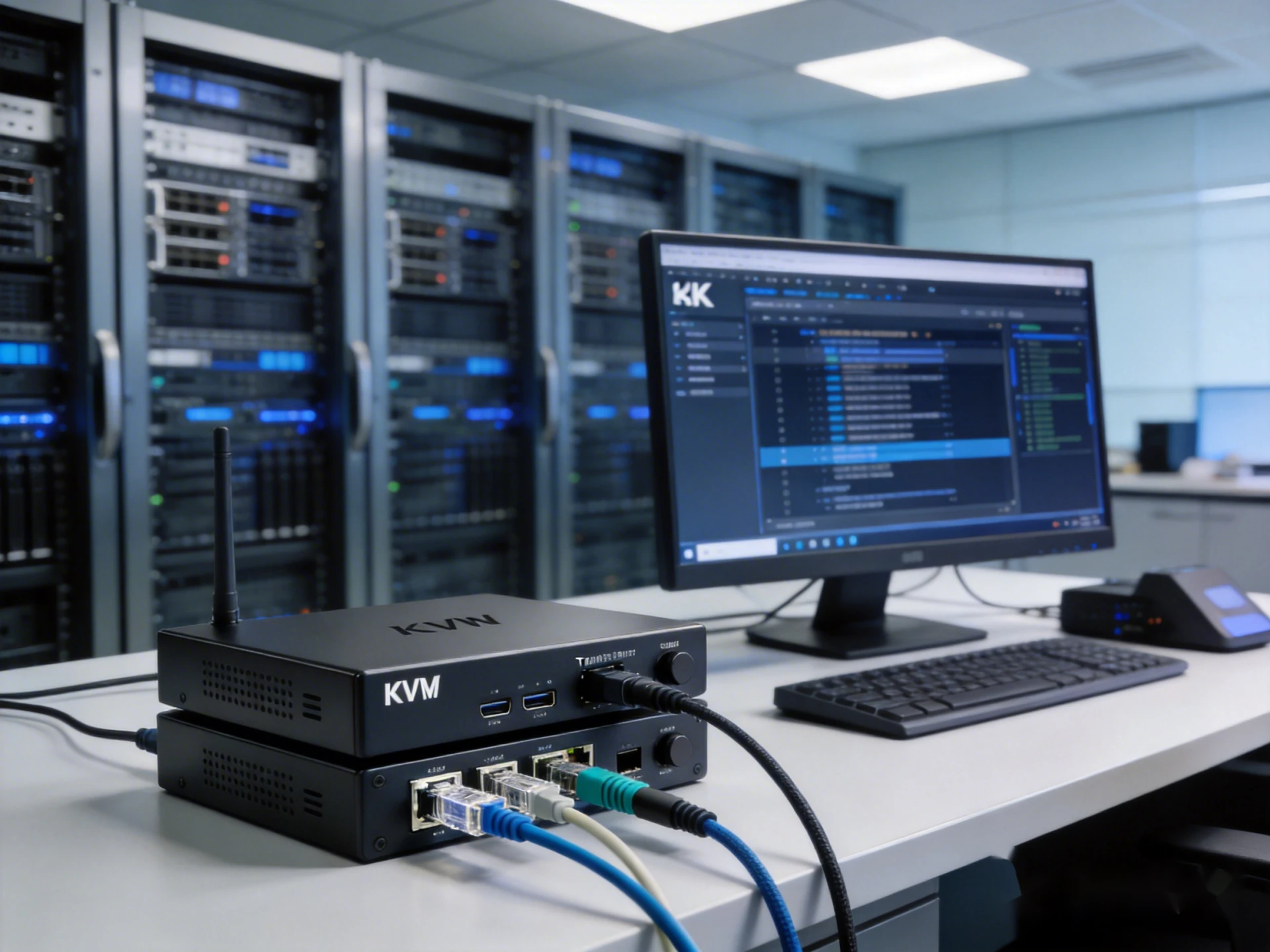

Managing servers across data centers, control rooms, or secure facilities often requires reliable remote access without sacrificing performance. A KVM system allows IT administrators to control servers from a distance while maintaining real-time video, keyboard, and mouse responsiveness.
This guide explains how KVM extenders work, compares KVM over IP with traditional solutions, and helps you choose the right option for your server environment.
About KVM Extender: Definition, Operation, and Use Cases
1. What Is a KVM Extender?
A KVM extender is a hardware solution that extends keyboard, video, and mouse signals from a local server or PC to a remote workstation. Instead of being physically present in the server room, administrators can manage systems from another location while maintaining full control.
2. How Does a KVM Extender Work?
A KVM setup typically consists of a transmitter (TX) connected to the server and a receiver (RX) connected to the user console. Video, USB, and sometimes audio signals are transmitted over Cat5e/Cat6 Ethernet cables or fiber.
Unlike software-based remote desktop tools, hardware KVM solutions deliver low or near-zero latency, making them suitable for mission-critical server operations and real-time system management.
3. KVM Switch vs KVM Extender: What’s the Difference?
Although they sound similar, these two devices serve different purposes:
- A KVM switch allows one console to control multiple computers in the same location.
- A KVM extender increases the physical distance between the computer and the console.
In many enterprise environments, KVM switches and extenders are combined to create flexible, scalable server access architectures.
KVM over IP vs Traditional KVM Extenders: Key Differences Explained
KVM over IP uses standard Ethernet networks to transmit video and USB signals. This allows multiple KVM extender pairs to coexist on the same network, offering greater scalability and flexible routing compared to point-to-point extenders.

Traditional KVM extenders are ideal for simple, fixed-distance setups where ultra-low latency is critical.
KVM over IP extenders leverage standard Ethernet switches, allowing multiple TX/RX pairs to coexist on the same network, making them more flexible for growing server environments.
Why Use a KVM Extender for Remote Server Access?
Direct server access often means restricted spaces, noisy environments, and security risks. Traveling between racks or sites also reduces response time during critical incidents.
Using a KVM extender offers several practical advantages for IT teams:
- Improved security: Servers remain in restricted areas while users operate remotely.
- Operational efficiency: Reduce downtime by accessing servers instantly without physical travel.
- Real-time performance: Unlike remote desktop software, KVM extenders provide BIOS-level access with minimal latency
- Workspace optimization: Remove noisy or heat-generating servers from control rooms.
These benefits make KVM extenders a preferred solution for enterprise IT, broadcast, and industrial applications.
How to Choose the Right KVM Solution for Remote Server Access
Selecting a KVM solution for remote server access requires a different approach than choosing one for general desktop extension. Server environments demand stability, low latency, and full hardware-level control. The following key factors help ensure reliable long-term operation.
1. BIOS-Level and OS-Independent Control
Remote server access often involves tasks such as system boot, OS installation, and recovery. A suitable KVM solution must support BIOS-level access, allowing administrators to control servers even when the operating system or network services are unavailable. Hardware-based KVM system provide consistent keyboard, video, and mouse control in all system states.
2. Low-Latency Video and USB Performance
Latency directly affects operational efficiency. For remote server management, look for solutions that offer near-zero or sub-5ms latency for both video and USB signals. Responsive keyboard and mouse control reduces input errors and ensures that remote operation feels local, especially during critical maintenance tasks.
3. Appropriate Resolution for Server Monitoring
Modern data centers increasingly use high-resolution displays to manage complex systems. While basic access may function at lower resolutions, support for 4K video output improves visibility for dense dashboards, multi-window monitoring, and graphical management interfaces. 4K@30Hz is suitable for most server tasks, while 4K@60Hz provides added clarity for advanced workflows.
4. Network Architecture and Scalability
Consider how the KVM solution integrates into your existing infrastructure. KVM over IP systems enable multiple servers and users to operate over a standard Ethernet network, making them ideal for scalable environments. This approach simplifies expansion without requiring dedicated cabling for each connection.
5. Transmission Distance and Media Type
Distance is a practical limitation in many server environments. Copper Ethernet supports transmissions up to 100 meters, while fiber-based KVM extenders allow longer distances and provide resistance to electromagnetic interference, making them suitable for large or distributed facilities
6. Deployment Simplicity and Security
Finally, prioritize solutions that are easy to deploy and secure. Plug-and-play installation, controlled transmitter-receiver pairing, and isolated KVM traffic help reduce downtime while maintaining secure, reliable remote server access.
KVM Extenders Recommendations for Different Deployment Scenarios
1. EX-100-KVM-IP: Cost-Effective KVM over IP for LAN-Based Server Access
For small to mid-sized server environments, the EX-100-KVM-IP provides a reliable KVM over IP solution with minimal setup. It transmits 4K@30Hz HDMI and USB signals with near-zero latency over a single Cat cable, extending up to 100 meters (330 ft).
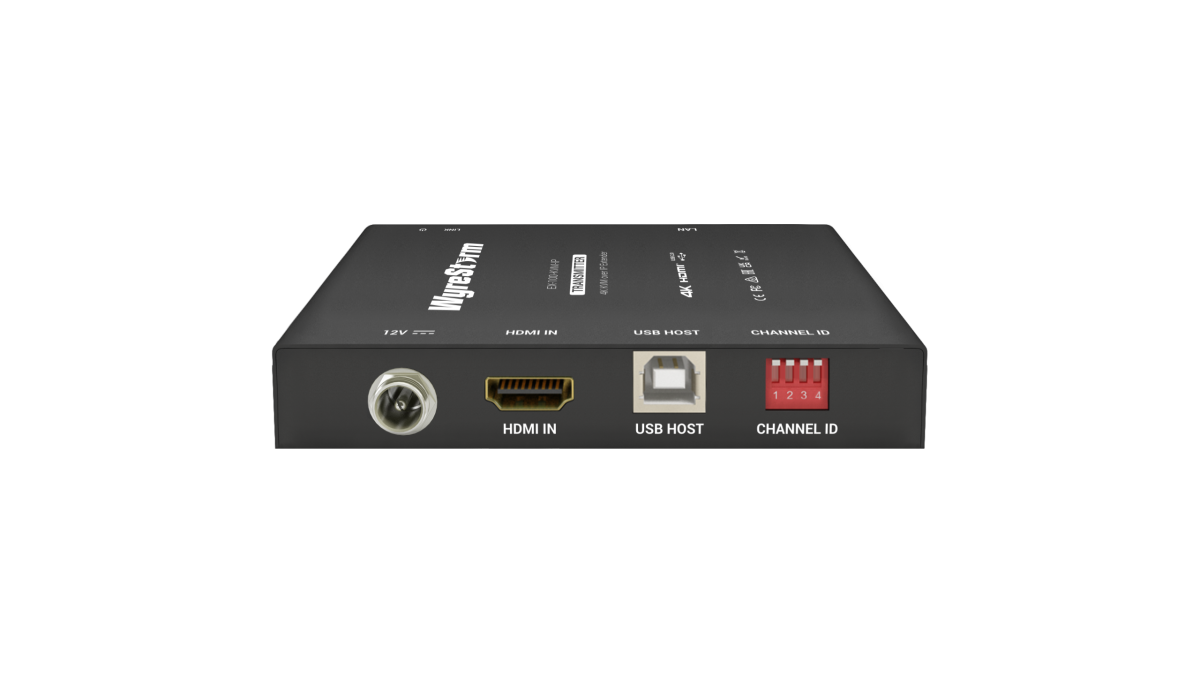
Its plug-and-play design eliminates complex switch configuration, while support for up to 16 TX/RX pairs on the same LAN makes it suitable for scalable deployments. Built-in DIP switches simplify pairing, and three USB 2.0 ports ensure smooth remote control of the target system.
This solution is ideal for IT rooms, edge data centers, and enterprise server access where simplicity and reliability matter.
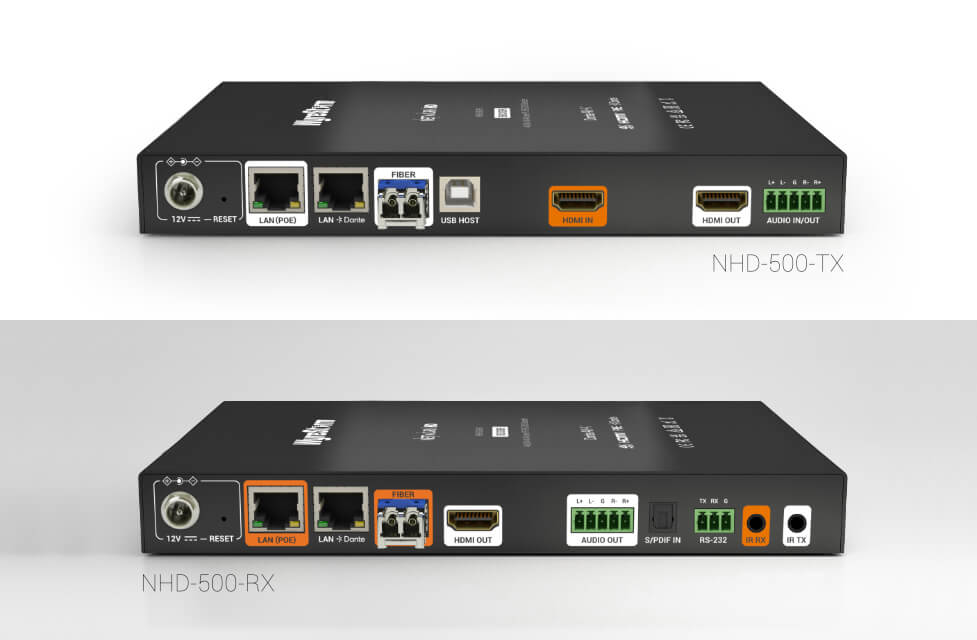
2. NHD-500-TX/RX v2: High-End 4K KVM Matrix for Large-Scale Environments
Conclusion
Choosing the right KVM solution depends on your resolution needs, latency tolerance, distance requirements, and future scalability. Traditional KVM extenders excel in simple, fixed installations, while KVM over IP solutions provide unmatched flexibility for growing server infrastructures.
By carefully evaluating your environment and selecting the appropriate KVM solution, you can achieve secure, efficient, and responsive remote server access that supports both current operations and future expansion.
About WyreStorm
WyreStorm delivers professional-grade AV over IP solutions, HDMI matrix systems, and advanced wireless presentation and conferencing systems for seamless collaboration.
Its portfolio also includes high‑performance HDMI Extender and KVM Extender products designed for reliable, scalable signal distribution.
Explore more innovative solutions at WyreStorm.com and elevate your next project today.



Sign in to leave a comment.