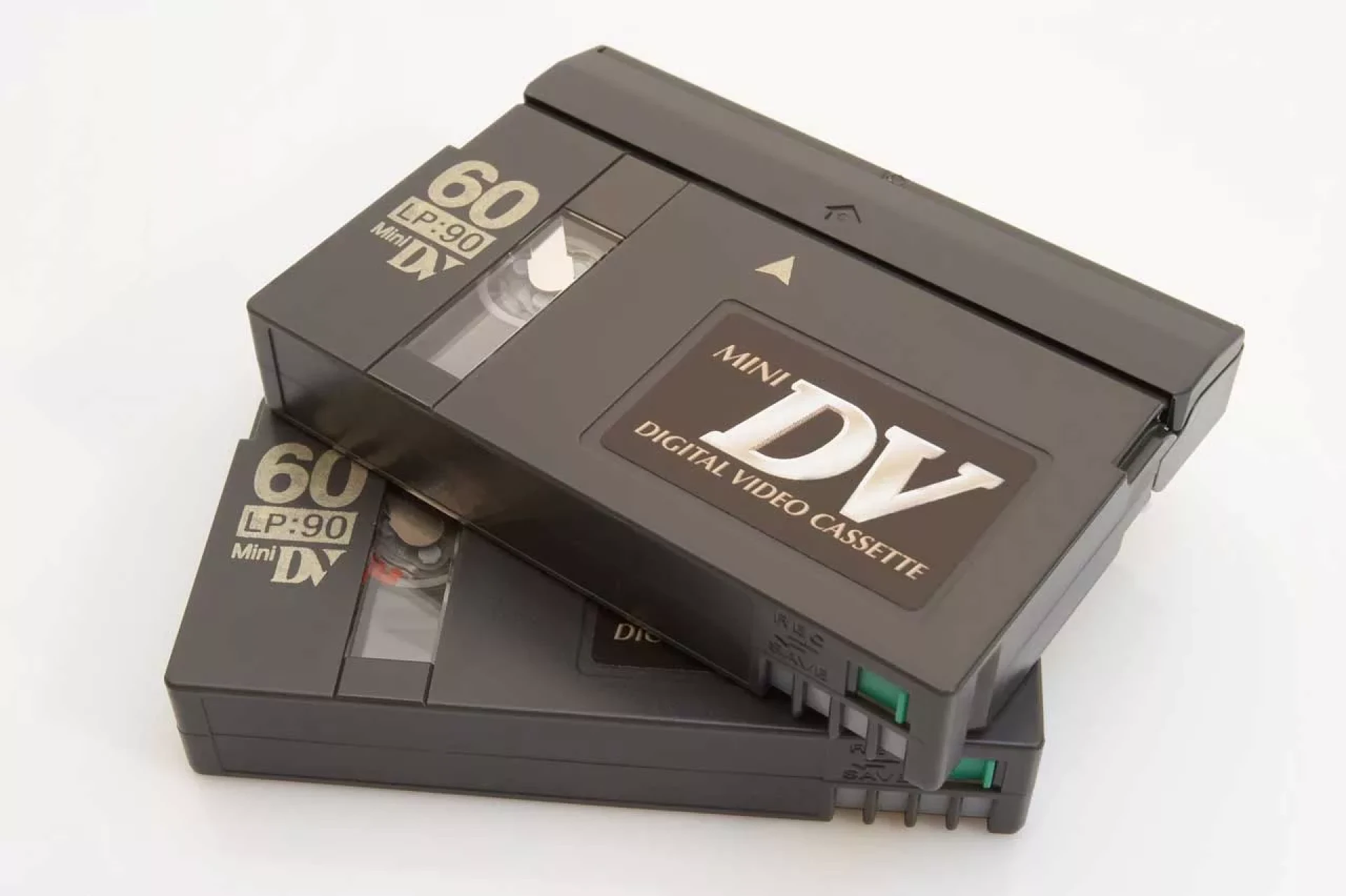

When it comes to digitizing your video footage, you can use a few different methods to get the job done. Walmart, for example, has a service that will convert VHS, Betamax, Digital 8 and DV tapes to digital. Once you've done this, you can view your digital files on your home laptop, connected television or smartphone. You can also edit and share them on social media sites.
FireWire
In the past, MiniDV cameras used a data-transfer port called FireWire. However, this type of port is not used as often anymore. Moreover, newer computers do not typically have this type of port. However, if you still own an old PC, you can purchase a FireWire card and install it into the PCI slot.
However, if you do not have a FireWire port, you can still connect your MiniDV camcorder to your computer using an analog to digital converter. You can connect your MiniDV camcorder to your PC using an RCA cable or an S-Video connection. However, you should keep in mind that the quality of the video may not be the same as when using a FireWire to digital converter.
The best way to convert MiniDV tapes to digital is to use a computer that has a FireWire port. However, many newer laptops do not have a FireWire port, making it difficult to install a FireWire card. In addition, newer operating systems, such as Windows 10, do not support FireWire cards and can make it difficult to install them.
iMovie
If you have a MiniDV video camera, you can import the footage using a USB cable or FireWire (IEEE1394). If you want to burn the convert mini dv to mp4, you will need a program that can convert DV to digital. These tools include iMovie and Tape Transfer Services. You can also use programs like LifeFlix or Adobe Premiere Pro. Although Windows Movie Maker is not available on Windows 7, it is available with Windows Live Essentials.
iMovie can convert MiniDV to digital format on both Macs and iOS. To do so, you need an adapter and a program called LifeFlix. You can then import the camera footage from the LifeFlix program into iMovie for editing.
The next step is to open iMovie and click Import Media. You will see a list of devices you can import your videos from. In iMovie, select SONY DSR-1500A. This method is quick and easy, and will let you convert mini DV to digital.
Cisdem DVD Burner
The Cisdem DVD Burner is a powerful tool for converting mini DV and DVD formats. It supports all the major DVD formats, from PAL to NTSC. The Burner can also burn your videos to ISO files. Before starting the conversion process, users can check the DVD file size and disk capacity. The tool also displays the playback behavior of the resulting DVD disc.
The DVD Burner has various templates available for free. The templates include Christmas, New Year, Valentine's Day, Birthday, Wedding, Sports, Baby, Travel, and Classic. Users can also add a custom DVD menu for their video content. It is easy to burn DVDs with this tool.
The Mac version of Cisdem DVD Burner is a powerful program for converting digital video and Mini DV to DVD. It supports the most popular video formats and has embedded editing features. In addition, it offers precise parameter settings for the burning process. It also supports MPEG-2 and AVI video formats. During the conversion process, users can simply drag and drop their target videos to the "Source" tab.
Southtree
Southtree is a service that helps you preserve your old films, photos, and radio tapes. They have an easy online interface, a pre-paid UPS return label, and a kit that comes with a welcome guide. Your movies will take 10-12 weeks to be digitized. In the meantime, you can watch them on your computer. Whether you're preserving family movies, wedding videos, or your own childhood memories, this service can help.
Because of their small size, MiniDVs are often in danger of falling through a DVD player slot. This can be embarrassing for guests. To avoid this embarrassing situation, Southtree's MiniDV to digital transfer service will transfer your tapes to safe digital formats. These formats are compatible with DVD players and can be viewed on a computer, laptop, or smartphone.
0
0









Sign in to leave a comment.