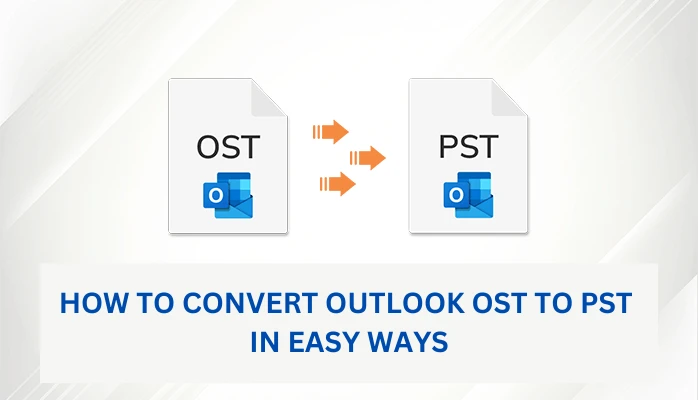

This guide evaluates the easy and free methods to convert Outlook OST files to PST. It also suggests a professional solution, OST to PST Converter, that helps users convert multiple OST files without Outlook. First, let’s discuss some possible reasons for switching from OST to PST.
Why Users Convert OST Files to PST
MS Exchange Server may abruptly crash due to a power loss, a virus attack, malicious software, or any other cause. You will be unable to connect to the MS Exchange Server and view your data if any of these issues occur.You may be unable to access your mailboxes or synchronize OST files with Exchange during Exchange Server maintenance or unavailability. As a result, you must convert the OST file to PST in order to access those mailboxes.PST file allows you to restore data even if Exchange Server user mailboxes were mistakenly deleted.Exchange data can be migrated to other systems, such as Office 365, Live Exchange, and others.The query has been resolved about why users should convert OST files to PST. Now, we should move toward the most asked question “How to convert OST to PST”.
How to Convert Outlook OST Files to PST
Microsoft Outlook is one of the most popular email clients among organizations for internal and external communication. When you enable Cached Exchange Mode (when connected to an Exchange account), Outlook saves all of your Exchange mailbox data on your hard drive as OST files. Outlook synchronizes the OST file with the Exchange mailbox when the server is available. Let’s know how to export OST to PST.
Generally, you can convert OST files to PST format using three methods, which are as follows:
By using the Import/ Export option in OutlookArchiving OST files to PST formatDrag and Drop the OST filesMethod 1: Import/Export Feature
Navigate to the "File" menu, then click "Open & Export," and finally select "Import/Export."A new wizard will show on the screen; pick "Export to a file" and then click "Next."Then, pick "Outlook Data File" and press "Next."A list of your mailbox folders can be found here. Select the folder to export and press the "Next" button.Before selecting "Finish," select the location where you want to save this file.This is how you can export your Exchange mailbox to PST format.Method 2: Archive Outlook OST File
Another option to convert Outlook OST files to PST is to enable archiving in Outlook once you've configured your Exchange account. When you enable archiving in Outlook, it saves all archived emails to a new PST file. It also helps to keep the mailbox at its optimal size. Follow the steps below to set up archiving in Outlook.
In Outlook, go to the "File" menu and select "Options."Click Advanced, select "Auto Archive," and choose "Auto Archive Settings."Enter the number of days you want auto-archiving to run in the newly opened window. After providing the location where to save the archived file, press the "OK" button.By enabling the archiving option, you can save your mailbox items from an OST file to a PST file.Method 3: Drag & Drop the OST File
Using this method, you can transfer OST data to a new PST file. Let’s discuss how to drag the OST file into the newly created PST file.
Launch Outlook on your system.Now, create a new PST file.Drag and drop the folders you want to transfer to the new PST file.Professional Solution to Convert OST Files to PST Format
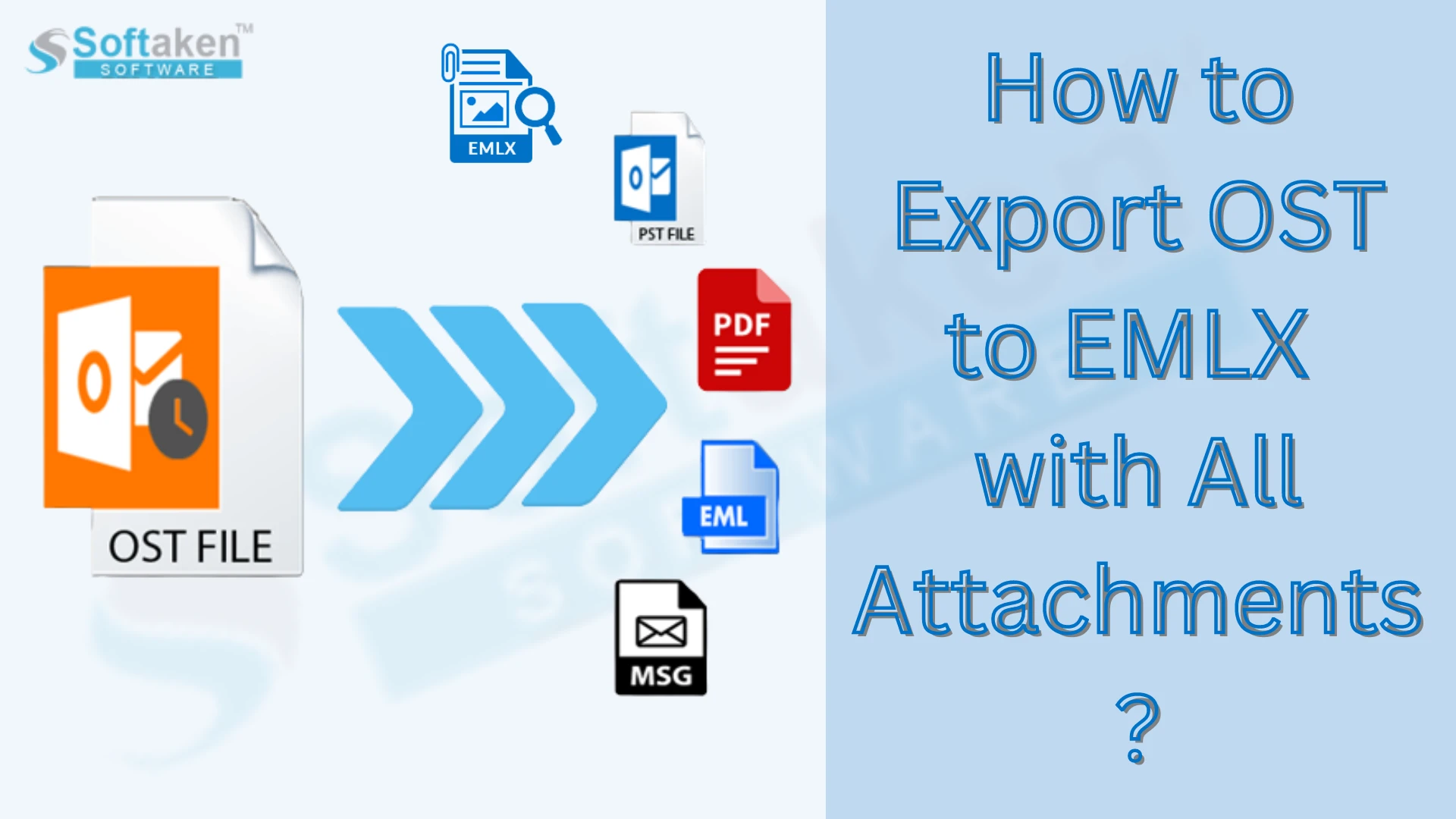
Using a professional tool like Microsoft OST to PST Converter is the alternative and best solution to convert OST files to PST. It allows you to export OST to PST without Outlook. Using this, you can convert OST files to another format, such as MSG, MBOX, EML, MSG, HTML, PDF, PST, etc. It can convert orphaned OST files smoothly without any data loss. Moreover, it doesn’t require technical skills to perform the OST file conversion.
Conclusion
In this guide, we have deeply discussed three manual ways to convert Outlook OST files to PST. However, these are free, but you can cause data loss or file corruption during the conversion process. Therefore, to provide a quick and hassle-free solution, we recommend using a professional solution.






Sign in to leave a comment.