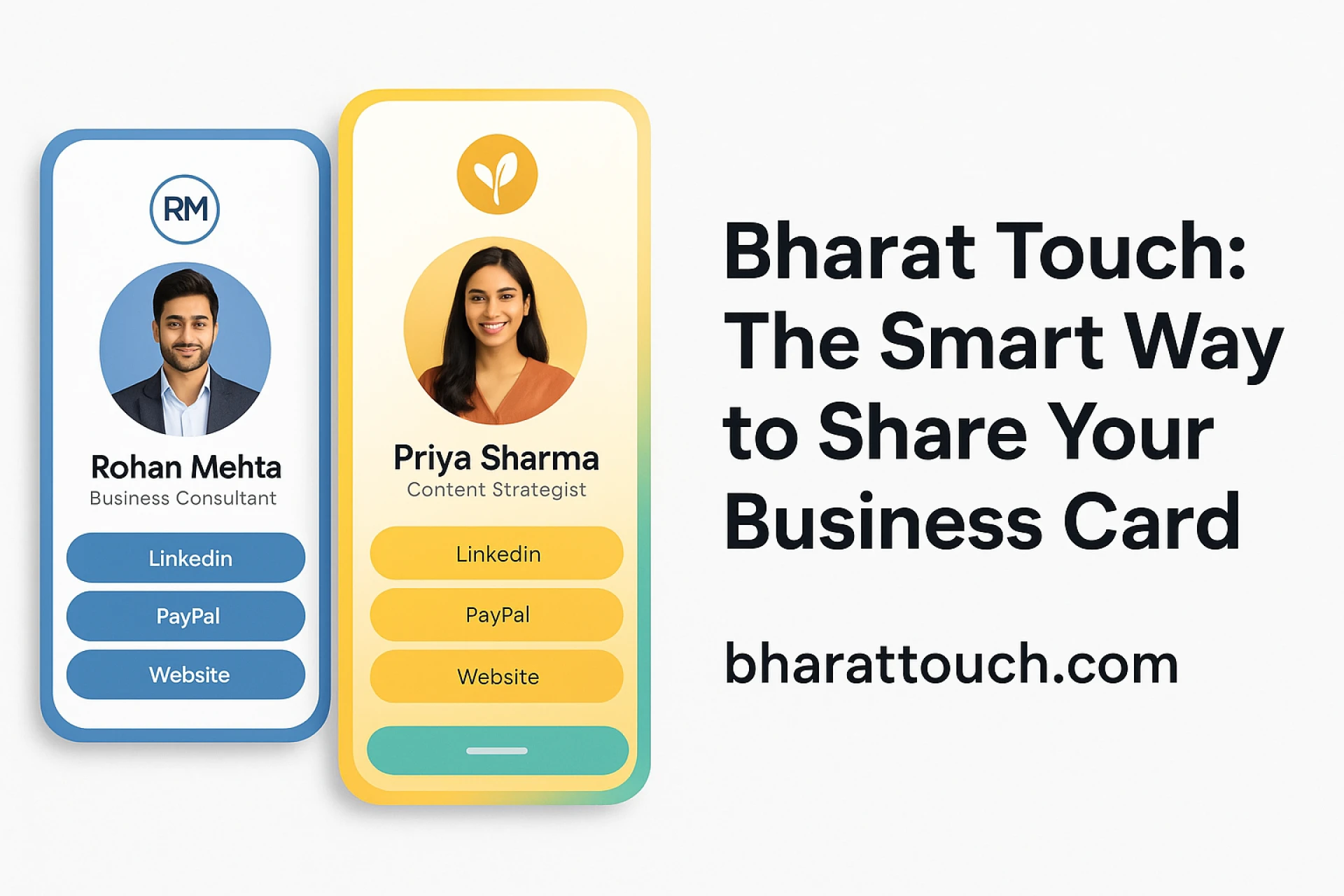

In today’s hyper-connected world, the way we introduce ourselves is evolving. The handshake has turned virtual. The paper card? Mostly obsolete. Now, professionals are learning how to create digital business cards that look better, share faster, and leave a stronger impression. Whether you’re a freelancer, business owner, or corporate executive, building a digital contact card is an essential branding move—and BharatTouch is making it effortless.
What Makes a Digital Business Card So Powerful?
A digital business card does everything a paper card can do—and much more. With BharatTouch, you can:
- Share your card via link, tap, or QR code
- Add links to your website, social media, and WhatsApp
- Include your profile photo, logo, portfolio, and calendar
- Update your details in real-time
Instead of a static piece of paper, your card becomes a dynamic digital identity.
Step-by-Step: How to Create a Digital Business Card
If you’re wondering how to get started, don’t worry. Here’s a simple breakdown using BharatTouch, one of India’s leading digital business card platforms:
 Step 1: Sign Up for Free
Go to BharatTouch and register with your email or mobile number. The platform is beginner-friendly with a clean interface.
Step 2: Add Your Details
Fill in your core information:
- Full Name
- Job Title / Company
- Phone number, email, address
- Website and social links
You can also add custom sections like product catalogs, YouTube videos, or a Google Maps pin.
Step 3: Customize Your Design
Choose from professional templates and color schemes. Upload your brand logo or headshot, and adjust fonts to match your style. A good electronic business card should reflect your brand personality.
Step 4: Generate and Share Your Card
Once done, generate a digital business card QR code. You can download and print it, or share it as a link via email, WhatsApp, or social platforms. Your card is live 24/7.
Step 5: Keep It Updated
The beauty of a virtual business card is its flexibility. Changed your phone number? Got promoted? No problem—just log in and update your details. All previous viewers will see the updated version instantly.
Features That Make BharatTouch Stand Out
There are many digital card platforms out there—but BharatTouch brings a local touch and premium functionality.
Modular Design: Add only the sections you need
Mobile-First Experience: Seamlessly works on all phones
Unlimited Links: Add websites, PDFs, maps, social media, etc.
Analytics Dashboard: Track card views, clicks, and scans
Multi-Language Support: Reach a broader audience
Secure & Private: Your data stays encrypted and safe
Use Cases: Who Needs a Digital Card?
Digital business cards aren’t just for tech companies. They’re being used across industries:
In a world where every interaction counts, a digital contact card ensures your first impression is strong, smart, and shareable.
Pro Tips to Make Your Card Pop
- Use a high-quality profile picture
- Add a short bio or tagline that defines your role
- Include a strong CTA (e.g., “Schedule a meeting,” “Visit my portfolio”)
- Use your card as an email signature or Instagram bio link
- Regularly refresh your content to stay relevant
Final Thoughts
A good business card used to be about clean design and crisp paper. Now it’s about smart features, fast sharing, and brand consistency. With BharatTouch, creating a digital business card isn’t just easy—it’s essential for the modern professional.
Want to build your own?
Create your digital business card with BharatTouch in minutes and transform how you network.


























Sign in to leave a comment.