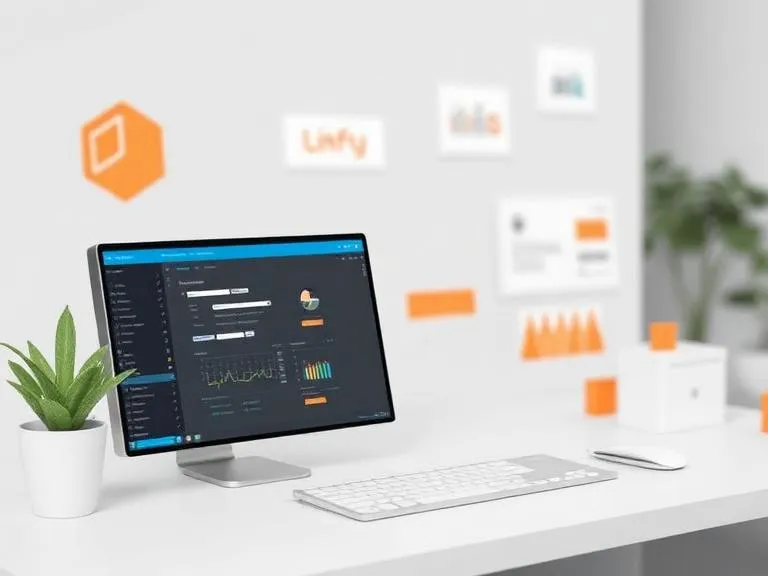

Creating custom automation software without coding is done using no-code platforms that let you build workflows visually instead of writing code. Start by identifying the repetitive process you want to automate, then choose a platform such as Zapier, Make (formerly Integromat), or Microsoft Power Automate. These tools allow you to connect applications by setting triggers (events that start the workflow) and actions (what happens next) using drag-and-drop components, with options to add conditions, filters, and templates for more complex logic. After testing your setup to ensure it runs correctly, you can deploy it to automate tasks reliably, creating a scalable and efficient system tailored to your needs without writing any code.
What Is No-Code Automation Software?
No-code automation software is a type of platform that helps users build automated systems without programming. It does not require writing scripts or code. It allows users to develop automated systems by using either a graphical interface or logic connectors like triggers and actions. The automated systems always work on an “if this, then that” rule.
These platforms work in the same way but offer optional scripting for more complex customization. Real no-code platforms, on the other hand, are developed entirely for non-technologist users.
Such services are commonly utilized by small business owners, freelancers, or start-ups seeking rapid results without requiring additional developer personnel.
Why Businesses Are Choosing No-Code Automation
There is an increasing need for automation, but the current process of software development is expensive, time-consuming, and complex. No-code automation alleviates this situation by providing:
- Deeper deployment without development cycles
- Less expensive relative to custom-developed software
- Simple updates with no need for technical support
- Scalability for growing business needs
- Reduced dependency on developers
This is especially useful for the following departments: Customer Service, Marketing, Sales, Finance, Human Resources, and Operations.
Types of Automation You Can Build Without Coding
With modern no-code tools, you can build a posted range of automation systems, including:
- Email marketing workflows
- CRM automation and lead management
- Data entry and form processing
- Task and project automation
- Invoice generation and payment reminders
- Social media scheduling
- Customer onboarding sequences
- File organization and cloud backups
These systems can be customized to fit your exact workflow.
Read more: How to Create Custom Automation Software Without Coding





























Sign in to leave a comment.