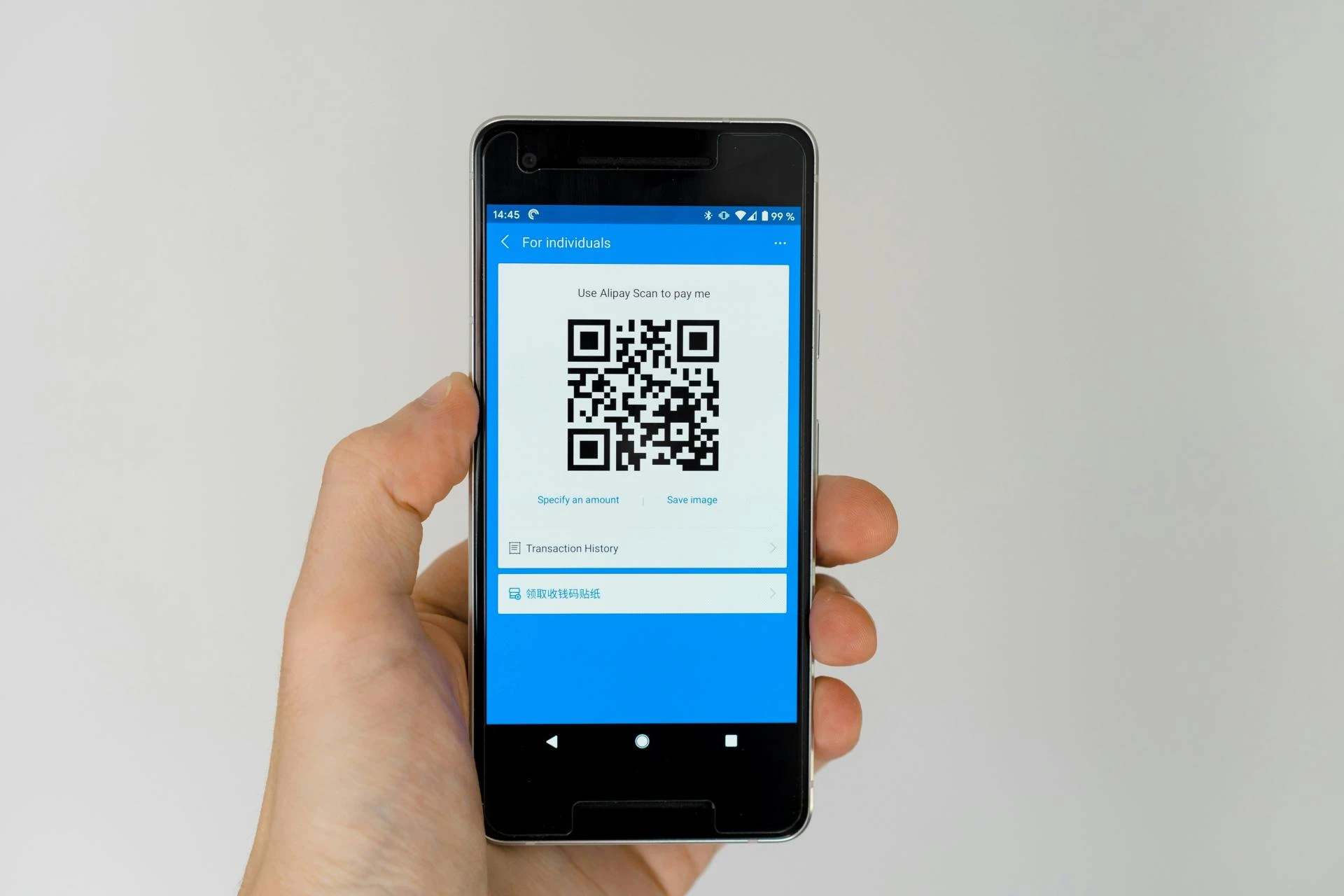

QR codes have become a ubiquitous tool in today’s digital and offline world — from restaurant menus and event tickets to business cards and product packaging. They provide an effortless way for users to access digital content with a simple scan from their smartphone. Whether you’re a small business owner, marketer, or individual creator, knowing how to create QR code efficiently and understanding QR code generator pricing can make a real difference in your engagement strategy.
In this guide, we’ll walk you through the QR code basics, why businesses use them, and how Pageloot helps you create powerful QR codes with clearly defined pricing plans to suit various needs.
What It Means to Create a QR Code
Creating a QR code refers to generating a two-dimensional barcode that stores information — typically a URL — which can be instantly read using a camera on a smartphone or tablet. These codes allow people to leap from physical media to digital content without typing the URL manually.
You can generate QR codes for many purposes, including:
- Linking to websites and landing pages
- Sharing contact information (vCard)
- Linking to app downloads
- Directing customers to Wi-Fi credentials
- Accessing PDFs or downloadable assets
Platforms like Pageloot let you generate QR codes quickly without technical skills. All you need to do is input the content you want the code to point to and download the result.
Free and Paid Options: Finding the Right QR Code Generator Pricing
Before deciding on a tool, it’s important to understand your goals:
- Do you want a simple QR code for basic use?
- Do you need advanced features like tracking and analytics?
- Will you need to edit the destination after printing?
These questions influence what level of QR code generator pricing makes sense for you.
Free QR Code Tools
Many platforms, including Pageloot, offer free QR code creation tools that let you generate static QR codes on the spot, with no strings attached. These are perfect for basic uses where you don’t need scan tracking or editable (dynamic) codes.
With Pageloot’s free tool, you can create a QR code instantly and download it for use — making it a great entry point for beginners or one-off projects.
However, if your needs grow beyond simple link sharing — for example, if you want to track scan performance, edit the destination later, or manage QR codes in campaigns — then paid plans become valuable.
Pageloot Pricing at a Glance
Pageloot’s pricing is structured around different tiers, giving you flexibility depending on your usage and scale. Here’s how the plans compare:
Starter Plan — €5/month (billed yearly)
- Best for personal use
- Create up to 2 dynamic QR codes
- 15,000 annual scans
- 60 days of scan history
- Edit after printing
Premium Plan — €12/month (billed yearly)
- Great for growing businesses
- Create up to 60 QR codes
- 50,000 annual scans
- 180 days of scan history
- Edit after printing
Pro Plan — €36/month (billed yearly)
- Perfect for established businesses
- Create up to 300 QR codes
- 250,000 annual scans
- 1 year of scan history
- Edit after printing
Custom Plan — €99/month (billed yearly)
- Ideal for large enterprises
- Unlimited QR codes
- Unlimited scans and history
- Advanced support and onboarding
Each plan includes editable QR codes — meaning you can update your QR code destination even after printing, making them extremely flexible for long-term campaigns.
Why QR Code Generator Pricing Varies
Many QR code tools have tiered pricing because users have different needs:
- Static QR codes — Usually free and perfect if you don’t need tracking or edits.
- Dynamic QR codes — These require a paid plan because they offer editing and analytics post-creation.
- Advanced features — Analytics, design customization, high-resolution export, campaign reporting, and team access often come with higher tiers.
In Pageloot’s case, as you move up from Starter to Pro and Custom, you gain more QR codes, more scan history, deeper tracking insights, and professional support — which adds real business value.
How to Create a QR Code with Pageloot
Getting started is simple:
- Go to Pageloot’s QR code generator tool (free version available).
- Choose the type of QR code you need (URL, vCard, file, etc.).
- Enter the content you want to share.
- Customize your QR code design (optional).
- Download your QR code in high-resolution format.
Whether you use the free generation tool or subscribe to a paid plan, Pageloot makes the process intuitive and user-friendly.
Use Cases: Where QR Codes Shine
Across industries — from restaurants and retail to events and professional services — QR codes increase engagement by making digital content instantly accessible. Here are some examples of how people use QR codes:
- Menus & Takeout — Let customers view menus without physical contact.
- Events & Conferences — Link to schedules, resources, or registrations.
- Marketing Materials — Add QR codes to flyers, posters, and business cards.
- Product Labels — Provide manuals, instructions, or promotional offers.
These real-world applications demonstrate why QR codes are no longer an optional marketing tool but often a strategic advantage.
Final Thoughts
Understanding how to create QR code correctly and knowing QR code generator pricing options empowers you to make smarter decisions — whether you’re just starting out or scaling your business. From free, one-off static codes to dynamic QR campaigns with analytics and ongoing management, platforms like Pageloot offer flexible plans that grow with your needs.
Try Pageloot’s free QR code generator today and see how easy it is to create professional, trackable QR codes that drive engagement and results.










Sign in to leave a comment.