

Odoo ERP is among the most adaptable and customized ERP software available today. Businesses across industries use Odoo's modular framework to adjust the software to their individual needs. Odoo easily customizes workflow automation, reporting, and UI upgrades to boost business operations. In this article, we'll look at how to adapt Odoo ERP to meet your specific business requirements.
1. Understanding Your Business Requirements
Before you start customizing Odoo, you should first examine your business processes, identify pain areas, and set critical objectives. Consider the following questions: - Which essential business functions need improvement?
- Are there any manual processes that can be automated?
- What integrations are necessary to ensure seamless operations? Once you have a clear grasp of your needs, you may select the appropriate Odoo modules and customization choices.
2. Choosing the Right Odoo Modules
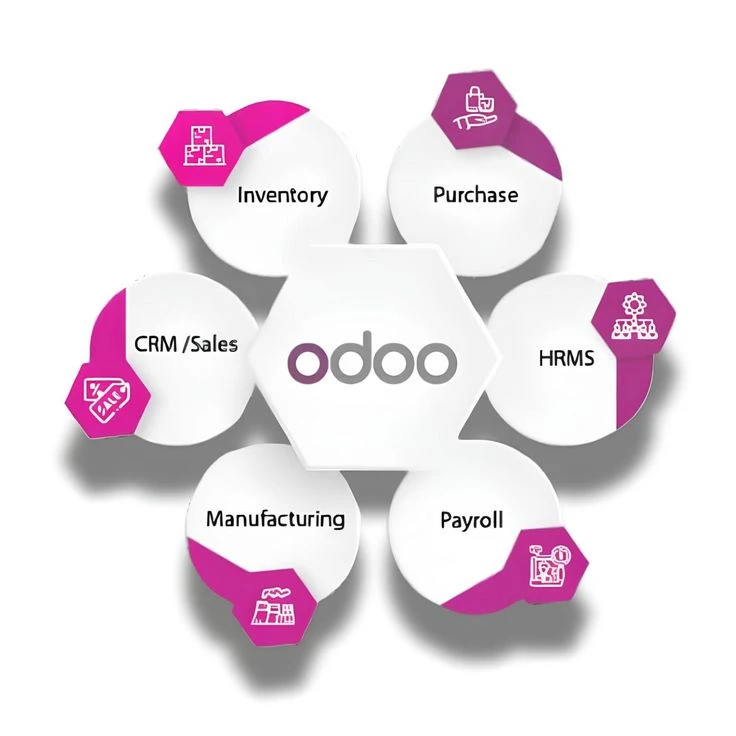
Odoo provides a wide range of modules, including CRM, Sales, Accounting, Inventory, HR, Manufacturing, and more. You can select modules that are relevant to your business operations and further personalize them based on your workflow.
3. Customizing Odoo Workflows
Odoo enables organizations to customize workflows to better fit their operations. Some important customizing choices include:
- Automating approval procedures for sales, purchases, and bills.
- Configuring multi-step inventory processes to match your logistics workflow.
- Developing custom triggers and actions to automate repetitive chores.
4. Modifying the Odoo User Interface (UI)
Your team's usability and efficiency can be improved by customizing the Odoo user interface. Customization possibilities include:
- Adding and deleting fields from forms and dashboards.
- Rearranging menus and visuals to improve navigation.
- Using bespoke themes and branding to ensure consistency
5. Developing Custom Odoo Modules
Custom module development is an excellent choice for firms that demand capabilities beyond what regular Odoo ERP features provide. Developers can create bespoke modules to:
- Add features that are unique to your industry.
- Improve existing features in sales, accounting, or inventory.
- Integrate with third-party applications, such as payment gateways, shipping suppliers, and e-commerce sites.
6. Integrating Third-Party Applications
Odoo enables API interfaces, which enable organizations to interact with other software applications. Whether you need to sync data with an external CRM, e-commerce store, or marketing automation tool, integrating third-party applications guarantees that data is exchanged and processes are automated.






























Sign in to leave a comment.