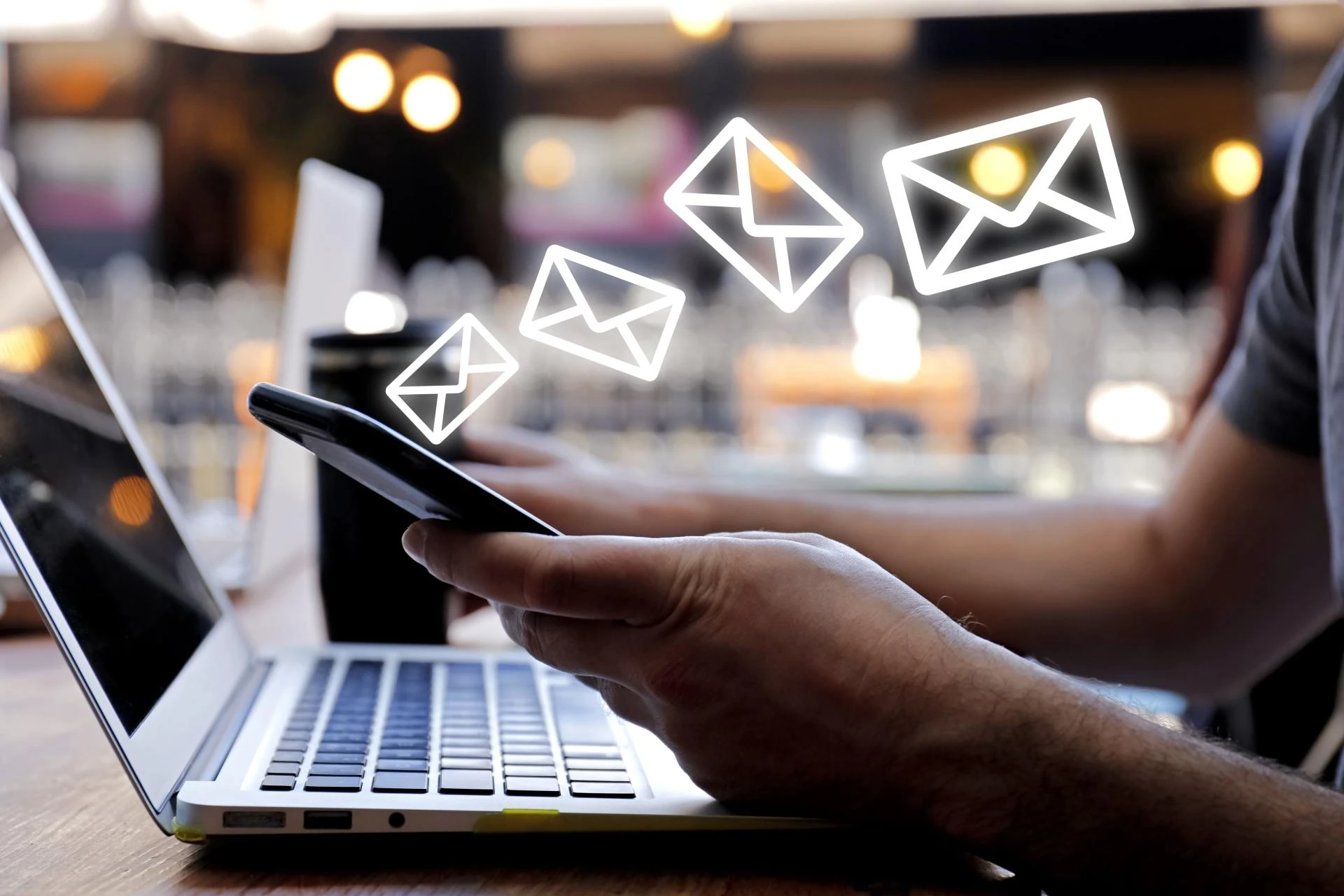

Email is still one of the best ways to talk to people online. You can use it to share news, updates, or even sell products. But here’s the thing—people open emails on phones, tablets, and computers. So your emails must look good on all of them.
Have you ever sent an email that looked great on a laptop but messy on a phone? That happens when your email is not responsive. What is a responsive email? It changes shape and size to fit the screen people use.
Now you may ask, how do I design emails like that? What tools do I need? The answers are simple, and this guide will show you step-by-step how to do it right.
1. Understand What a Responsive Email Is
Responsive emails are those that fit on any device relatively well. Rather, it changes the layout, size, and appearance depending on what screen someone is using to view the email. An email is ignored quickly when it is not responsive. They do not like to read through messy looking content.
If you create responsive emails, you will not even have to worry about design anymore. Images will shrink, the text will fit, and the buttons will click easily. For assistance with designing these kinds of emails, an email marketing design agency would find it convenient.
You make sure everyone has a good reading experience, whether they use a phone or a big computer screen. That’s why responsive design is so important for emails today.
2. Use Simple Layouts That Work Everywhere
You don’t need fancy designs. Simple layouts work better on phones, tablets, and computers. Stick to one column and clear sections.
Here are five easy tips to keep your layout simple and clean:
- Use one column instead of many.
- Keep text short and easy to read.
- Use big buttons for actions like “Buy Now.”
- Add space between sections to avoid clutter.
- Choose easy-to-read fonts and font sizes.
When your layout is clear, readers won’t feel confused. They’ll know what to do next. That’s the key to a great email design.
3. Make Your Email Mobile-Friendly
Use Big Text
Big text is easy to read on small screens. Use at least 14 pixels for the body and 20 pixels for headings.
Keep Buttons Large
Make sure buttons are big enough to tap. Small buttons make it hard for people to click on phones.
Avoid Small Images
Small images might not look clear on larger screens. Always use high-quality images that adjust to different sizes.
Mobile devices are everywhere. If your email looks bad on a phone, people might close it fast. Make it simple and friendly for mobile users.
4. Pick the Right Email Builder Tools
You don’t have to start from scratch. Many email tools help you build responsive emails. These tools give you templates that work well on all devices.
Look for builders that say “mobile responsive” or “drag-and-drop.” They help you create emails with no coding skills. Mailchimp, Canva, and Brevo are good examples. They offer ready-made blocks you can move around easily.
When you use these tools, you save time and avoid mistakes. You also get email previews for phones and computers. That way, you know how your email looks before sending it out.
5. Keep Your Images and Text Balanced
Don’t overload your email with too many images. It can slow down loading times, especially on phones. Keep your text short and to the point.
Here are five tips for balancing your content:
- Use one main image that matches your message.
- Write a short message, no longer than five sentences.
- Make sure images load fast, even with slow internet.
- Use ALT text in case images don’t show.
- Keep your call-to-action clear and visible.
Your email should be clean, not crowded. That way, readers can focus on the main message.
6. Always Test Before You Send
Test on Different Devices
Send test emails to yourself and open them on a phone, a tablet, and a laptop. Check how they look.
Try Different Email Apps
Use Gmail, Outlook, and Apple Mail to test. Some apps change how your email looks.
Ask for Feedback
Show your test emails to a few people. Ask them if it’s easy to read and if the buttons work.
Testing helps you catch problems early. You don’t want to find mistakes after sending your email to 1,000 people.
7. Use Clear Call-To-Action (CTA) Buttons
CTA buttons tell your readers what to do. Maybe you want them to click, buy, or read more. Your button should stand out and be easy to click.
Here are five tips for strong CTA buttons:
- Use short words like “Buy Now” or “Read More.”
- Make buttons big enough for fingers to tap.
- Use bright colors that stand out.
- Place buttons near the top and bottom of your email.
- Don’t use too many buttons. One or two is enough.
A good CTA leads your reader to the next step. Don’t make them guess what to do.
8. Keep Your Subject Line Short and Clear
The subject line is the first thing people see. If it’s too long or confusing, they won’t open the email. You want to grab their attention fast.
Write subject lines that are 30–40 characters long. Be clear about what the email is about. Don’t use tricky words or clickbait. People like honesty and useful info. You can also use emojis, but just one or two. Don’t overdo it.
A good subject line makes people curious. It tells them what they’ll get by opening your email. That’s your first step to success.
9. Stay Consistent With Your Design
Use the Same Colors and Fonts
Your emails should match your brand. Use the same style, colors, and fonts each time. That way, people remember you.
Repeat the Layout
Stick to a layout that works. You don’t need a new design every week. Keep it simple and repeat what works well.
Use a Standard Footer
Add your logo, contact info, and social media in the footer. Keep it the same in every email.
Consistency builds trust. When your readers know what to expect, they feel more comfortable opening your emails.
10. Analyze and Improve After Each Campaign
After you send your email, check how it performed. Look at the number of people who opened it. See how many clicked your button. This info tells you what works.
Most email tools have dashboards with graphs and numbers. Use them. If people don’t click your button, maybe your message was unclear. If many people unsubscribe, maybe you sent too many emails.
Each campaign teaches you something. Use what you learn to make the next one better. Over time, you’ll create stronger, smarter email campaigns that get more results.
Conclusion
Designing responsive emails helps you reach more people. The message will appear just as good on a phone and tablet as on a computer. Just keep a few simple things in mind: a clean design, test it, and strong buttons. And make sure to check the results after sending the email.
But if you use these tools and keep your design simple, your email effectiveness will work better. The emails will get read; buttons will be clicked; actions will be taken. Simple rules in design make the task so much easier. Start now. Try these tips, and see how much your email campaigns will improve.
























Sign in to leave a comment.