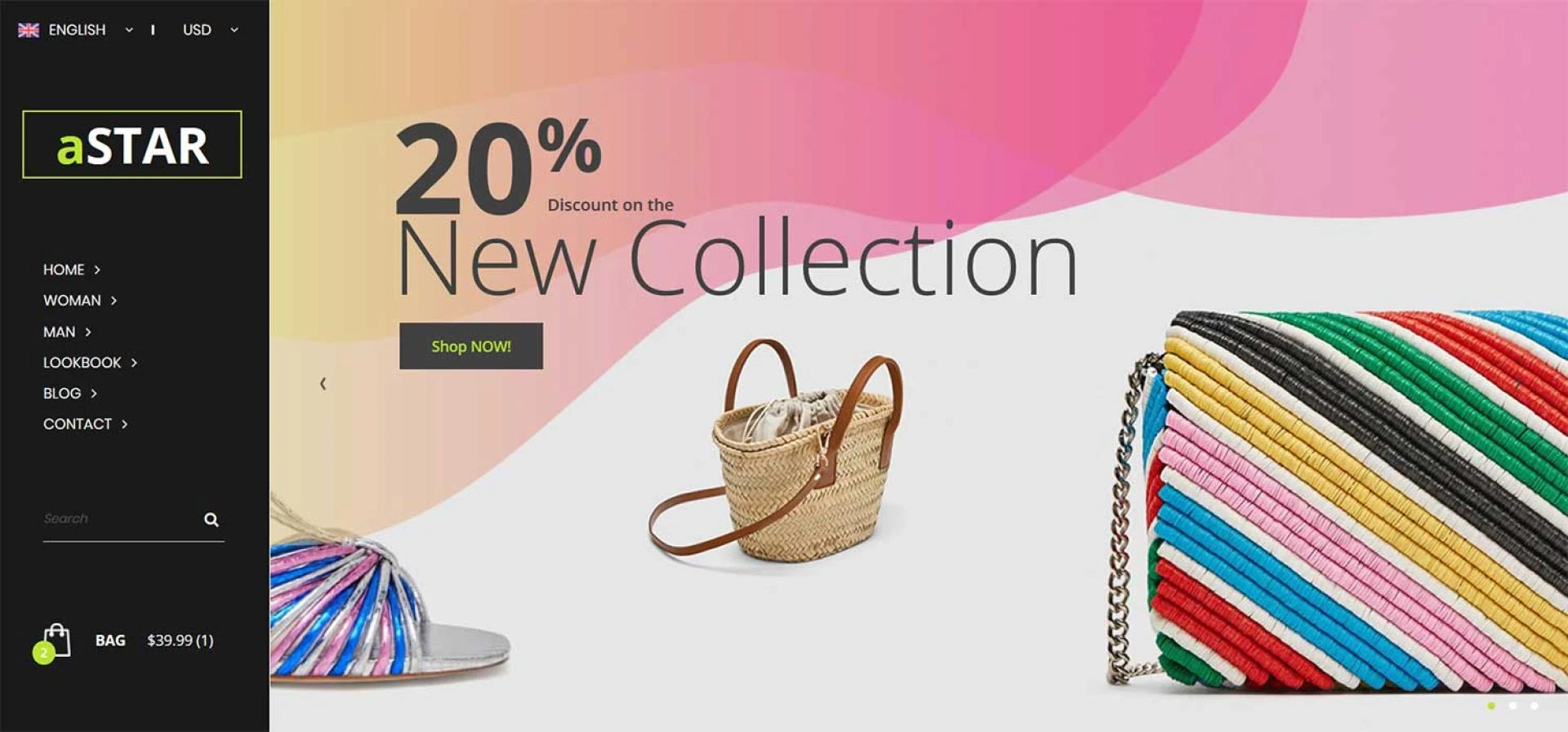

To download a business HTML template for your eCommerce website, follow these steps:
Search for a Template:
Start by searching for business-oriented HTML templates for eCommerce websites. You can use popular template marketplaces or websites that offer free and premium templates. Some popular sources include MG Technologies, ThemeForest, TemplateMonster, and GitHub.Choose a Template:
Browse through the available business website templates and select one that fits your business's style and requirements. Pay attention to factors like responsiveness (mobile-friendly design), features, and customization options.Check Licensing and Usage Terms:
Before downloading any template, make sure to review the licensing and usage terms. Some templates may require payment, while others are available for free. Ensure you understand the terms and restrictions associated with the template.Download the Template:
Once you've found a suitable template, click on the "Download" or "Purchase" button, depending on the source. If it's a free template, you might be able to download it directly. For paid templates, follow the payment process to obtain the download link.Unzip the Template Files:
After downloading the template, you'll likely receive a compressed file (e.g., ZIP or RAR). Extract the contents of the file to your computer using software like WinZip, WinRAR, or built-in extraction tools.Review the Documentation:
Templates often come with documentation that explains how to set up and customize them. Take the time to read through this documentation as it can be very helpful during the installation and customization process.Prepare Your Hosting Environment:
Ensure that you have a web hosting environment ready for your eCommerce website. This typically involves setting up a domain, web hosting account, and a database if required by the template.Upload the Template Files:
Access your web hosting server using an FTP (File Transfer Protocol) client or a control panel provided by your hosting provider. Upload the template files to your server, typically into the "public_html" or "www" directory.Configure and Customize:
Follow the template's documentation to configure and customize it according to your business needs. This may involve changing colors, adding content, setting up product pages, and configuring any plugins or extensions that come with the template.Test and Launch:
Before launching your eCommerce website, thoroughly test it to ensure everything is working correctly. Check for broken links, responsive design on various devices, and the functionality of your online store. Once you're satisfied, you can officially launch your website.Remember to regularly update your template and its components to ensure security and compatibility with the latest web standards. Additionally, be aware of any ongoing support or updates provided by the template's developer or marketplace.











Sign in to leave a comment.