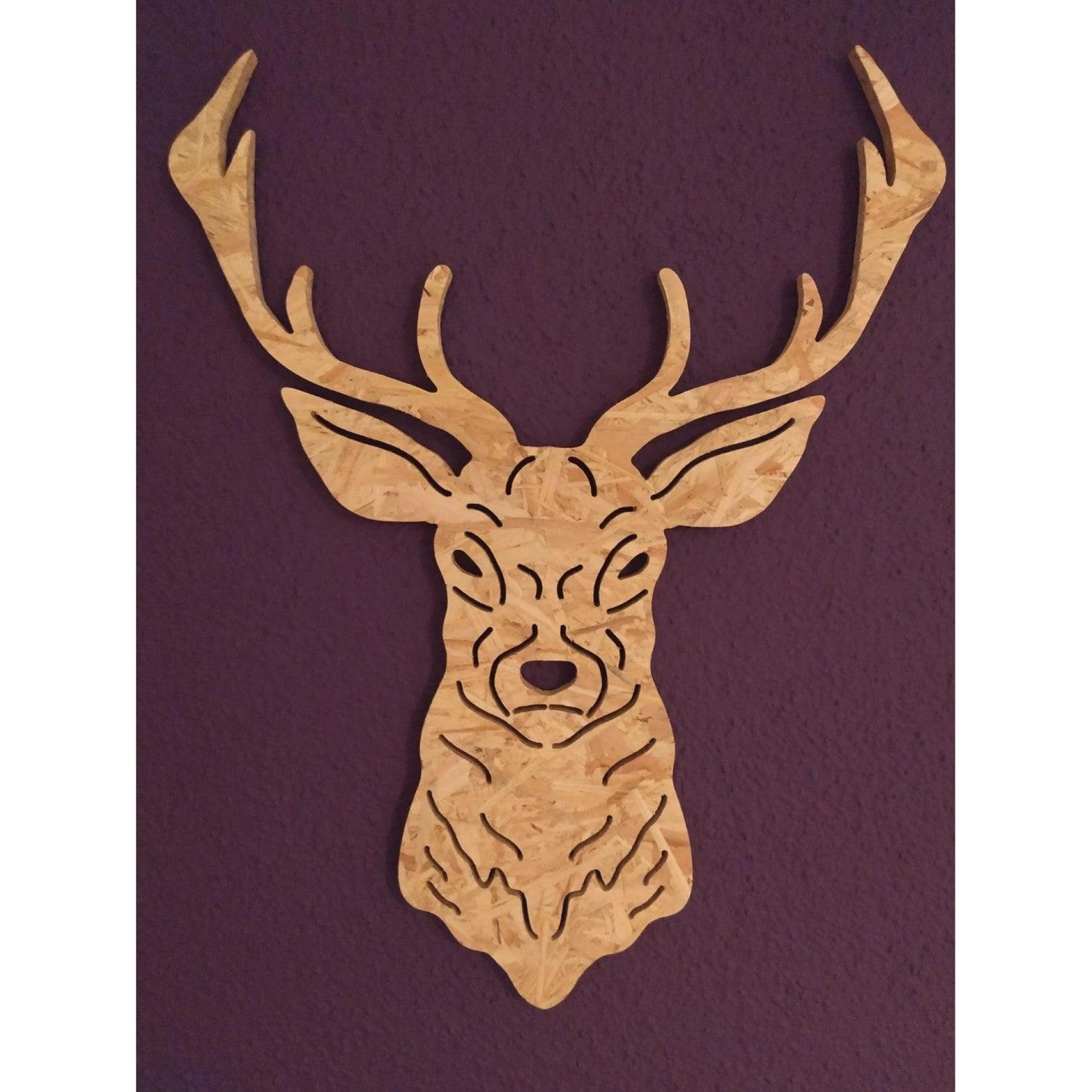

Introduction: What are Dxf Files and How Do You Use Them?
DXF (Drawing Exchange Format) is a file format that was developed by Autodesk in the 1980s for use in their AutoCAD software. It is a widely used format for exchanging information between different design and drafting programs, and is supported by a number of different software applications.
DXF files contain a series of lines, arcs, and other geometric data that describe the shape and appearance of a drawing. They are often used to store technical drawings, blueprints, and other types of detailed graphics.
To use a DXF file, you will need a software program that is capable of reading and interpreting the data contained in the file. Some common programs that support DXF files include AutoCAD, CorelDRAW, and Adobe Illustrator. Once you have a compatible program, you can open a DXF file by selecting the "Open" command from the File menu and selecting the DXF file you want to open.
Best Free Dxf File Converters
Here are some free DXF file converters that you can use:
AnyConv - This online converter allows you to convert DXF files to a variety of different formats, including JPG, PNG, PDF, and SVG.FreeCAD - This is an open-source 3D modeling program that can also be used to convert DXF files to other formats.Inkscape - This is a free vector graphics editor that can be used to import DXF files and save them in a different format, such as SVG or EPS.LibreCAD - This is another open-source program that can be used to view and edit DXF files, and it also includes the ability to save files in a different format.AutoCAD - While this is not a free program, AutoCAD does offer a free trial version that can be used to view and convert DXF files.It's worth noting that some of these programs may have limited capabilities when it comes to converting DXF files, and they may not support all possible output formats. In general, it's a good idea to try out a few different programs to see which one works best for your needs.
Which are the Best Slicers to Use with Free Dxf Files?
A slicer is a software program that converts a 3D model into a series of instructions that a 3D printer can follow to build a physical object. There are many slicer programs available, and the best one for you will depend on your specific needs and preferences.
Here are a few slicers that are popular among users of DXF files:
Cura - This is a free, open-source slicer that is known for its simplicity and ease of use. It is compatible with a wide range of 3D printers, and it can import DXF files as well as other common 3D model formats.Slic3r - This is another free, open-source slicer that is popular among 3D printing enthusiasts. It has a wide range of advanced features and is highly customizable, making it a good choice for more experienced users.Simplify3D - This is a commercial slicer that is known for its fast slicing speeds and advanced customization options. It is widely used by professional 3D printing service providers and has support for a wide range of 3D printers.Ultimaker Cura - This is the slicer developed by Ultimaker, a leading manufacturer of 3D printers. It is similar to the original Cura slicer, but has some additional features and is optimized for use with Ultimaker printers.In general, it's a good idea to try out a few different slicers to see which one works best for your needs. Some slicers may have more advanced features or be better suited to certain types of 3D printers, so it's worth taking the time to find the one that is the best fit for you.
What is CAD Software and How Does it Differ from a Slicer?
CAD (Computer-Aided Design) software is a type of program that is used to create and modify technical drawings and other types of technical graphics. It is commonly used in a variety of fields, including architecture, engineering, and manufacturing.
CAD software allows users to create precise 2D and 3D drawings using a variety of tools and features, such as lines, circles, arcs, and splines. It also includes advanced features such as dimensioning, annotating, and layers, which allow users to create detailed and accurate drawings.
A slicer, on the other hand, is a type of software that is used to convert a 3D model into a series of instructions that a 3D printer can follow to build a physical object. It takes a 3D model as input and generates a set of g-code instructions that the 3D printer can use to build the object layer by layer.
In general, CAD software and slicers serve different purposes and are used for different types of tasks. CAD software is primarily used for creating and modifying technical drawings, while slicers are used to prepare 3D models for 3D printing. However, some software programs, such as AutoCAD, include both CAD and slicing capabilities.
Considerations Before Using a CAD Software with Free DxF Files
Here are a few things to consider before using a CAD software with free DXF files:
Compatibility - Make sure that the CAD software you are using is compatible with DXF files. Some software programs may not support DXF files, or they may not be able to import certain types of data contained in DXF files.License - If you are using free DXF files, make sure that you are using them in accordance with the terms of the license under which they are provided. Some free DXF files may have restrictions on how they can be used, such as requiring attribution or prohibiting commercial use.Quality of the file - Some free dxf files downloads may be of lower quality or have errors that can cause problems when you are working with them. It's a good idea to check the quality of the file before using it to make sure that it will work as expected.Features and capabilities - Consider the features and capabilities of the CAD software you are using to make sure that it has the tools and functionality you need to work with the DXF file. Some software programs may have more advanced features than others, which can be useful for more complex projects.User experience - Consider your own level of experience and comfort with using CAD software. If you are new to using CAD software, you may want to look for a program that is more user-friendly and has good documentation and support resources.conlusion-
To download free DXF files for your 3D printing projects, you can try searching online for websites that offer free downloads of 3D models in the DXF format. Some examples of websites that offer free DXF files include Thingiverse, GrabCAD, and MyMiniFactory. You can also try searching for specific keywords related to the type of 3D model you are looking for, such as "free 3D printable STL files" or "free 3D printable CAD models". Another option is to use a search engine to find websites that offer free DXF files for download. Some websites may require you to create an account or register before you can download the files, while others may allow you to download them without any registration.
0










Sign in to leave a comment.