

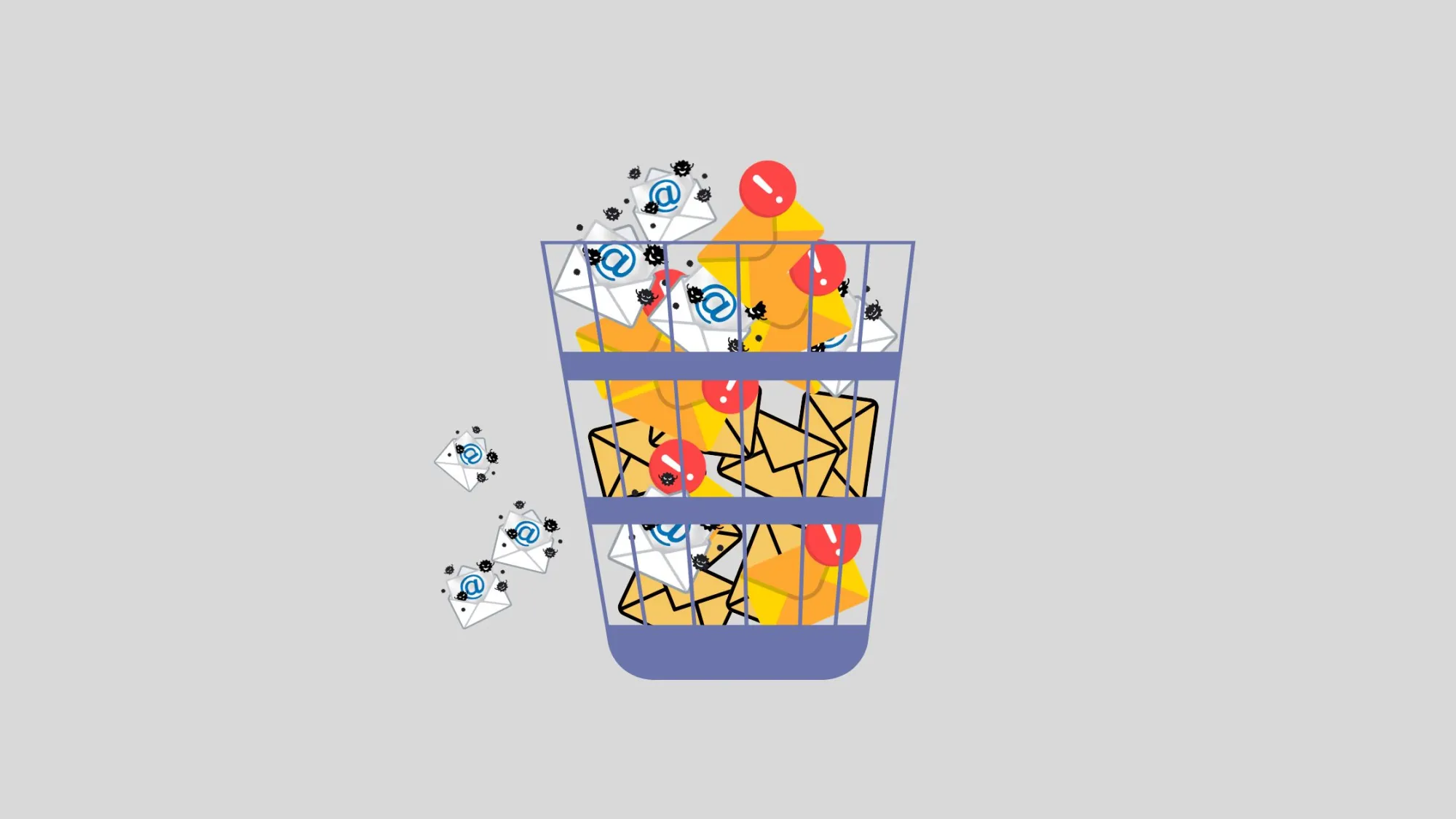
Nearly one in four email records goes bad every year. That's not a typo. Industry research suggests email marketing databases can decay by approximately 22.5% annually, which means the list you built last year is already losing value today.
If your open rates are declining or your bounce rate is increasing, inactive addresses may be the cause. Here’s how to identify and remove them, and maintain a healthy database using a reliable email verifier and consistent practices.
Why Inactive Emails Pile Up in the First Place
Lists don't decay because you did something wrong. They decay because people's lives change. In B2B environments, job changes are a primary cause of list decay, since former work addresses are deactivated the moment someone leaves a company.
Mergers, rebrands, and domain migrations can retire old addresses or change mail routing, making valid contacts unreachable. Disposable addresses used for downloads or free trials, along with common signup typos, also contribute to list decay from multiple sources.
Another issue is that some subscribers still receive your emails but never engage. These accounts continue to accept messages, often because the owner has switched to a different inbox.
Signs Your List Has Inactive Addresses
You do not need advanced tools to identify early warning signs. Look for:
- A rising bounce rate across recent campaigns
- Open rates that have flatlined or dropped over several sends
- A growing segment of contacts who haven't clicked anything in six-plus months
- Spam complaints ticking up even though your content hasn't changed
- Inbox providers routing more of your mail to promotions or spam folders
One of these signs alone may not be significant, but if several appear together, your list likely needs cleaning.
Step 1: Run a Bulk Email Verification Tool Before You Touch Anything Else
Before removing any contacts, verify your entire list. A bulk email verification tool checks each address for syntax errors, domain validity, mailbox existence, and risk factors such as disposable or catch-all domains.
This step is important because engagement data alone does not identify all issues. Some addresses are invalid even if they have not generated a hard bounce. An effective email verification tool flags:
- Invalid or misspelled domains
- Disabled or non-existent mailboxes
- Disposable and temporary email services
- Role-based addresses like info@ or sales@
- Catch-all domains where individual mailbox status is uncertain
Run this check at least quarterly and always before major campaigns. Cleaning your list proactively is more cost-effective than repairing your sender reputation after a bounce spike.
Why Role-Based and Catch-All Addresses Deserve Extra Scrutiny
Role-based accounts are often shared and typically generate lower engagement, while catch-all domains make it difficult to confirm if a specific mailbox is monitored. Neither should be removed automatically, but both require additional review during verification.
Step 2: Layer In Engagement Data
Verification identifies which addresses can receive mail, but not which recipients are interested. This is where your send history becomes valuable.
Generate a report of contacts who have not opened or clicked in the past 90 to 180 days and compare it to your verification results. Unverifiable and disengaged addresses should be removed. Verified but inactive addresses require a different approach, as outlined in the next step.
Step 3: Try a Re-Engagement Campaign Before You Delete
Do not immediately remove disengaged but valid subscribers. First, send a brief re-engagement sequence of two or three emails asking if they wish to continue receiving communications, possibly including an incentive.
Subscribers who open, click, or reply should be returned to your active segment. Those who do not respond should be added to a suppression list or removed. This approach prevents accidental removal of subscribers who may simply be busy.
Step 4: Remove, Suppress, or Archive
After combining verification, engagement, and re-engagement data, categorize contacts as follows:
- Remove permanently — invalid, non-existent, or hard-bounced addresses confirmed by your verification tool
- Suppress — valid but unresponsive contacts who ignored your re-engagement attempts
- Keep active — verified addresses showing recent opens, clicks, or replies
Suppression lists are important because they allow you to exclude contacts from regular communications without deleting their history, which is useful for compliance and potential future reactivation.
Step 5: Build Verification Into Your Regular Workflow
A single cleanup provides only temporary results. Because lists decay continuously, ongoing verification is necessary. Regular bulk email verification identifies deliverability risks before they impact campaign performance, and scheduled checks support long-term list hygiene.
Implement double opt-in at signup to require new subscribers to confirm their address, which helps prevent fake registrations and typos. Establish a quarterly re-engagement campaign, so list maintenance becomes a manageable routine rather than a reactive crisis.
The Bottom Line
A smaller, verified list consistently outperforms a larger list with inactive addresses. Using a reliable email verifier, incorporating engagement data, and offering disengaged subscribers a chance to re-engage helps maintain your sender reputation and ensures accurate metrics.
The effectiveness of your next campaign depends on the quality of your list. When was the last time you reviewed yours?
References
- ExactVerify, "Email List Decay Explained: Causes, Impact and Solutions"

























Sign in to leave a comment.