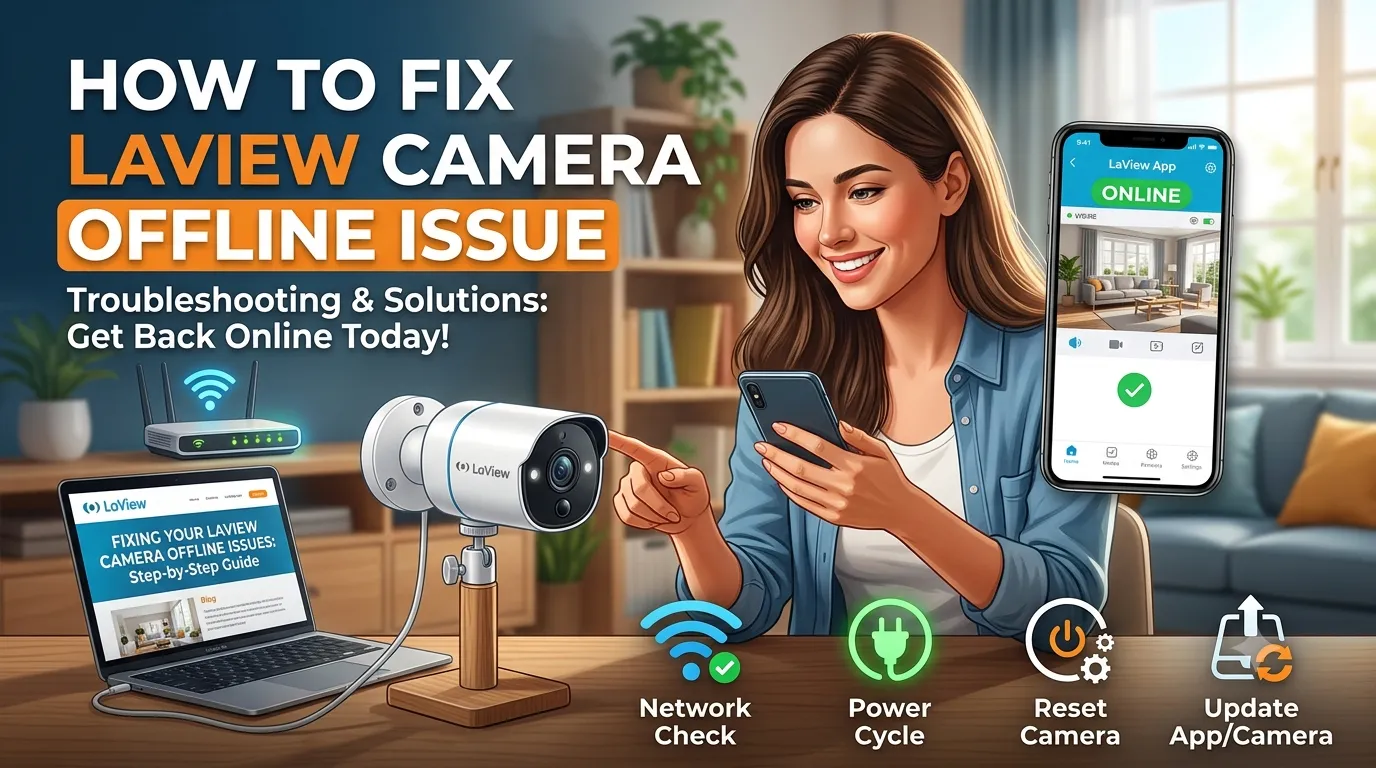
How to Fix LaView Camera Offline Issue

A camera making an unusual sound can be annoying, especially when you expect quiet monitoring. If your Laview Camera making noise issue appears, check the basics before assuming the camera is damaged.
- Pay close attention to the sound. A voice prompt, alert tone, or startup sound may be typical.
- Verify the location of the camera. Vibrations may be caused by loose mounting, particularly if the surface is unstable or the camera moves.
- Verify that nothing is in contact with the camera. Normal sounds can occasionally appear louder due to nearby walls, wiring, or shelves.
- Listen once more after restarting the camera. After a new start, a transient motor or software problem can go away.
- Test movement if your model has a moving lens. If you hear a clicking or grinding sound while moving, you might need to pay more attention.
- Examine the cable and power adapter. Unusual noises, alarms, or frequent restarts might all be signs of unstable power.
- Keep the camera away from strong heat and moisture. Poor placement can affect normal operation and may cause other problems.
- If the camera shows as a Laview Camera offline, check your WiFi first. Restart the router and see whether other devices connect normally.
- Move the camera closer to the router for testing. If it comes online nearby, the original location may have a weak signal.
- Open the app and check for firmware or device updates. An update may fix connection problems.
- If the camera stays offline, restart both the camera and router, then reconnect through the app if needed.
- If a loud mechanical noise continues, stop forcing the moving parts. Check the manual or contact support for help.
Whether you are dealing with a Laview Camera making noise problem or Laview Camera offline status, simple checks can often clearly show where the issue starts. A careful check can help you decide what to try next.
For more details visit our website.




Sign in to leave a comment.