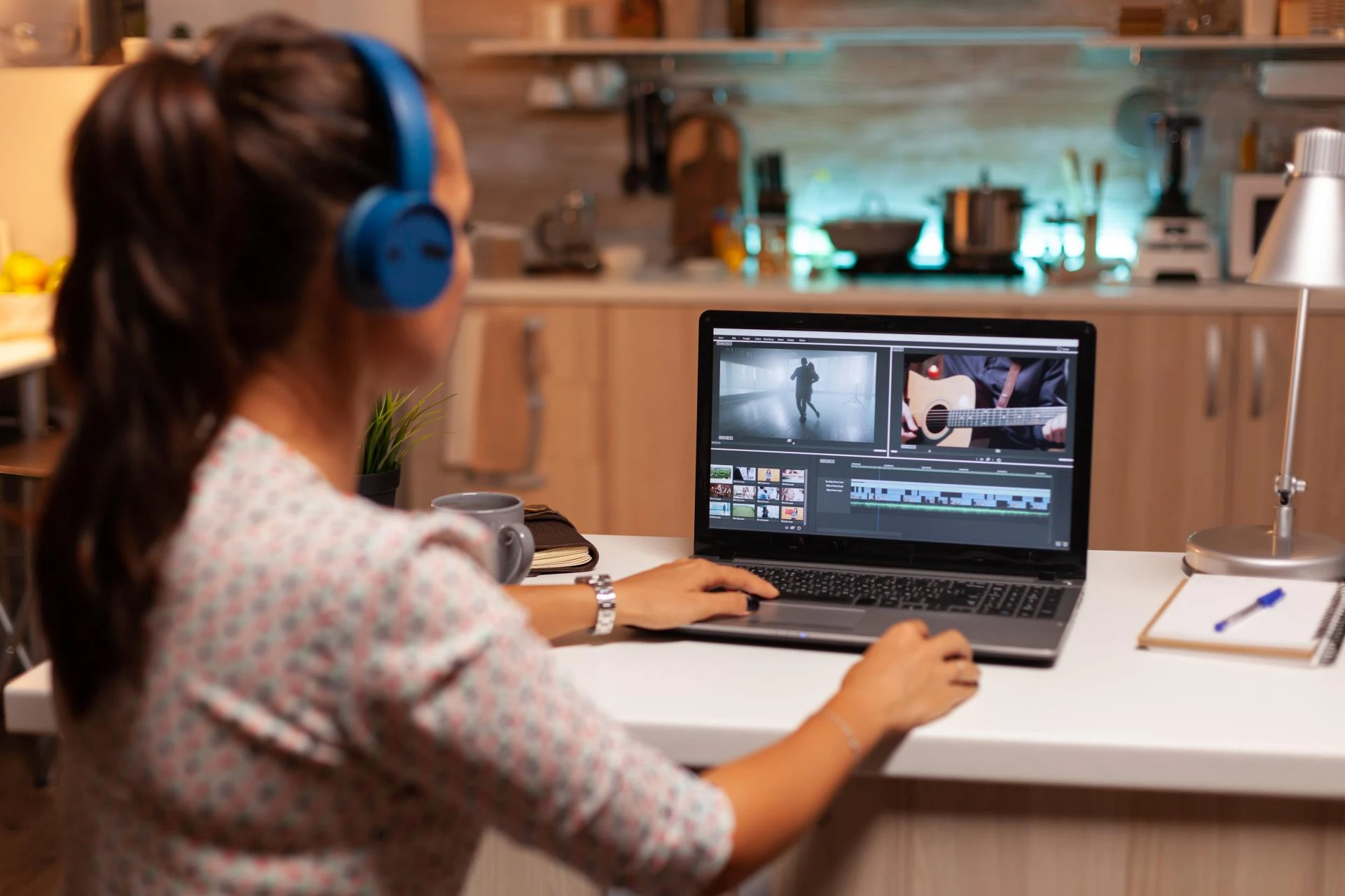

You want professional videos, but your wallet says "No"? Been there and done that. In India, video editing costs way less than in other countries. Like, 60-80% less! You can get a 30-second video edited for just ₹500 to ₹5000. That's crazy affordable compared to what people pay in the US or Europe. But there's more.
Why Video Editing Doesn't Have to Cost a Fortune
Think video editing is expensive? Think again. Indian editors charge ₹300 to ₹2000 per hour. Compare that to Western rates. It's like comparing a local train ticket to a flight ticket. Huge difference!
Small businesses spend ₹1000-8000 per video. Agencies? They charge ₹5000-25000. Ouch. But here's the secret. You don't always need agencies. Sometimes, you don't even need to hire anyone.
Tools That Work
DaVinci Resolve: Completely free. No watermarks. No hidden costs. Hollywood uses it. You can too. But here's the catch. It's complex. Really complex. Give it time, though.
HitFilm Express: Want special effects? This is your guy. • Totally free • Easy to learn • Good for YouTube videos • Lots of help online
Clipchamp: Need something fast? Really fast? This works in your browser. No downloads. Just open and edit. Perfect for: • Instagram reels • Quick business videos • When you're in a hurry
Filmora: Costs ₹2,299 per year. That's less than ₹200 per month. • Easy to use • Lots of effects • Good customer support • Perfect for beginners
Movavi: Pay once. Use forever. Around ₹3,500. No monthly fees. No yearly payments. Just buy it and forget it.
Finding Good Freelancers
MrSolvo.com – one of the best freelance platforms to hire freelance video editors. They have approved freelance experts with upfront pricing and portfolios. You get quality people for both short and long-term work in your budget.
Other places: • Fiverr • Upwork • Truelancer
How to Not Get Fooled
Good Signs: • Shows previous work • Responds quickly • Asks smart questions • Gives realistic timelines
Bad Signs: • No portfolio • Too cheap (yes, that's bad) • Promises everything • Poor communication
Money-Saving Tips
• Give them organized files • Be clear about what you want • Book multiple videos together • Build long-term relationships
Budget Computer Tips
Your computer matters. But it doesn't have to be expensive.
Cheap Setup (₹40,000-60,000)
This works fine: • AMD Ryzen 5 processor • 16GB RAM • SSD for speed • Basic graphics card
Better Setup (₹80,000-1,20,000)
This works great: • AMD Ryzen 7 or Intel i7 • 32GB RAM • Bigger SSD • Better graphics card
Laptop Options
Acer Aspire 5 • HP Pavilion Gaming • Lenovo IdeaPad Gaming
Smart Tricks to Save Money
Want to look professional without spending like crazy? Here's how.
Use Templates Make templates once. Use them forever. • Intro animations • Lower thirds • End screens • Color schemes
Audio Hacks Good audio = professional video. • Use YouTube's free music • Record voice on your phone • Learn basic audio mixing
Color Magic Download free LUTs (color presets). Apply them. Instant cinema look.
Work Smart, Not Hard
• Edit small files first, render big files later • Reuse successful video structures
• Build your own asset library • Learn keyboard shortcuts
You don't need ₹50,000 software to make great videos. You don't need a ₹2,00,000 computer either. Good stories beat expensive equipment. Always. Your smartphone probably shoots better video than cameras from 10 years ago.
The Indian market is growing fast. Video content is everywhere. Your competition is already making videos. So, what are you waiting for? Start today. Start small. But start. Your audience is waiting. Your business needs it. Your creative side is screaming for it. Time to make some video magic. Without going broke.




























Sign in to leave a comment.