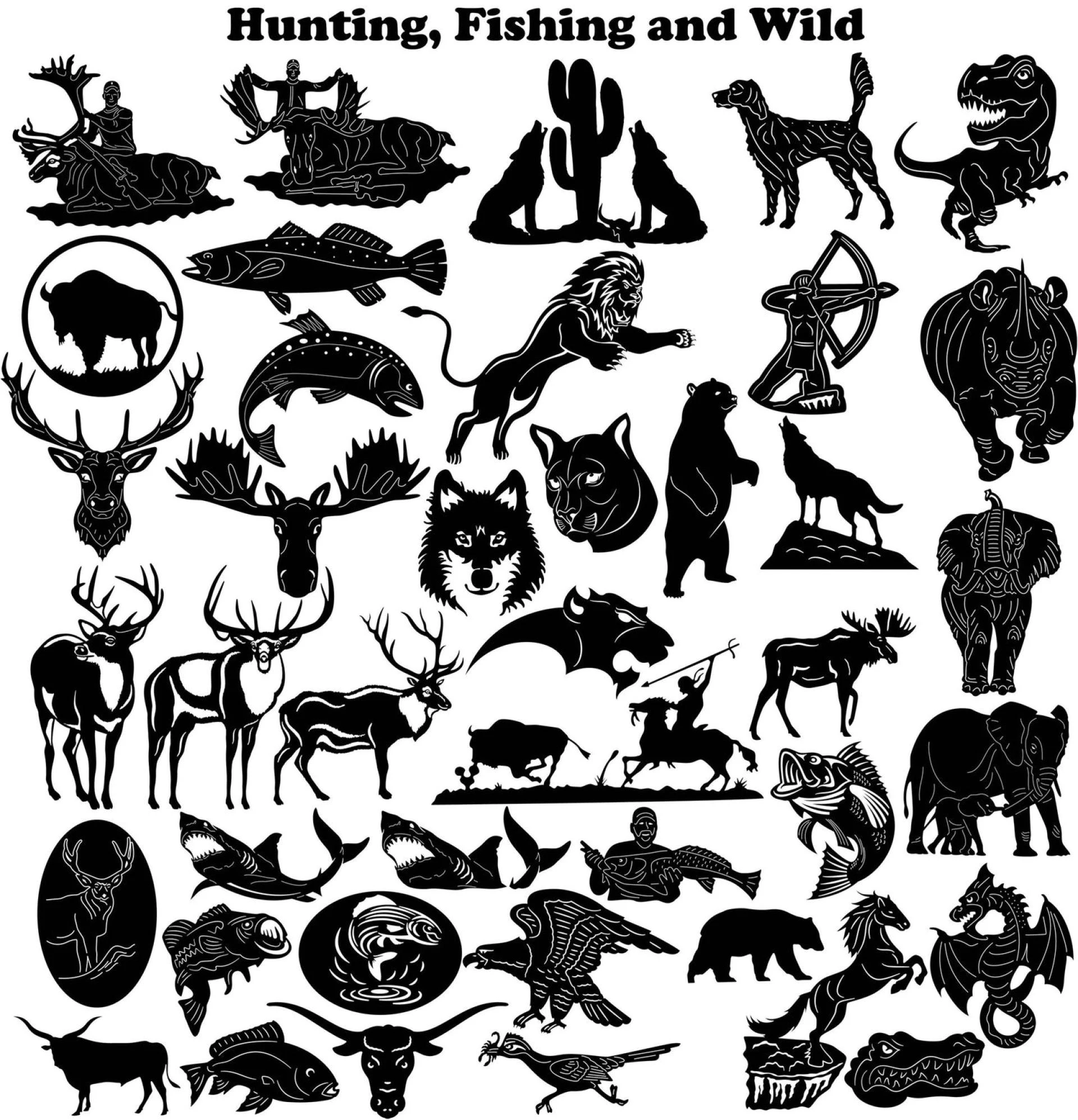

Introduction:
Scrapbooking is a creative way of preserving memories and capturing moments in time. It's a fun way to express your artistic flair and showcase your favorite photos. One of the many ways to add a unique touch to your scrapbooking projects is by incorporating free DXF files. DXF (Drawing Exchange Format) files are commonly used in CAD (Computer-Aided Design) software and are compatible with most cutting machines, including Cricut and Silhouette. In this article, we'll guide you on how to incorporate free DXF files into your scrapbooking projects.
Finding Free DXF Files for Scrapbooking
Before we dive into how to incorporate DXF files into your scrapbooking projects, we need to find some free DXF files. There are several websites that offer free DXF files for personal use. Some of these websites include DXF for CNC. You can search for a specific theme or subject that suits your scrapbooking project.
Incorporating DXF Files into Scrapbooking Projects
Once you have found the DXF files you want to use, the next step is to incorporate them into your scrapbooking project. To do this, you will need a cutting machine that is compatible with DXF files. Most cutting machines have software that allows you to upload and edit DXF files. The steps to upload a DXF file may vary depending on the software and machine you are using. However, here are the general steps:
Step 1: Download the DXF file and save it to your computer.
Step 2: Open the cutting machine software and click on "upload" or "import."
Step 3: Select the DXF file you want to use and click "open."
Step 4: Adjust the size and orientation of the DXF file as needed.
Step 5: Send the file to the cutting machine and let it do its job.
Once you have the DXF file cut out, you can use it to decorate your scrapbook page. You can use glue or double-sided tape to attach the DXF file to your scrapbook page. You can also use foam tape to add dimension to your project.
Conclusion:
Incorporating DXF files into your scrapbooking projects is a fun and easy way to add a unique touch to your pages. By finding free DXF files and using them with your cutting machine, you can create custom embellishments and designs that will make your scrapbook pages stand out. It's a great way to unleash your creativity and showcase your favorite memories. So why not give it a try and see how incorporating DXF files into your scrapbooking projects can enhance your creativity?










Sign in to leave a comment.