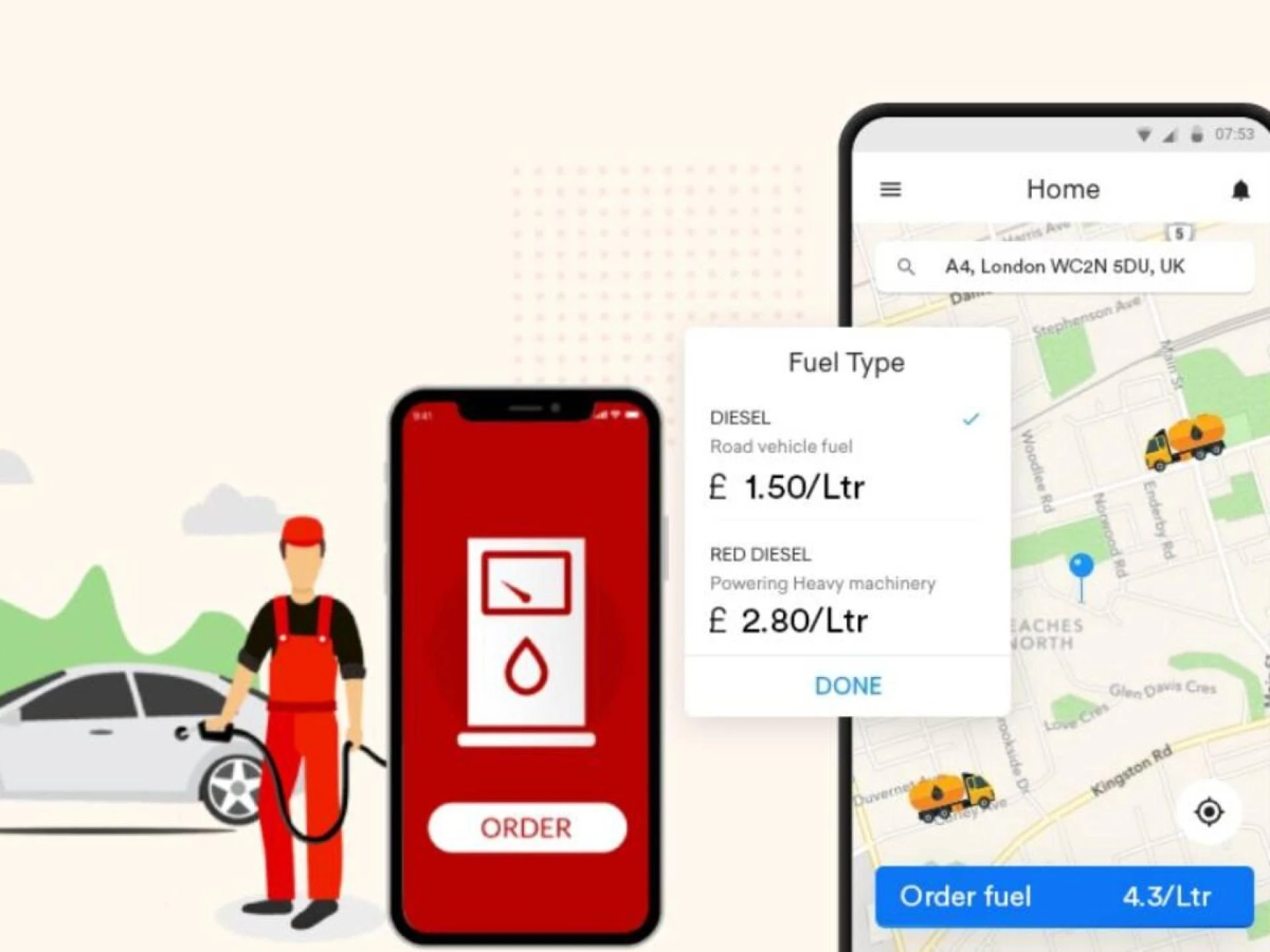

It\'s really important to make sure that a fuel delivery app works well and is easy to use. If you\'re making a new app or trying to make an old one better, there are some important things to focus on. Here\'s how you can make your fuel delivery app work even better:
Improve App Speed and Responsiveness
Make your code better: First, improve your code to make it run faster. Get rid of any unnecessary steps and simplify complicated processes. This will make your fuel delivery app work quicker. Clear and organized code is really important for making a great app.
Use Efficient Data Structures: Make sure to pick the right tools for handling data in your app. For instance, using hash tables can help you quickly find data, which can make your fuel delivery software run faster, especially when dealing with lots of information.
Minimize API Calls: To make your on-demand fuel delivery app run faster, try to reduce the number of times it talks to other programs. You can do this by bundling up your requests or by using faster ways to connect. This will help make things speedier and work better overall.
Enhance User Interface (UI) and User Experience (UX)
Simplify Design: It\'s important to have a neat and easy-to-use design for a good user experience. Make sure your fuel delivery app is simple and user-friendly, with quick access to important features. Don\'t add too much stuff on the screen that\'s not needed, so people can easily find their way around.
Optimize Graphics: Make sure to use smaller and compressed images to help your app load faster. This is really important for making sure your gas delivery app runs smoothly and people can get the info they need quickly.
Improve Navigation: Make sure it\'s easy to find your way around in the fuel delivery app. People should be able to quickly book fuel deliveries, track orders, and manage their account. Having a well-organized navigation system makes users happy.
Leverage Caching
Cache Data: Implement using caching to save often-used data on your device. This way, you won\'t have to keep asking the main server for the same information, which will make your app much faster. For example, you can save recent fuel orders or user preferences to make the app respond more quickly.
Use Local Storage: Use local storage to store important data on your device. This is helpful for people with slow internet because it ensures they can still use the app even if their connection is spotty.
Ensure Scalability
Load Balancing: Make sure to distribute the incoming traffic evenly across different servers using load balancing. This helps prevent one server from getting too busy and ensures that your fuel management software can handle different levels of traffic without any problems.
Cloud Services: Consider utilizing cloud services with auto-scaling capabilities to ensure your fuel delivery app automatically adjusts resources based on demand, optimizing performance during busy periods.
Optimize Backend Performance
Database Optimization: Maintain and optimize your database regularly to ensure quick access to information. This involves indexing commonly accessed fields and adjusting database queries for better performance. Efficient database management is crucial for high-performance fuel distributor software.
Server Optimization:Keep your server well-configured to handle the demands of your fuel delivery app. Update and patch server software regularly to prevent performance issues and security vulnerabilities.
Monitor and Analyze Performance
Performance Monitoring Tools: Keep an eye on how well your app is doing by using tools like New Relic or AppDynamics. These tools can help you figure out where your app is getting stuck and give you ideas on how to make it better.
User Feedback: Get feedback from users and understand their experiences. This will help us find any problems and fix them quickly. It\'s important to do this to keep our fuel delivery app awesome!
Implement Security Best Practices
Secure Data Transmission: Make sure your app uses HTTPS to keep information safe when it\'s sent between the app and servers. This keeps things like payment details and user data protected from being hacked.
Regular Security Audits: It\'s important to check for security problems in your app regularly. This helps to make sure your fuel delivery app is safe and that user information is always protected.
Optimize for Different Devices
Cross-Platform Testing: Test your fuel delivery app on different types of phones and computers to make sure it works well for everyone. This means checking that it looks good and works properly on screens of all sizes and resolutions.
Adapt for Screen Sizes: Design your app to adapt to various screen sizes. This ensures a seamless experience for all users, whether they are using a smartphone, tablet, or desktop.
Partner with Experts for Optimal Performance
Partnering with Guru TechnoLabs a leading fuel delivery app development company can make a big difference. They are experts in developing fuel delivery apps and can help optimize your app to work better. Their team is great at customizing solutions to make your app run smoothly. They can improve performance, create user-friendly interfaces, and make sure everything behind the scenes works well too. Working with Guru TechnoLabs means you can benefit from their knowledge and skills to make your app top-notch and give users a great experience.
Conclusion
It\'s really important to make sure your fuel delivery app runs smoothly and works well for users. You can do this by focusing on things like how fast the app is, how it looks, and making sure it\'s secure. By doing this, you can make sure your app works well even when lots of people are using it.
Getting help from experts like Guru TechnoLabs can make your app even better. They have a lot of experience in making fuel delivery apps, and they know how to make them work really well. With their help, you can make a great app that people will love to use.










Sign in to leave a comment.