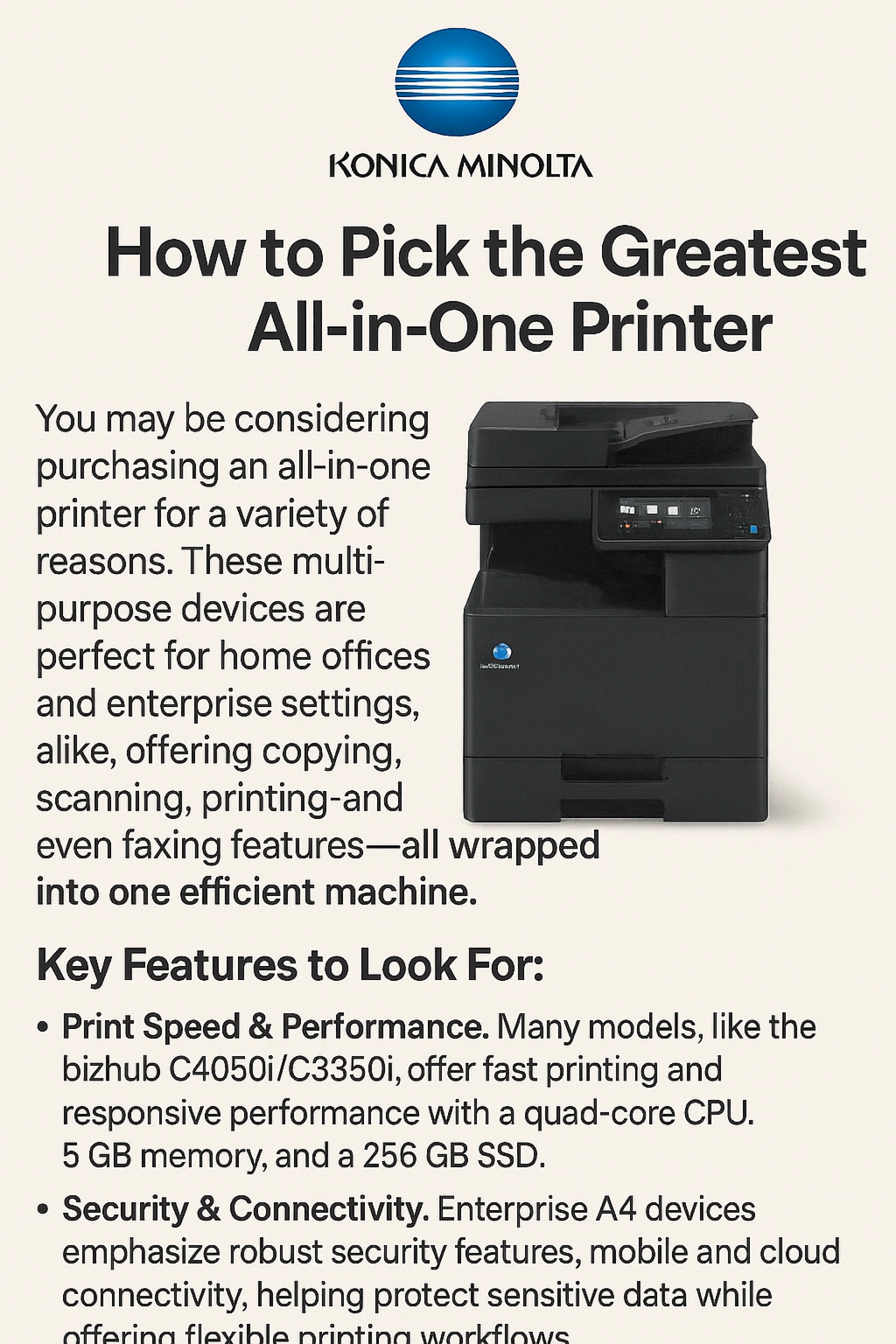
You may be considering purchasing an all-in-one printer for a variety of reasons. The end-user can use these multipurpose devices for tasks including copying, scanning, and faxing. All-in-one printers are becoming a popular option for home office workers due to their numerous features.
Working from home has shown to be more productive than both businesses and employees had expected. 99% of 800 businesses surveyed said that since workers began working from home, productivity has either stayed the same or risen.
Working from home doubled gains to 28%, according to another study (Standford Business).
In today's global workforce, working from home is becoming a popular choice, and many workers are looking for jobs with organizations that provide at least a hybrid work environment.
How well your home office performs is one factor to take into account when switching to a hybrid or work from home-only setting. You will require the appropriate technologies to assist you in being as productive as possible. Selecting the ideal printer for your work is part of that.
For home office workers, all-in-one printers offer a number of benefits. They have all the necessary features, are manageably sized, and are simple to use. However, it can be challenging to know what to search for because there are so many various printers available.
Which all-in-one printer is the ideal for your home office, then?
Begin by learning the fundamentals: Laser vs. Inkjet Printers
When buying a printer, there are a number of things you must first take into account. The first is deciding if you want a laser or inkjet printer. Both offer all-in-one alternatives, so choosing one or the other won't result in the loss of functionality. Usually, it boils down to the kinds of documents you plan to print.
In summary, if you will be printing primarily text documents, we advise you to choose a laser printer; if you will be publishing primarily color documents, we advise you to choose an inkjet printer.
You should think about your work requirements after deciding between inkjet and laser. For instance, in some situations, you may desire a more affordable printer for your home office, even if its speeds are a little slower. Others may desire a speedier printer, particularly if multiple people will be using it or if printed documents are a significant part of their daily work.
Reliability, cost per page, and print speeds are other considerations.
Installing a Multipurpose Printer in Your Home Office
Compact in size, all-in-one printers are ideal for a home office. The thought of owning a large printer at home turns off some individuals. However, you need not be concerned! You may conserve space without sacrificing desired functionality with the correct gadget.
In addition to saving space in the office, smaller devices also eliminate the need for lengthy cables. In a tiny area, you don't want to take the chance of making a trip hazard. The cables for small all-in-one printers can be conveniently hidden, keeping your workspace neat and orderly.
Saving Cash
A number of companies are stepping forward to help with some of the expenses related to home offices. This may involve allocating funds for technology. Finding a home office printer that won't cost more than you can afford is something you should do. All-in-one printers are a fantastic option because they can ultimately save you money.
You may use the features of multiple devices in one by selecting an all-in-one printer. You won't need to worry about purchasing a second, third, or even fourth device. At the touch of a button, everything you require will be available.
Among the features that an all-in-one printer offers are
printing
copying
Duplex printing
scanning
faxing
automatic stapling
cloud printing
WiFi/network
AirPrint
When it comes to things like electricity and ink/toner replacements, all-in-one printers will also be less expensive annually than larger printers. These are frequently disregarded when purchasing a printer. When you purchase the machine, the cost is immediately taken into account, but at the moment, you are probably not considering all the other factors. Only later, when you see rises in your electricity bill or discover that a replacement cartridge costs more than the printer itself, will you realize your error. Our recommendation is to conduct your research in advance.
Costs of Power
Power is maybe the most underappreciated expense of all. We all know in the back of our thoughts that paper and ink/toner are necessary for a printer. We are also aware of their demand for power. However, we don't take into account how powerful and expensive it can be.
When printing, office printers can consume a lot of power. Your expenses will increase as the printer gets larger because it will require more power to run. All-in-one printers designed for home offices will save your electricity expenses. You should expect to use roughly 35 to 560 watts (Free Printer Support), which is less than a larger business printer that can use 320 to 1100 watts.
You will save money all year long if your device is smaller because it will require less power to operate.
Costs of Ink and Toner
The device you bought will determine how much it will cost to replace your ink and toner. Other than stating that some replacements are costly, there is no precise estimate available. If you encounter a printer with a really low price tag, we suggest being extra cautious. If an all-in-one printer costs, say, just $50, the business may be able to recover from "losses" with pricey cartridges.
The best course of action is to get an all-in-one printer that falls somewhere in the middle of your price range. This will guarantee that the gadget satisfies your requirements without going over your budget and prevent unforeseen cartridge expenses in the future.
You might want to think about getting a laser printer to save even more money. Although toner cartridges are often more expensive than ink, they will last you longer. However, if you still desire an inkjet printer, don't give up. Super tank choices, which carry more ink than conventional ink cartridges on the market, are currently offered by numerous firms.
Purchase a Safe Multipurpose Printer From Konica Minolta India
KMI is among the top printer brands. They offer a number of choices with every feature you might require for your home office. Furthermore, their gadgets are among the safest and most reliable available. Konica Minolta India printers have a number of security features, such as the capacity to "self-heal" by storing a golden copy of the BIOS and resetting the printer on its own if it notices unusual behavior when it first boots up.










Sign in to leave a comment.