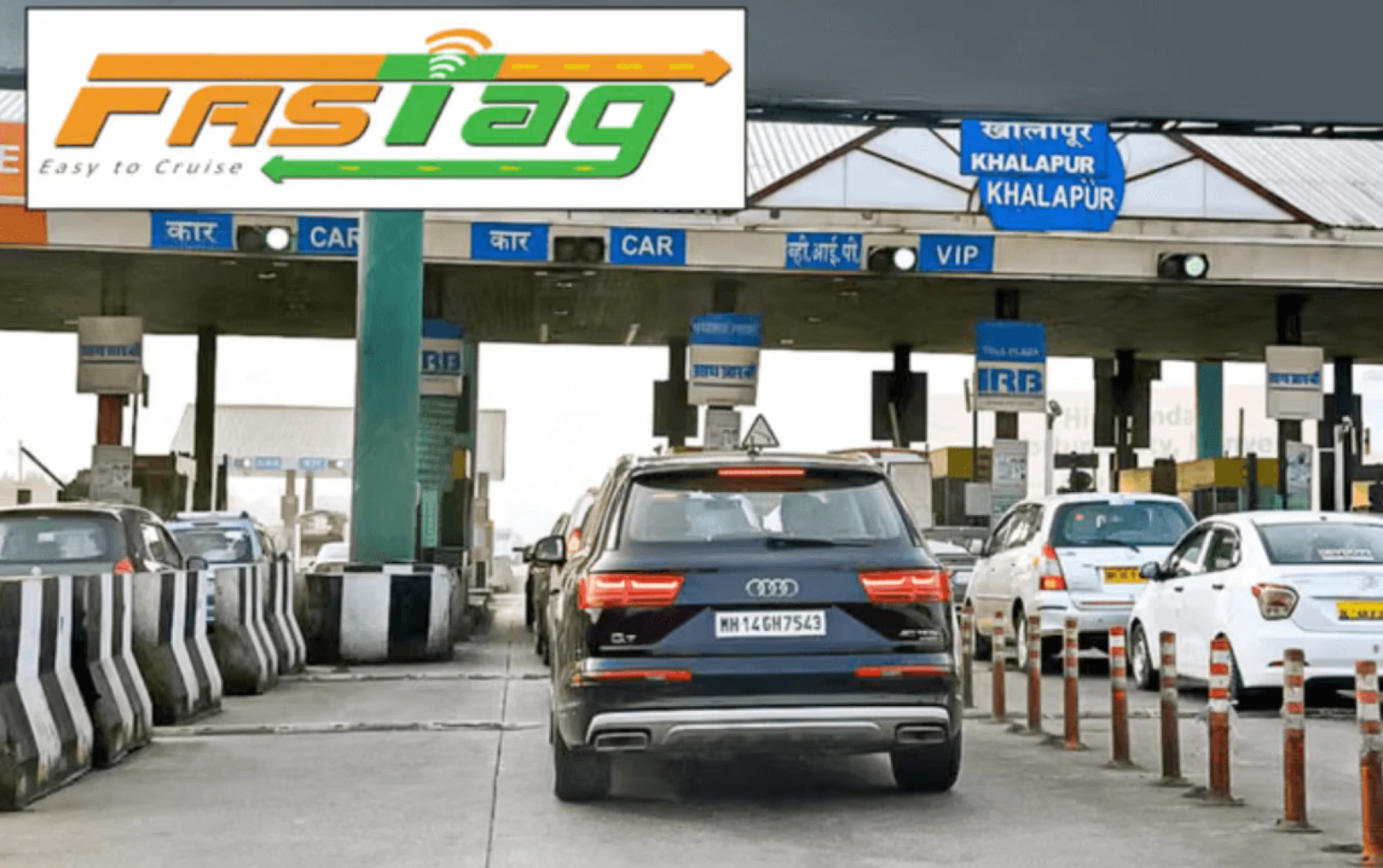

Checking your FASTag balance is an important habit, especially before long drives or busy toll routes. Many users prefer quick methods that do not require multiple logins or detailed account navigation. A FASTag balance check using only your vehicle number offers a simple way to stay updated and avoid payment issues at toll plazas. This helps you keep the tag funded at all times, ensures uninterrupted travel and gives you greater control over your toll expenses during everyday commutes or highway trips.
Why checking your FASTag balance matters
FASTag uses RFID technology to deduct toll charges automatically and each scan reduces your balance. When the amount falls below the minimum limit, the tag may stop working until you top it up through your preferred method, including a FASTag recharge online. Checking the balance regularly helps you avoid toll plaza interruptions and plan for expected expenses on busy routes. It also keeps you updated on recent deductions, so you know when a recharge may be needed.
Methods to check the FASTag balance using your vehicle number
Several effective channels allow balance checks with vehicle details. You can choose the option that suits your preference.
Using SMS alerts linked to your vehicle number
Every time a toll deduction happens, you receive an SMS on your registered mobile number. This SMS includes the updated balance linked to your vehicle number. If you recently crossed a toll plaza, check your latest message. It offers a snapshot of your current balance. Keep your registered number active so that these alerts reach you without disruption.
Checking balance through the official FASTag portal
You can visit the official FASTag website and use your vehicle details to review your account. After entering your vehicle number and registered mobile number, you receive an OTP for access. Once you enter the OTP, you can check the current balance. You also see recent transactions and toll deductions. This method suits users who prefer a clear overview of their FASTag history.
Using the FASTag mobile app
FASTag issuers support a dedicated mobile app. These apps let you log in with your vehicle number or a linked mobile number. After authentication, you can check your balance on the main dashboard. You also get access to statements, recharge history and tag details. The app updates the balance in real time, which helps if you travel often.
Using the National Highway Authority of India (NHAI) Missed Call Service
NHAI offers a missed call service for users who want a simple balance check. You can give a missed call to the national toll-free FASTag balance number using your registered mobile number. The system identifies your vehicle number and sends an SMS with your current balance. This is one of the convenient methods because it works without internet access.
Using the payment systems linked to your FASTag
If your FASTag is linked to a payment system, you can check the balance through the portal. Log in with your credentials, then go to the FASTag section. Here you see your current balance, vehicle details and recent toll deductions. The portal displays updated numbers and helps you easily manage your FASTtag.
How to recharge FASTag online
A FASTag recharge online offers a quick and convenient way to keep your tag active and ensure smooth movement through toll plazas.
Recharge FASTag through Net Banking
- Log in to your bank's Net Banking platform by entering your login details.
- After logging in, head to the 'Payments and Transfers' section and click on the 'Bill Pay, Recharge and FASTag' option.
- Click on the 'Recharge' tab and choose 'Vehicle Recharge'. You can select the Auto Recharge option to recharge your FASTag automatically if it reaches a set threshold amount.
- Enter the vehicle number and recharge amount, select the Savings Account and click 'Pay Now.'
- Confirm the payment; your FASTag account will be topped up instantly.
Recharge FASTag through Mobile Banking
- Download your bank's mobile app on your smartphone, then log in with your registered credentials.
- Choose the "Bill Pay, Recharge and FASTag" icon from the dashboard and select 'FASTag' from the panel.
- Click 'Recharge' on the next screen and mention the 'Registration/VIN' to proceed. You can opt for "Auto Recharge" for your linked vehicle.
- To set up the "Auto Recharge" option, you need to:
- Enter your vehicle number.
- Set maximum and minimum recharge amounts between ₹100 and ₹10,000.
- This will be linked to your Savings Account Number.
- Click on "Confirm".
- Your FASTag will be recharged and with Auto Recharge, it will recharge automatically once the account balance falls below the minimum set.
Your FASTag will be recharged quickly and with Auto Recharge, future top-ups will take place automatically whenever the balance falls below the minimum set. Mobile apps from leading banks, such as ICICI Bank's iMobile app, offer smooth navigation and quick confirmations, making the recharge process more convenient.
How to stay updated on the FASTag balance at all times
You can stay ahead by following a few simple practices:
- Keep your registered mobile number active.
- Enable app notifications for balance alerts.
- Check recent toll messages after each highway trip.
- Recharge when the balance drops near the threshold.
- Use the missed call service before long journeys.
These steps help manage FASTag efficiently.
Conclusion
A reliable FASTag balance check helps drivers monitor their accounts and avoid delays at toll plazas. You can check your balance using your vehicle number in several simple ways. These include SMS alerts, the FASTag portal, mobile apps and the national missed call service. Each option works without any complex steps. When the balance is low, a quick FASTag recharge online keeps your tag active for future trips. Staying updated on your balance ensures smoother travel, fewer interruptions and better control over toll expenses across regular routes.



Sign in to leave a comment.