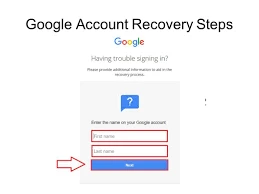

Google account is a widely used user account that can be used for accessing Google services as well as many third-party applications. The account can only be used with the username and account password.
Steps to recover a Google account?
Sometimes when a user is trying to access the Google account, an error message of denied access comes on screen. In some cases, a user looks for the option of Google account recovery date of birth, but Google does not allow its users to recover the account with this option due to authenticity and security. The other options for recovery are as follows:
Go to the Google account recovery page.
Enter the email address or username of Google account and click Next.
Then, click Forgot password.
The first option of recovery is to enter any last remembered password for the account.
The next option is to select the date when the Google account was created.
Then comes the recovery through phone number. Google sends a code on the phone and the user is then verified with the code.
One more option of recovery is using the alternate email. This verification code is received in the email.
After the user verification, create a new password.
Use the new password to sign-in to the Google account.
For any help or query, contact Google technical support using the contact details provided on the Google webpage.
Sign in to leave a comment.