

Troubleshooting content can become outdated when a product, policy, interface, or support process changes. An old article may describe a setting that no longer exists, while a video may show a workflow that now produces a different result.
Removing this content seems simple, but deleting it without preparation can create new problems. Customers may encounter broken links, support agents may lose useful historical information, and search or AI systems may continue using copied versions of the old instructions.
A safe retirement process determines whether content should be updated, archived, redirected, or permanently removed while protecting customers from incorrect guidance.
Confirm That the Content Is Outdated
Begin by verifying that the content no longer reflects an active product or process.
An interface may look different while the underlying workflow remains correct. In that case, the resource may require updated screenshots rather than retirement. A changed permission model, security requirement, or technical process usually needs a more substantial response.
Ask the relevant product owner or subject-matter expert to confirm what changed and which customers are affected.
Record the reason for retirement. Common reasons include a discontinued feature, redesigned workflow, expired policy, unsupported product version, duplicate resource, or replacement by more accurate content.
Decide Whether to Update, Archive, or Remove
Outdated content does not always need to be deleted.
Update the resource when the topic remains relevant and the required changes are manageable. Archive it when the information still supports customers using a legacy product. Remove it when the procedure is unsafe, incorrect, duplicated, or no longer has a valid audience.
The decision should consider customer risk, traffic, inbound links, support usage, and whether a suitable replacement exists.
Content involving security, privacy, billing, or data loss should be removed from active use immediately if the instructions are no longer safe.
Check Who Still Uses the Content
Before retiring a resource, determine whether customers, employees, partners, or automated systems still depend on it.
Review page traffic, video views, search activity, shared links, ticket templates, chatbot responses, internal bookmarks, onboarding programs, and external referrals.
A rarely viewed article may still be linked from a high-value customer workflow. An old video may be embedded in several help-center pages even if few users open its original library page.
This dependency review helps prevent retirement from creating broken support paths.
Identify All Copies and Related Resources
Support instructions often exist in several places.
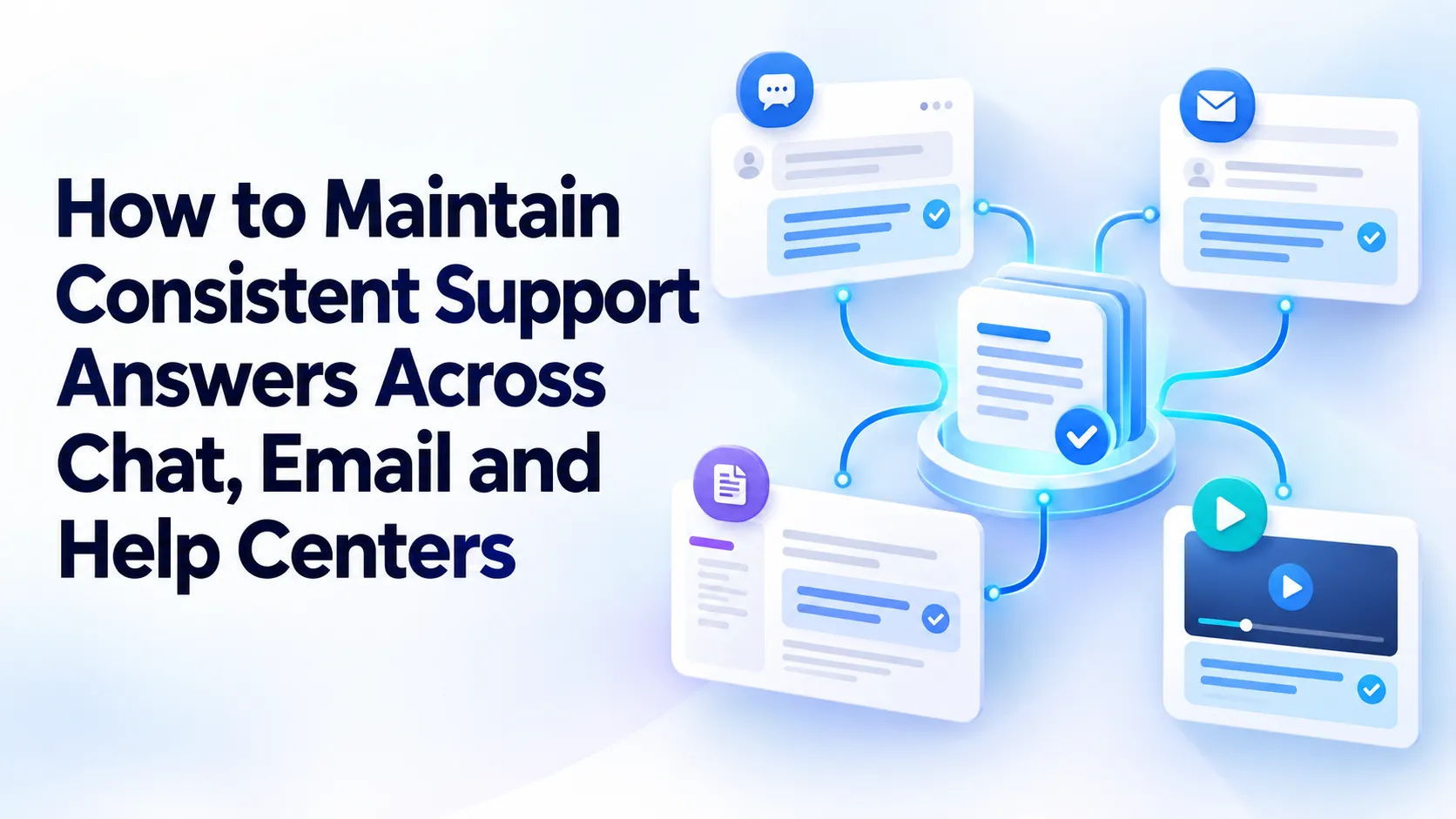
A procedure may appear in a public article, internal guide, PDF, video, transcript, saved reply, training course, and old ticket response. Updating or removing only one copy leaves conflicting information available elsewhere.
Search for distinctive phrases, titles, error codes, file names, and links related to the procedure. Ask support agents whether they keep personal copies or frequently share an older resource.
Treat all connected formats as one content set. The retirement plan should identify what will be replaced, archived, redirected, or removed.
Create a Replacement Before Removal
When the topic is still relevant, publish the new guidance before removing the old resource.
The replacement should explain the current workflow and include updated prerequisites, steps, warnings, screenshots, videos, and escalation guidance.
Review it with a subject-matter expert and test the procedure in the current product environment. Customers should not be redirected from an outdated resource to another incomplete answer.
When no replacement is required because the feature no longer exists, prepare a short explanation that tells users what changed and what they should do instead.
Redirect Users to the Correct Resource
If an old URL receives traffic or has inbound links, redirect it to the most relevant replacement.
Avoid sending every retired article to the help-center homepage. That forces users to restart their search and may hide the fact that the original process has changed.
A redirect should lead to the current version of the same procedure, a migration guide, or an explanation of the discontinued feature.
When a direct replacement does not exist, a temporary retirement notice may be more useful than an unrelated redirect. The notice can explain that the instructions are no longer valid and point customers toward support.
Handle Video Retirement Separately
Troubleshooting videos require additional review because outdated instructions may appear in the visuals, narration, captions, transcript, chapters, and description.
Removing an embed from one article does not necessarily remove the recording from galleries, search results, shared links, or other websites.
Teams using Cincopa should check where a video is embedded or shared before changing its availability. Related captions, transcripts, thumbnail images, descriptions, and chapter information should also be reviewed.
If a replacement video is available, update the relevant help articles and internal references. If the old recording remains useful for legacy customers, move it to a clearly labeled restricted or archived collection.
Label Legacy Content Clearly
Some customers may continue using older versions of a product after general support content has moved to a newer workflow.
Legacy resources should display the applicable product version, support status, and last review date. The label must appear before the customer follows the procedure, not only at the end of the page or video.
Separate legacy content from current search and browsing paths where possible. It should remain available to the appropriate users without appearing as the default answer for everyone.
Cincopa galleries can be organized by version, audience, or product status. This allows older recordings to remain accessible while keeping them separate from current troubleshooting videos.
Remove Retired Content From Search
Archiving a resource does not always stop it from appearing in search results.
Update the help-center index, internal search system, sitemap, navigation, tags, and related-content modules. Search engines may also need time to process redirects or removal instructions.
Check both exact-title searches and common problem queries. The current resource should appear ahead of archived or retired guidance.
For video content in Cincopa, review gallery placement, titles, tags, descriptions, transcripts, and availability settings. An archived recording should not continue appearing as the main answer to a current support question.
Exclude Outdated Sources From AI Answers
AI assistants may retrieve retired information if old resources remain indexed or included in the approved knowledge collection.
Removing a page from navigation is not enough. The content may still exist in an indexed document, transcript, archived PDF, or connected repository.
Review the sources available to the AI system and remove or restrict outdated versions. Confirm that the current source has clear metadata and higher authority.
Cincopa’s VideoGPT can use available information such as videos, PDFs, titles, descriptions, chapters, tags, approved summaries, and transcripts. When retiring content, teams should ensure that obsolete material is no longer treated as an approved source.
Test common customer questions afterward to confirm that the new guidance is being returned.
Update Support Templates and Agent Guidance
Support agents may continue sharing retired content through saved replies or personal bookmarks.
Identify chat templates, email responses, macros, internal playbooks, and escalation procedures that reference the old resource. Replace the links and update any copied instructions.
Notify agents when an important procedure changes. A short briefing should explain what was retired, what replaces it, which customers are affected, and how exceptions should be handled.
Agents should also know how to report links that were missed during the initial retirement process.
Preserve Useful Historical Knowledge
Removing outdated customer guidance does not always mean destroying the information.
Historical resources may help support teams understand legacy accounts, investigate long-running issues, or document why a process changed. Move these materials to an internal archive with limited access.
The archive should display the retirement date, reason, previous owner, applicable version, and replacement resource.
Archived content should not be included automatically in customer-facing search or AI answers. It is reference material, not approved current guidance.
Protect Compliance and Recordkeeping Needs
Some organizations must retain documentation for legal, regulatory, contractual, or audit purposes.
Before permanently deleting content, confirm whether it is subject to a retention policy. The organization may need to preserve the original resource and its change history for a defined period.
Retention does not require public availability. A resource can be removed from active support while remaining securely stored for audit purposes.
Work with the relevant legal, security, or compliance teams when content includes customer data, regulated procedures, or contractual instructions.
Maintain Access Controls During Archiving
Moving content into an archive should not make it easier to access.
Review permissions when videos, documents, and articles are transferred. Customer-facing resources may contain information that becomes internal after retirement, particularly when they describe legacy infrastructure or security settings.
Private Cincopa galleries or portals can be used to separate archived recordings from public collections. Access should be limited to the teams or customers who still need the content.
Direct links should respect the same access rules. An archived resource should not remain publicly available simply because someone still has its URL.
Communicate Important Retirements
Customers do not need an announcement for every corrected screenshot or removed duplicate. They may need notice when a major workflow, feature, or policy is being retired.
Explain what is changing, when the old process will stop working, and what customers should use instead. Provide enough time for migration when the change affects integrations, administrative processes, or established workflows.
Support teams should receive this information before customers do. They need a consistent answer for questions about the transition.
Keep the message practical. Customers usually need the replacement action more than the full history of the decision.
Test the Retirement
After making the changes, verify the complete customer journey.
Open the old URL and confirm that its redirect or retirement notice works. Search for the old title and common problem phrases. Test links from help articles, emails, saved replies, and embedded videos.
Check that the replacement content is accessible to the correct audience and that restricted resources remain protected.
For Cincopa-hosted content, confirm that retired videos no longer appear in active galleries or search results and that replacement embeds function correctly.
Testing should include desktop and mobile experiences where relevant.
Monitor What Happens After Removal
Retirement is not complete when the content disappears.
Watch for increases in failed searches, broken-link reports, support tickets, and repeated customer questions. These signals may show that users still need an answer the replacement does not provide.
Review traffic to redirected URLs and retirement notices. Continued demand may justify a clearer migration guide or additional troubleshooting content.
Cincopa analytics can also help teams understand whether customers move from older videos to replacement recordings and whether the new content reaches the relevant section.
Use this evidence to adjust redirects, titles, metadata, and explanations.
Assign Ownership to the Retirement Process
Every retired resource should have a recorded decision and responsible owner.
Track the resource title, URL, format, retirement reason, replacement, redirect, archive location, affected audiences, and completion date.
Ownership prevents old content from being restored accidentally or left in an uncertain state. It also provides context when a customer or employee later asks why the resource disappeared.
A simple retirement record is especially valuable when several teams manage articles, videos, training materials, and internal procedures.
Final Thoughts
Retiring troubleshooting content safely requires more than deleting a page or hiding a video.
Teams must identify dependencies, provide replacements, update search and AI sources, preserve necessary history, review access controls, and monitor the effect on customers.
Cincopa can help organizations manage, archive, restrict, and analyze video-based troubleshooting resources. The broader retirement process must also cover related articles, transcripts, templates, documents, and agent guidance.
The objective is to remove incorrect information without removing the path to a correct answer. When retirement is handled carefully, customers encounter fewer broken links and outdated instructions, while support teams maintain a clearer and more trustworthy knowledge base.



















Sign in to leave a comment.