
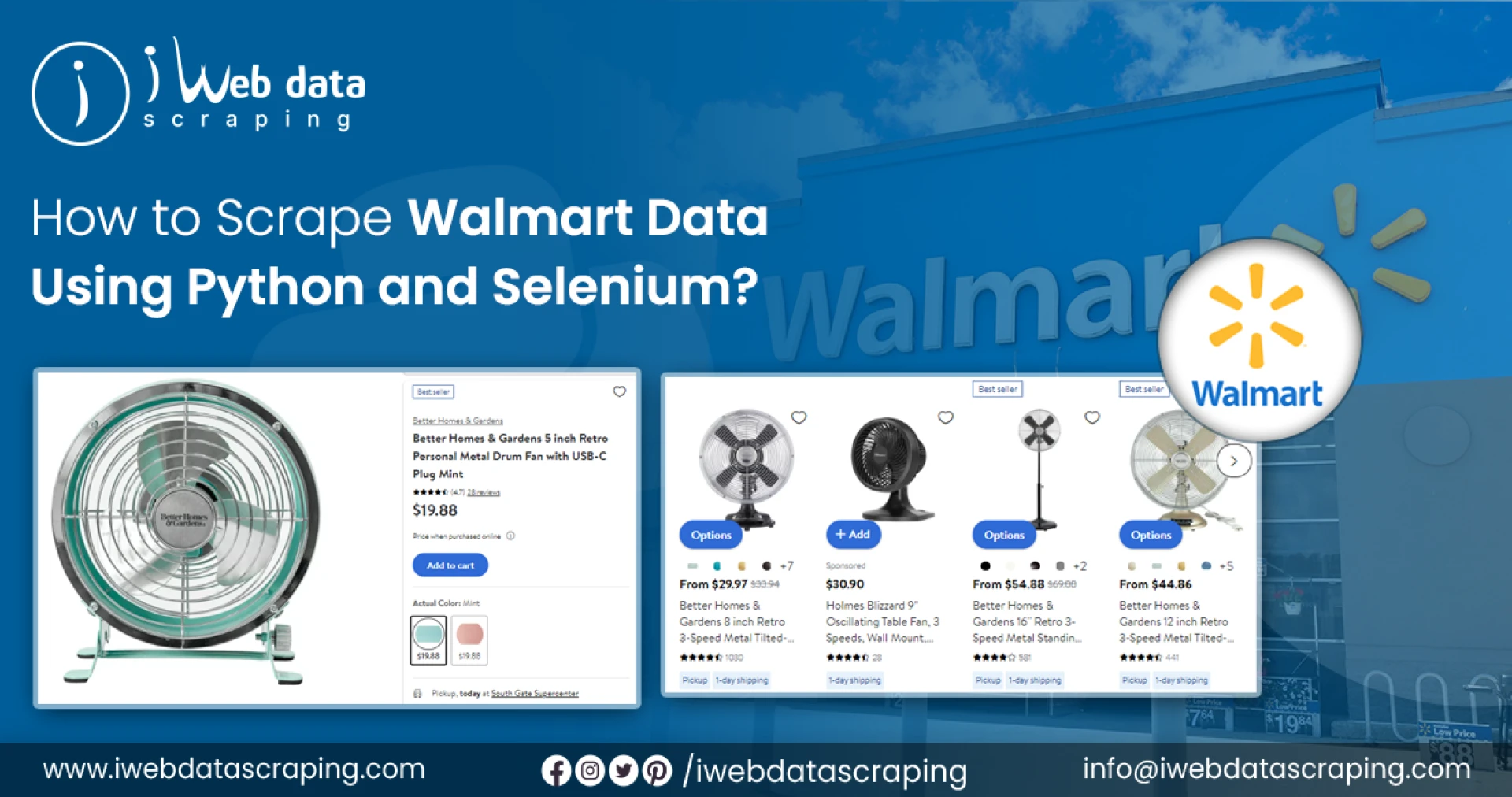
In the ever-expanding world of e-commerce, Walmart is one of the largest retailers, offering a wide variety of products across numerous categories. If you're a data enthusiast, researcher, or business owner, you might find it useful to scrape Walmart for product information such as prices, product descriptions, and reviews. In this blog post, I'll guide you through the process of scraping Walmart's website using Python, covering the tools and libraries you'll need as well as the code to get started.
Why Scrape Walmart?
There are several reasons you might want to scrape Walmart's website:
Market research: Analyze competitor prices and product offerings.Data analysis: Study trends in consumer preferences and purchasing habits.Product monitoring: Track changes in product availability and prices over time.Business insights: Understand what products are most popular and how they are being priced.Tools and Libraries
To get started with scraping Walmart's website, you'll need the following tools and libraries:
Python: The primary programming language we'll use for this task.Requests: A Python library for making HTTP requests.BeautifulSoup: A Python library for parsing HTML and XML documents.Pandas: A data manipulation library to organize and analyze the scraped data.First, install the necessary libraries:
shellCopy codepip install requests beautifulsoup4 pandasHow to Scrape Walmart
Let's dive into the process of scraping Walmart's website. We'll focus on scraping product information such as title, price, and description.
1. Import Libraries
First, import the necessary libraries:
pythonCopy codeimport requestsfrom bs4 import BeautifulSoupimport pandas as pd2. Define the URL
You need to define the URL of the Walmart product page you want to scrape. For this example, we'll use a sample URL:
pythonCopy codeurl = "https://www.walmart.com/search/?query=laptop"You can replace the URL with the one you want to scrape.
3. Send a Request and Parse the HTML
Next, send an HTTP GET request to the URL and parse the HTML content using BeautifulSoup:
pythonCopy coderesponse = requests.get(url)soup = BeautifulSoup(response.text, "html.parser")4. Extract Product Information
Now, let's extract the product information from the HTML content. We will focus on extracting product titles, prices, and descriptions.
Here's an example of how to do it:
pythonCopy code# Create lists to store the scraped dataproduct_titles = []product_prices = []product_descriptions = []# Find the product containers on the pageproducts = soup.find_all("div", class_="search-result-gridview-item")# Loop through each product container and extract the datafor product in products: # Extract the title title = product.find("a", class_="product-title-link").text.strip() product_titles.append(title) # Extract the price price = product.find("span", class_="price-main-block").find("span", class_="visuallyhidden").text.strip() product_prices.append(price) # Extract the description description = product.find("span", class_="price-characteristic").text.strip() if product.find("span", class_="price-characteristic") else "N/A" product_descriptions.append(description)# Create a DataFrame to store the datadata = { "Product Title": product_titles, "Price": product_prices, "Description": product_descriptions}df = pd.DataFrame(data)# Display the DataFrameprint(df)In the code above, we loop through each product container and extract the title, price, and description of each product. The data is stored in lists and then converted into a Pandas DataFrame for easy data manipulation and analysis.
5. Save the Data
Finally, you can save the extracted data to a CSV file or any other desired format:
pythonCopy codedf.to_csv("walmart_products.csv", index=False)Conclusion
Scraping Walmart for product information can provide valuable insights for market research, data analysis, and more. By using Python libraries such as Requests, BeautifulSoup, and Pandas, you can extract data efficiently and save it for further analysis. Remember to use this information responsibly and abide by Walmart's terms of service and scraping policies.



Sign in to leave a comment.