
Introduction
In this blog, we will demonstrate you how to scrape data from Walmart (customer reviews, product listings, UPC’s) without any tech skills or programming knowledge. The services being observed are called Retailgators.
An introduction to Retailgators
Retailgators’ works as a service, offering data-on-demand, as well as sparing online merchant from the manual work. Therefore, if you want to scrape Walmart listings as well as import that to the WooCommerce store and you will have the files formatted for a WooCommerce import tool (accessible for PrestaShop, Magento, Shopify, and other targeted platforms).
Retailgators deals with scraping data from different pages having pagination and hidden sections having “See all” links. You can scrape product variations and place like separate rows within a file.
Scrape Product’s Data from Walmart with Locations, Reviews, Discounts, and Product Identifiers
Scrape ProductsData from Walmart with Locations, Reviews, Discounts,and Product Identifiers.jpg
Being an enormous marketplace, Walmart is the resource of data for different requirements. So, Retailgators will assist you to:
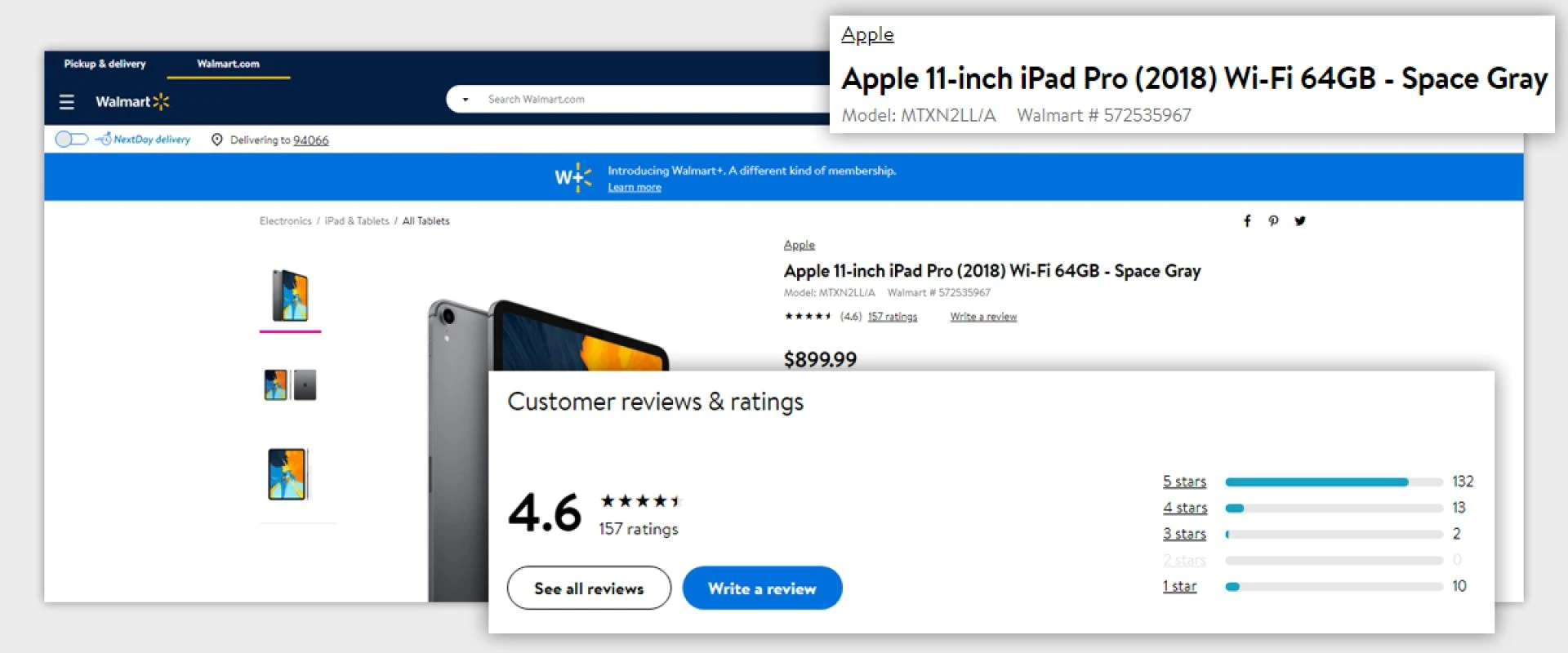
Scrape Walmart product listings:
Title
Category
ISBN
Pricing
Product ID
Quantity
Rankings
Reviews
Seller’s Data
UPC
Wish List
Wish List.jpg
Scrape stores location from Walmart (neighboring stores, stores in the provided region, etc.)
Scrape coupon data from Walmart.com
Grab ISBNs and UPCs from Walmart
How Does Retailgators Work?
How Does RetailgatorsWork.jpg
With Retailgators, you don’t have to download anything to scrape data. It is sufficient to have the URL, which should get scraped. In this case, you will get a file having all the available fields on a page. In case, you need certain data to get extracted then you can identify the fields as well as get the required data.
After submitting the scraping request, you will get sample CSV files to your FTP or email. You can observe the data, make the test imports, or propose any improvements for the file structure. During a test scraping, we will evaluate total records in a result file as well as offer you a quote.
After approving a structure as well as making the payment you would need all the data in files, which perfectly fits your requirements.
Perform Walmart Scraping in 3 Easy Steps:
Perform Walmart Scraping in 3 Easy Steps.jpg
Just fill the form, specify the URL (supplier, keyword, category), your targeted platform, and other specific requirements.
Get the sample file and check the available data and structure, request any changes to have the files that suit your requirements.
Choose a suitable pricing plan as well as get the complete files ready for the usage.
Contact Retailgators for all your Walmart Data Scraping requirements.
source code: https://www.retailgators.com/walmart-scraping-get-product-reviews-data-upc-and-other-data.php













Sign in to leave a comment.