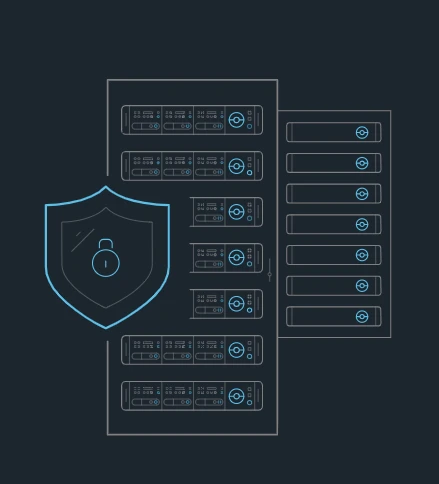

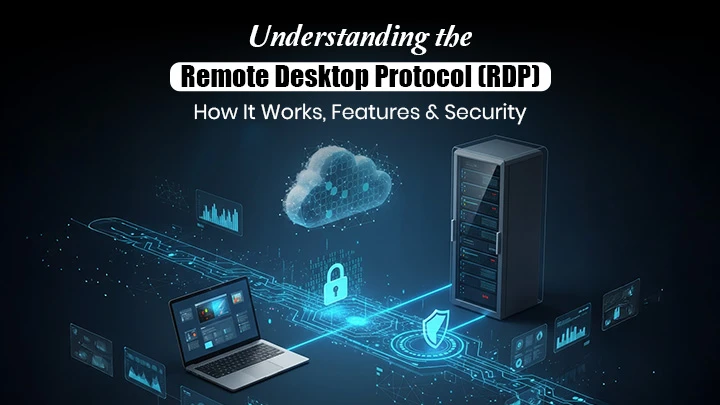
RDP is short for Remote Desktop Protocol. It is a way to connect to and control a faraway computer from your own device. When using RDP, you see the other PC's screen right on yours. You can work on files, apps, networks, or anything else as if sitting at that machine across town or across the world. Consider vendors that provide safe payment options e.g. buying RDP with BTC, when purchasing remote desktop services to improve your cyber-resilience.
Lots of companies have workers RDP into office computers and internal systems from home every day. IT managers also use RDP to access and manage company devices without visits. The perk is being able to work remotely. The risk is it leaves an open pathway that hackers try to barge through if not guarded right.
Hackers try to sneak into open RDP ports every day. They'll steal private info, install harmful software, or freeze systems. An unprotected RDP is an unlocked doorway with a big security risk. So locking it up is vital. Many do this using VPN tunnels. However secure options exist without monthly VPN fees. Let's discuss more ways to secure your RDP without using a VPN!
Top Ways To Secure Your RDP Without A VPN
Thankfully, there are alternative ways to secure RDP that are just as secure as using a VPN but are completely free. Here are some of the top alternatives:
Use Very Strong Logins
Having very strong passwords is the first step toward securing any system or connection, including RDP. Strong means using random combinations of upper and lower case letters, numbers, and special symbols. The longer the password, the harder it is to crack. Under 14 characters is considered very weak these days and 20 or more is best if systems allow it.
It's also important to set passwords to expire every 30-90 days. Regular forced updates stop past ones from working. This thwarts people who steal credentials from maintaining access. The downside is it also inconveniences users more. Avoid writing down passwords at all costs since it ruins many of the security benefits. However, when using Canada RDP or Germany RDP, one must introduce localized security measures in accordance with regional cyber-security laws.
Utilize Network Level Authentication (NLA)
Even very strong passwords sometimes get stolen or leaked in data breaches. Applying multi-factor authentication (MFA) fixes this problem for RDP. MFA requires users to give two or more proofs of identity before a login works. This is usually a password plus a randomly generated numeric code texted to their phone or from a mobile app. Biometric checks like facial recognition or fingerprints also work.
MFA stops 99% of break-ins and unauthorized accesses even with simple or compromised passwords. It's always on guard. Go for the services that give users a chance to buy RDP with perfect money, while providing safe and strong RDP security.
Update All Software
Patch management is crucial for securing connections and systems. It means fixing security holes and risks as soon as they pop up. New exploits against RDP and related software emerge seemingly every few weeks. Hackers work fast to reverse engineer these vulnerabilities and try to use them to breach networks before patches are released.
That's why setting computers to auto-download and install updates weekly is so important. Give staff clear monthly maintenance windows to handle any reboots. Staying on top of updates keeps companies locking out the latest threats very fast. Neglecting them leaves giant holes for criminals to slip through.
Turn on Firewalls
Firewalls are the main way to filter what data flows into and out of systems. All modern versions of Windows have built-in software firewalls included. Simply turn these protections on for all network types - domain, private and public.
Configure rules to automatically block unwanted programs and traffic too. More advanced third-party firewalls take blocking even further with additional threat intelligence and analytics. Powerful well-tuned firewalls make RDP infiltration much harder for hackers and malware by limiting port access and watching for suspicious use.
Conclusion
Are you looking to buy a UK RDP or USA RDP? Choose Buy RDP Admin. With budget-friendly pricing, incredible features, and top-notch 24/7 support, we are the leader in admin RDP solutions. We offer exceptional RDP features with serious savings. Contact us today!
Enjoy seamless access to everything you need for peak productivity. Leave lagging connectivity behind!






Sign in to leave a comment.