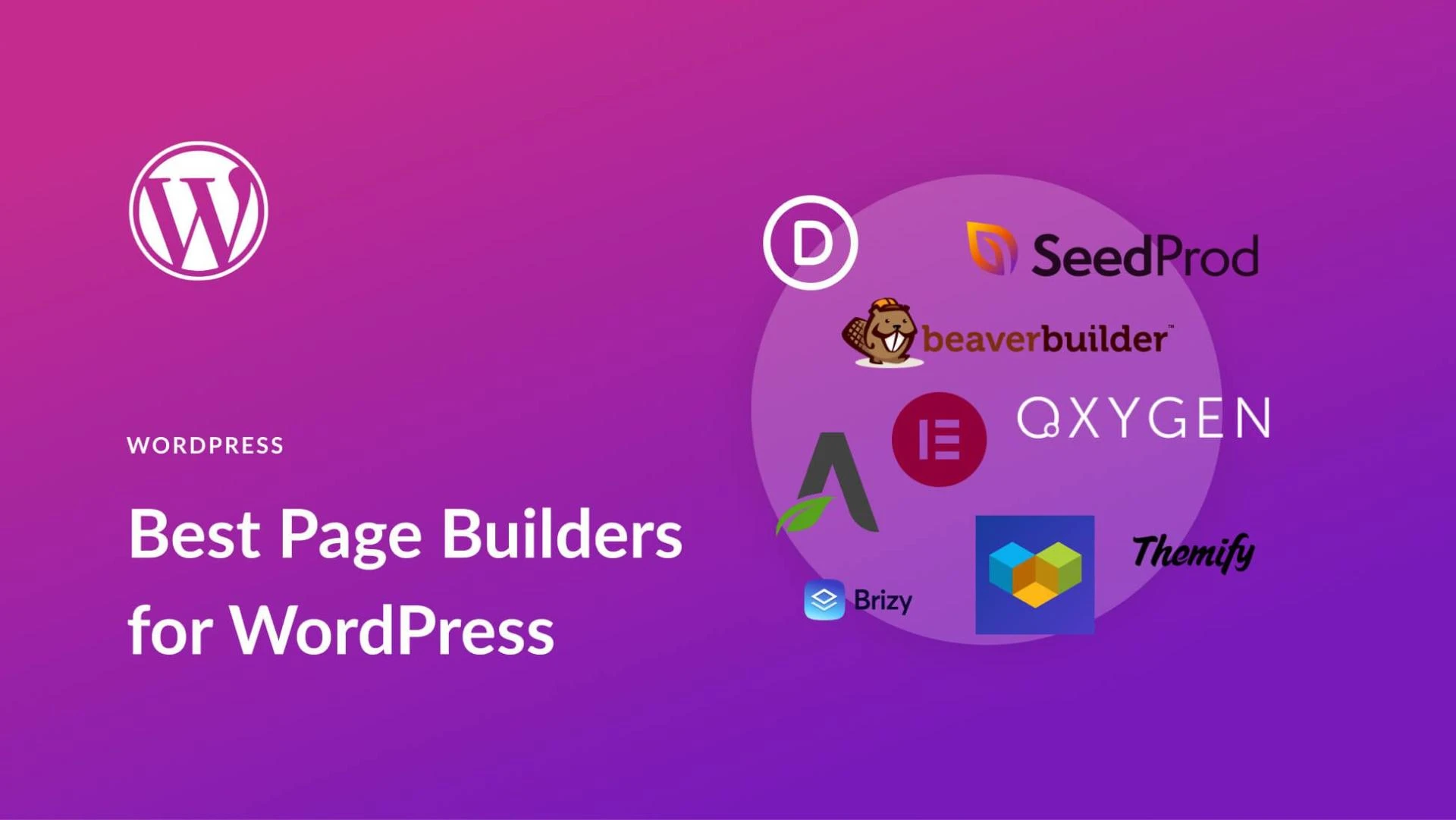

ompaPage builders make the process of creating a website much easier and quicker. Its drag-and-drop functionality not only makes it easy to make a website theme according to your liking and requirement but also keeps the process user friendly and you do not need to go into coding and programming details to update and create a webpage.
There are a number of website page builders available in the market. However, there are some things to consider before you select one because along with WordPress hosting for your website, the theme and design of your website also play an important role in determining the performance of your webpage.
How to choose the best WordPress Page Builder?
These are some factors that your must consider
Cost and Budget Constraints
The affordability of WordPress is one of its best features. The platform itself is free, and there are several great hosting and website management alternatives available at reasonable prices.
Nevertheless, there are instances when you'll need to invest, which may involve buying premium themes and plugins. You'll need to decide how much you're willing to spend if you're looking for a page builder. Although there are some free and premium-only solutions, the majority of well-liked page builders operate on the "freemium" concept. There is a complete premium edition with all the bells and whistles, as well as a basic 'light' version with only a few essential functions.
For new users, startups and personal bloggers, we would recommend to start with free version and then move on to the freemium and premium versions with time.
Performance & Speed
It's a frequent fallacy that adding numerous plugins to your WordPress site will cause it to load slower. This isn't always the case. Although having a lot of plugins can raise the likelihood that your site will load slowly, quality is more important than quantity.
Alternatively put, certain plugins are "heavier" than others. They have more features and code, which puts greater pressure on how quickly your site loads. It's important to note this because slow pages turn away visitors and may even harm your SEO.
Unfortunately, plugins for page builders often weigh a lot. This is a logical result of how complicated they are and how much "stuff" (pre-built elements, demonstrations, templates, etc.) they contain.
Therefore, you’ll want to make sure your chosen page builder isn’t going to negatively affect your site’s performance in any significant way. A good place to start is by checking out the reviews for each page builder you’re considering. This should give you some insight into whether other users found its performance lacking.
Number of Elements
The drag-and-drop functionality of page builders was previously discussed. In actuality, this means that you start with a template or blank page and add pre-made material from the page builder's library:
These components are also known as "elements," "blocks," "widgets," and "modules." Whatever the name, they are all intended to bring a particular kind of material to your page. So, for instance, if you want to include a text paragraph, drag the "text" element onto your page and begin writing.
Other frequent components are:
pictures, movies, and other media
Lists and headings
Tables
Buttons
counters and progress indicators
Maps
Icons of social media
Customization Options
As we've seen so far, a good page builder will enable you organise the pieces on the page as you wish and will include a large library of both simple and complicated elements. Customising the pieces after they have been positioned is the final piece of the jigsaw.
Every page builder, including the Block Editor, will have different settings for each type of element. The most common way to do this is by using the menu that appears after placing, clicking on, or hovering over an element:
Depending on what the element does, the alternatives available will change. For instance, a paragraph element might let you modify the font family, size, colour, and drop case of the text.
On the other hand, a button element may include options for changing the button’s size and shape, and for adding borders and animations. Generally speaking, the more options on offer, the better. This will enable you to create pages that look completely unique to your site. What’s more, the customization shouldn’t stop within each element. You should also be able to tweak your layouts – such as by changing the width and height of each piece of content, and adjusting the border spaces in between
Comparing Different Page builders
If you are confused between different page builders, here is a complete comparison between WPBakery vs Elementor which are some of the leading WordPress page builders.







Sign in to leave a comment.