

Living or working in the wilderness brings a unique set of challenges, one of the biggest being access to reliable internet. Whether you're an off-grid adventurer, a digital nomad, or someone managing a remote site, setting up a solar-powered internet system can be a practical solution. This setup allows you to stay connected while relying on clean energy, making it both sustainable and functional.
Here's a straightforward guide to help you establish a solar-powered internet system in remote areas.
1. Understand the Basics of Remote Internet Access
Before diving into the setup, it's important to know how remote internet access works. In areas without traditional broadband infrastructure, internet access is typically achieved through:
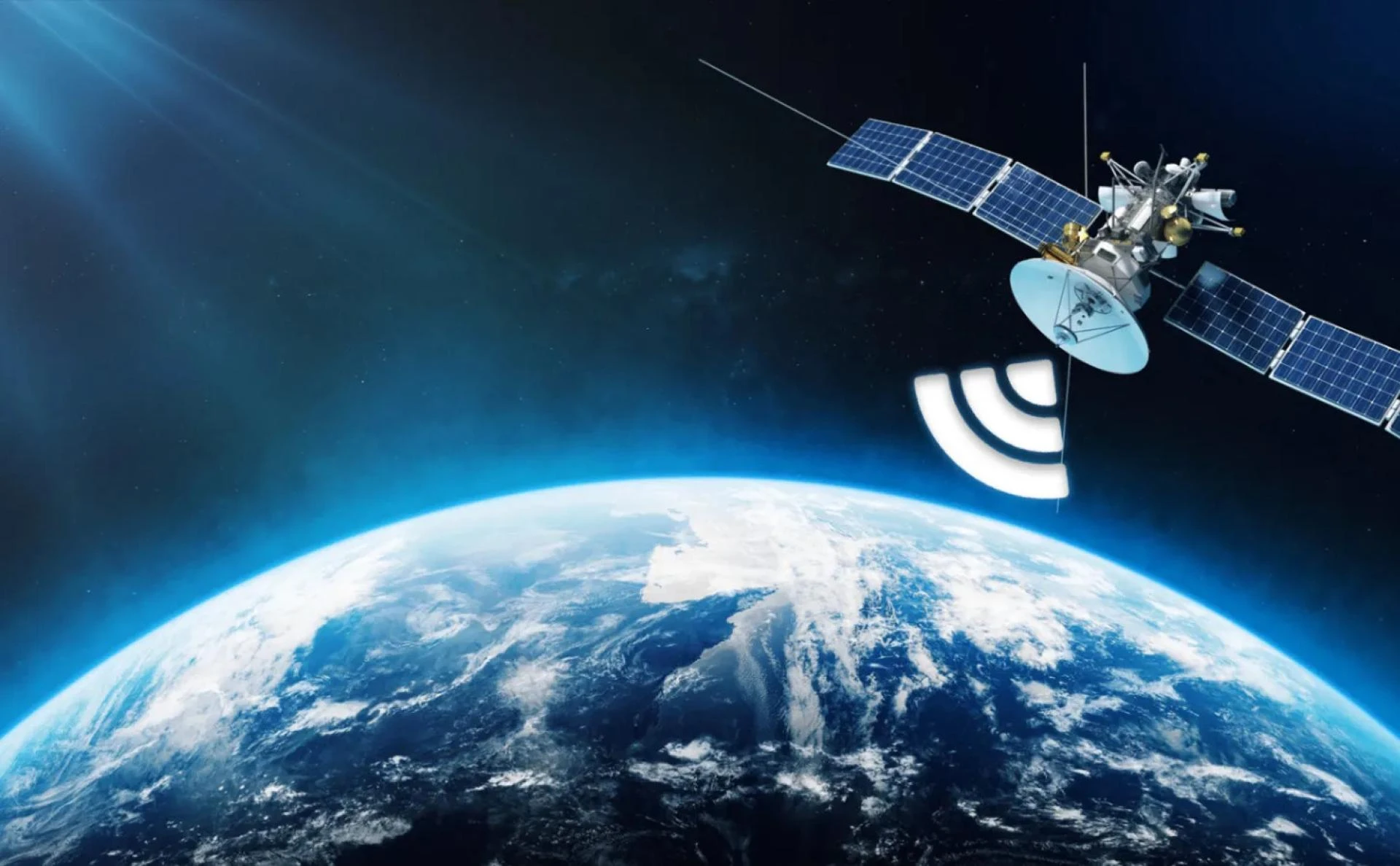
- Satellite internet: Uses a dish to communicate with orbiting satellites.
- Cellular internet (4G/5G): Relies on cell towers and can be used via mobile hotspots or routers with SIM cards.
- Point-to-point systems: Involve antennas that link with a distant access point if you're near a source.
Each method has its pros and cons. Satellite provides wide coverage but may suffer from latency, while cellular is faster but depends on network availability. Choose the best method based on your location and needs.
2. Estimate Your Power Requirements
To power your internet system with solar energy, you first need to estimate how much electricity your equipment will use. Include:
- Router/modem
- Satellite dish or hotspot device
- Laptop, phone, or any other essential electronics
Most routers use around 5-15 watts, and satellite modems can draw 20-50 watts. Add the total watts and multiply by the number of hours you'll be using the system each day to get your daily watt-hour usage.
For example:
- Router (10W) x 12 hours = 120Wh
- Satellite modem (30W) x 12 hours = 360Wh
- Total = 480Wh per day
Round up a bit to cover inefficiencies and bad weather days.
3. Choose the Right Solar Panels
Once you know your daily power usage, select solar panels that can generate enough electricity to meet your needs.
- Type: Go for monocrystalline panels—they're more efficient and compact.
- Wattage: A 200-watt solar panel setup is generally enough for small internet setups, assuming good sunlight conditions.
- Portability: If you're moving frequently, consider foldable or suitcase-style solar panels.
Make sure your panels get at least 4–6 hours of direct sunlight daily to produce the needed output.
4. Use a Solar Charge Controller
A charge controller regulates the voltage and current from your solar panels to your battery. It protects against overcharging and ensures your battery lasts longer.
There are two main types:
- PWM (Pulse Width Modulation): Affordable but less efficient.
- MPPT (Maximum Power Point Tracking): More expensive but offers better energy harvest, especially in variable sunlight conditions.
For most setups, an MPPT controller is worth the investment.
5. Pick a Reliable Battery Storage System
You'll need a battery to store the solar energy for use when the sun isn't shining. Options include:
- Lead-acid batteries: Affordable but heavier and less efficient.
- Lithium-ion batteries: More expensive but lighter, more durable, and charge faster.
A 100Ah 12V lithium battery provides about 1,200Wh of usable energy—more than enough for a full day of internet use and charging devices.
6. Get an Inverter (If Needed)
If your internet equipment runs on AC power and your battery outputs DC, you'll need an inverter to convert the electricity. Many portable routers and devices can run on DC, so you may not need one. But for laptops and traditional modems, an inverter will be essential.
Choose a pure sine wave inverter for sensitive electronics. A 300–500W inverter is sufficient for most setups.
7. Choose Your Internet Hardware
Now that your power system is set up, it's time to choose your internet access device:
- For satellite internet, Starlink is a popular option for off-grid users. It includes a dish, modem, and router.
- For cellular internet: Use a 4G/5G hotspot with a data SIM card or a cellular router with external antennas.
- Signal boosters: If cellular signals are weak, use an LTE booster to improve connectivity.
Mount antennas or dishes with a clear line of sight to the sky or nearest tower for optimal performance.
8. Secure and Weatherproof Everything
Install your system in a safe and weather-resistant setup:
- Mount solar panels securely, ideally on a roof or portable stand.
- Use waterproof housing for your batteries and electronics.
- Install surge protectors to guard against electrical spikes during storms.
- Use cable ties and conduit to manage wires neatly and protect them from animals or wear.
9. Monitor and Maintain Your System
Check your battery levels, panel output, and internet connectivity regularly. Many solar charge controllers and batteries now come with Bluetooth apps for easy monitoring.
Clean the solar panels every few weeks to maintain efficiency, and inspect all connections for corrosion or wear.
Final Thoughts
Setting up a solar-powered internet system in the wilderness is both achievable and empowering. With the right equipment and planning, you can enjoy reliable remote internet access while staying completely off-grid. Whether you're working from a forest cabin or exploring the backcountry, this system gives you the freedom to remain connected sustainably.










Sign in to leave a comment.