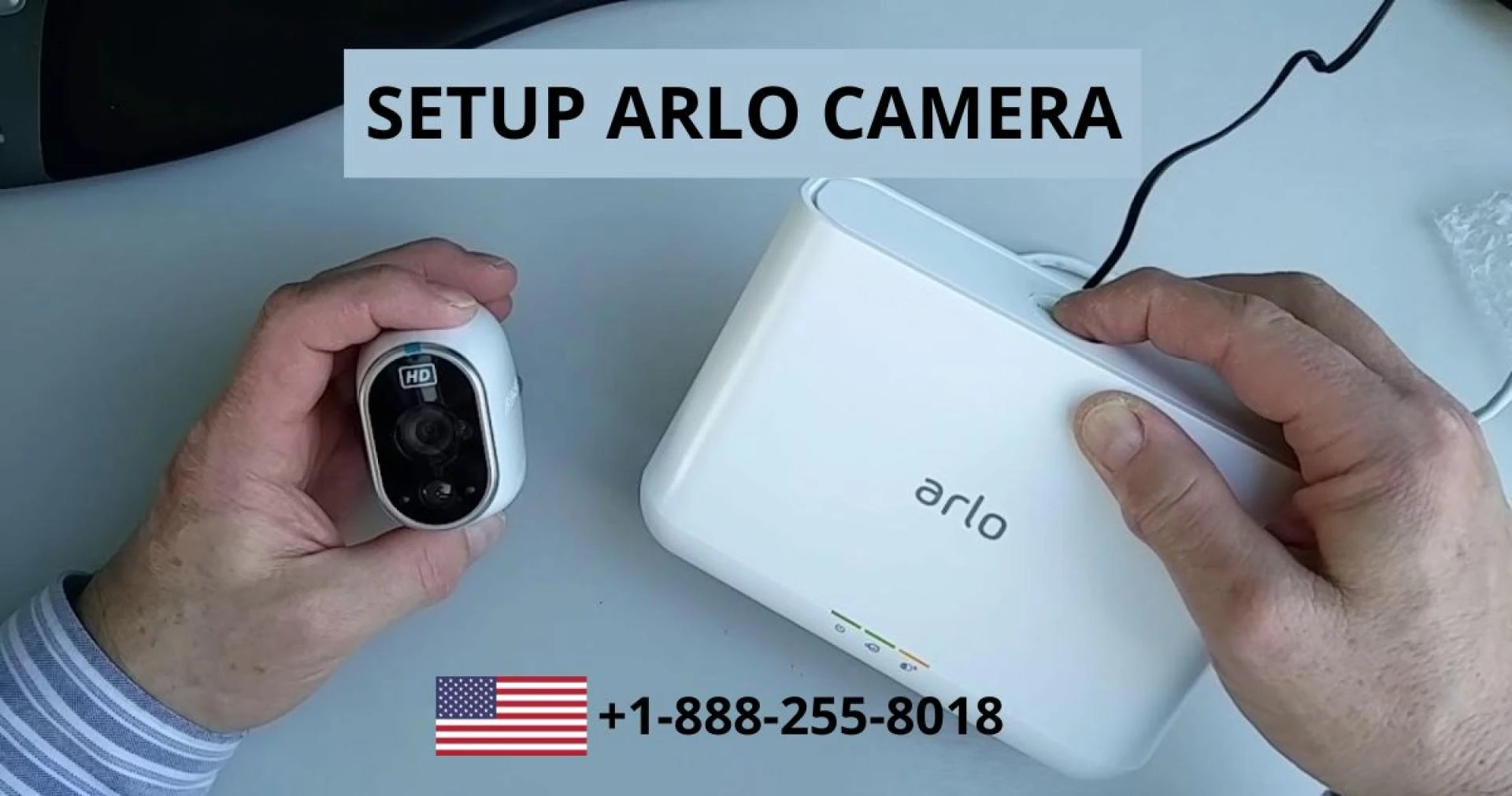

Netgear comes with advanced security Arlo cameras. Arlo's security cameras are some of the best in the business. They are effortless to set up. We can easily use Arlo cameras in our offices or homes. People quickly do the Arlo camera setup. It is necessary to set up the Arlo camera perfectly to work perfectly.
Setup of Arlo Camera
Various steps need to follow to set up the Arlo camera. Here we discuss the process of setting up the Arlo camera Login.
Step 1: Download Arlo App
We can set up the camera and adjust its settings using the Arlo app. We cannot install cameras without apps. Once you have downloaded the app, create an account and choose a model from the list to add your first camera. The Arlo Web Portal allows you to control your cameras from a web browser after setting them up in the Arlo app. For those who need a larger screen, the web portal works the same way as the app.
Step 2: Turn on Your Arlo Camera
It is necessary to follow all instructions to set up a wire-free Arlo camera. There are tracks on the bottom of the battery to prevent it from being installed upside down. When we insert the battery close its camera case. It is imperative to check its LED on the front side. Connect the charging cable to the light if it is amber. You can skip charging if the light is flashing blue. There is a need to place a wired Arlo camera within 6 feet of its power outlet. We can also buy power cables for wireless models.
Step 3: Connect the Arlo camera to Wi-Fi
Following all Arlo app instructions is imperative to connect with the wifi network. We can enter the password and name of a wireless network. The Arlo app creates a QR code to scan the camera. After scanning the code there is a need to wait for a few seconds. It is imperative to know that Arlo cameras don't work with 5 GHz Wi-Fi networks.
We can directly connect our Arlo camera to the Arlo base station instead of your home's wireless network. There is also an advantage of allowing local video storage. Now there is a need to pay for cloud storage.
Step 4: Place Arlo camera
There are many options to place the Arlo camera. It depends on the user's choice of where they want to place.
Mount
We can install an Arlo camera 6 to 7 feet above the ground. With a viewpoint, you can capture video footage and detect motion without climbing too high.
Shelf
Only the Arlo Essential Indoor and Arlo Q have built-in stands. We can place them on shelves. It stands also works on the mount. There is a need to use a mounting kit to place Arlo cameras.
Magnetic Mount
We can mount Arlo Ultra or Arlo Pro camera with a magnetic mount. We attach the mount to the wall with a single screw, a drywall anchor, and a plastic stopper.
Outdoor Mount
It is better to use Arlo outdoor mounts for the setup Arlo camera. We can use these mounts to screw the camera in a secure place or higher than 6.5 feet.
Step 5: Adjust the Arlo camera's View
Arlo cameras come with a wide field of view. It helps in capturing tons of activities. It is necessary to adjust the camera best, so it allows for capturing accurate motion, notifications, and recordings.
Camera Position
It is critical to set up the Arlo camera in the best way. Camera positioning is necessary so that it takes every view. We can use these steps to set the camera positions.
Open the Arlo app and go to settings.Choose the device and camera that you prefer to adjust.Pick Device Utilities and camera positions.It is time to adjust the camera according to the area you want to include.Field of View
We can also change its field of view. It becomes easy to use by following these steps.
Go to settings in the menu.Choose My Device and camera.Select video settings and video mode.Search for the best mode that fits according to the camera.We also easily set in motion zones in the Arlo camera setup. It is crucial to select motions we want to ignore and record.
Step 6: Test Arlo Camera's Motion Detection
When Arlo cameras are recording a video clip, they rely entirely on motion detection. We can test its motion detection that it is effective or not.
Go to Settings in the Arlo app.Choose My Device and camera for testing.Pick Device Utilities and Motion Detection Test.The LED lights of the camera blink amber at the time of motion.We can move around the area so the camera catches all activities.By following these steps, we can determine whether our Arlo camera captures every motion.
Step 7: Arm Your Arlo
When we arm the Arlo camera it starts sending notifications about recording video clips. It is the best way to protect our privacy. It is imperative to arm a camera special when we leave the house or go to bed.
There are five arming modes :
DisarmedArmedScheduleGeofencingCustom modeFinal Thoughts
The process of setup the Arlo camera is simple. It takes a few minutes for the Arlo camera setup. After setting up the camera we can use the camera quickly and feel relaxed. It captures every moment and detections.
That said, to take full advantage of these benefits, you'll need to create high-quality guest content. While this requires you to pay attention to a broad range of factors, the key is conducting top-notch research before sitting down to write a guest post.
0









Sign in to leave a comment.