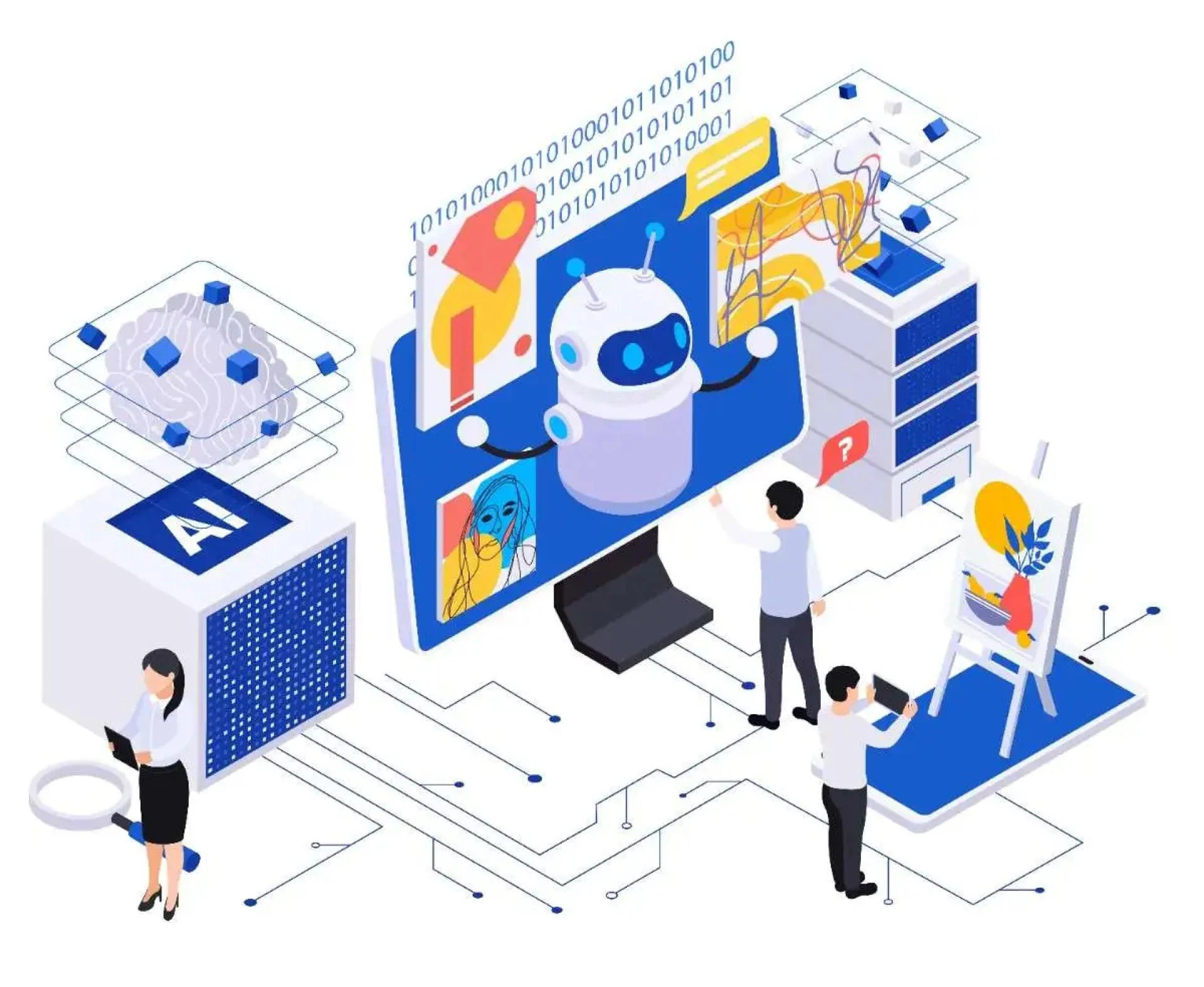

If you ever looked at a gantt chart and it looked like a tangled plate of spaghetti to you, you know there's a room for improvement. While we can't blame you since the deadlines, budgets, team dynamics and endless updates can feel overwhelming to everyone, developing right skill is what makes a difference. What if there was a tool that could streamline all of that? That is where artificial intelligence (AI) enter. From chatbots to predictive analytics, AI is quietly becoming a game-changer in project management. The question is: How do you actually use it without turning your team into a bunch of confused robots? Let’s break it down in a way that’s actually easy to digest.
1. Start Small: Pick One Pain Point to Target
AI isn’t magic. It’s a tool, and like any good tool, it only works if you know how to use it. Most project managers get stuck trying to do too much too fast. Instead of overhauling your entire system, identify one specific problem your team deals with daily. Is it scheduling conflicts? Missed deadlines? Poor communication? For example, if your team spends hours manually updating task timelines in tools like Asana or Trello, try AI-powered automation. Tools like ClickUp or Monday.com use AI to automatically adjust timelines based on task dependencies or delays. Suddenly, you’re saving time and reducing human error.
The key here is to test, learn, and iterate. Start with a small project or a single team, see what works, and scale later.
2. Let AI Handle the “Dull Stuff”
Project management is 20% strategy and 80% busywork. AI can take over the busywork so you can focus on the big picture. Think of it as your hyper-efficient intern who never asks for a raise.
Here’s how AI can help with mundane tasks:
- Automating Routine Updates: Tools like Autocrat can take meeting notes and turn them into
email updates for stakeholders.
- Generating Reports: AI can pull data from your project management software and create real-time dashboards or Excel reports in seconds.
- Scheduling: Say goodbye to endless email threads. Tools like Google’s Smart Schedule can auto-schedule meetings based on everyone’s availability.
By offloading these tasks, you free up time to focus on what actually requires your brain power like problem-solving or creative decision-making.
3. Use AI for Smarter Decision-Making
Data is everywhere in project management, but making sense of it? That’s the hard part. AI thrives in the chaos of data. It can spot patterns, predict risks, and even recommend solutions. Consider this: Predictive analytics tools like LiquidPlanner or Wrike use historical data to forecast project delays or budget overruns. If your team is behind schedule, they can flag it before you hit a breaking point and suggest solutions like reallocation resources.
Another cool use case is AI-driven risk management. Imagine a system that scans your project’s progress, team performance, and external factors (like supply chain issues or weather delays) to warn you about potential roadblocks. Suddenly, you’re not just reactive but you’re proactive.
4. Improve Team Collaboration with AI Assistants
Team communication is the bane of every project manager’s existence. Missed messages and duplicated work can derail even the best-laid plans. AI can be your team’s glue. Tools like Microsoft Viva or Slack’s AI integrations can monitor conversations, remind people about action items or even summarize long threads into bullet points. Want to avoid a meeting? AI can generate meeting summaries and distribute them instantly. For remote or hybrid teams, AI-powered sentiment analysis tools (yes, they exist) can even understand team morale by reading the tone of messages or emails. If the data shows people are stressed or disengaged, you can address the issue before it festers.
5. Focus on Training, Not Tech Jargon
Here’s the elephant in the room, not everyone on your team is going to be an AI expert overnight. The key to successful integration is training and communication. Don’t just hand your team a new AI tool and say, figure it out. Instead, offer guided walkthroughs, tutorials or even a buddy system where tech-savvy team members coach others. Emphasize how the tool simplifies their work, not complicates it.
Also, be transparent. Explain why you’re using AI whether it’s to reduce workload, improve accuracy, or make decision-making faster. When people understand the “why,” they’re more likely to embrace the change.
6. Don’t Ignore the Human Element
AI is great at crunching numbers and automating tasks, but it can’t replace human creativity, empathy or experience. Think of it as a collaboration, not a replacement. For example, AI can flag that a project is behind schedule, but only a human can determine whether to cut scope, add resources, or renegotiate deadlines. Similarly, while AI can draft a meeting summary, it’s up to you (or your team lead) to resolve conflicts or inspire the team when motivation wanes.
The most successful AI integrations are those that augment human skills, not erase them.
Challenges to Watch Out For
Let’s not paint a perfect picture. Integrating AI comes with hurdles:
- Resistance to Change: Some team members might fear AI will replace them. Reassure them it’s a tool to support not replace their roles.
- Data Privacy: Ensure any AI tools you use comply with data protection laws (GDPR, etc.) and secure sensitive project information.
- Over-Reliance on AI: AI can suggest solutions, but only humans can contextually evaluate them. Maintain a healthy balance.
Conclusion
AI isn’t a silver bullet for project management or anything else. But when used thoughtfully, it can make a huge difference in efficiency, accuracy and team happiness. If you’re just starting out, remember. Small wins matter. Try one AI tool, measure its impact, and refine from there. Stay open to feedback, keep your data organized and never underestimate the power of good old-fashioned communication. To make the integration process easier, you can learn the latest tools and productivity hacks for project managers with the help of this advanced project management training program.
At the end of the day, AI should make your life easier not more complicated. So experiment, stay curious and don’t be afraid to hit reset if something doesn’t work. After all, project management is as much about adaptation as it is about plans.






























Sign in to leave a comment.