
If you manage an Instagram account — your own, a client's, or a competitor's — the most useful habit is tracking how the follower list changes over time. A raw follower count tells you almost nothing. What matters is the direction and the detail: who followed, who unfollowed, which posts moved the needle, and who a public account recently started following.
The problem is that Instagram itself doesn't show most of this. The app gives you a follower number and, for your own account, a basic Insights tab — but no history, no unfollower list, and no way to see who another public account recently followed. That gap is why third-party trackers exist.
There are a few well-known options. Social Blade is great for high-level daily follower graphs. Iconosquare and Not Just Analytics go deep on engagement analytics for connected profiles. Each is useful, but most either require you to log in and connect an account, or they focus on a single metric.
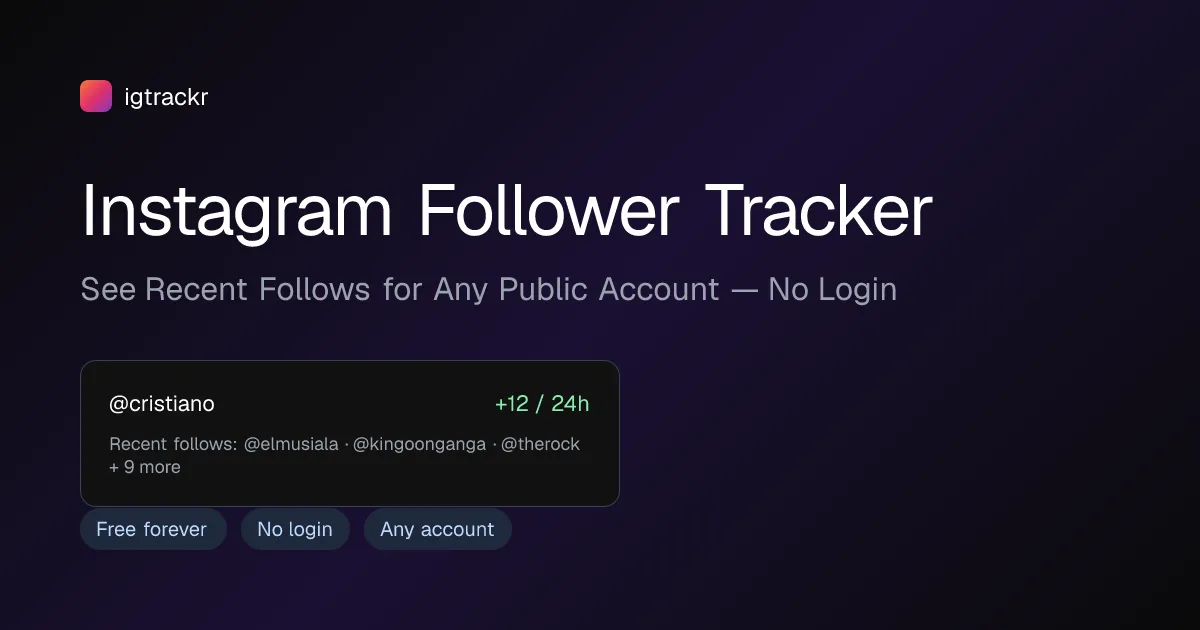
Recently I've been using a lighter tool called igtrackr — https://igtrackr.com — for the day-to-day tracking. What made it click is that it works on any public account with no login and no app install: you paste a handle and in a couple of seconds it pulls followers, recent follows sorted by time, unfollows, engagement, and top posts, then keeps tracking changes with daily and weekly deltas on a saved dashboard. It also bundles smaller utilities I used to open five different sites for — a Profile Analyzer, an Engagement Rate Calculator with niche benchmarks, a Hashtag Analyzer, and CSV/JSON export for reporting.
A simple workflow that has worked well: baseline your account and one or two competitors so you have a starting snapshot; check the recent-follows and unfollows deltas weekly rather than daily, since daily noise hides the real trend; when a post spikes, note which followers it brought in and what the engagement rate was so you can repeat the format; and export the numbers to CSV once a month for a clean report.
None of this requires a paid plan to start. If you take one thing from this: stop watching the follower number and start watching the change in it. Tracking the deltas — recent follows, unfollows, and engagement over time — is where the actual insight lives, and it's the difference between guessing and knowing what's growing your account.



























Sign in to leave a comment.