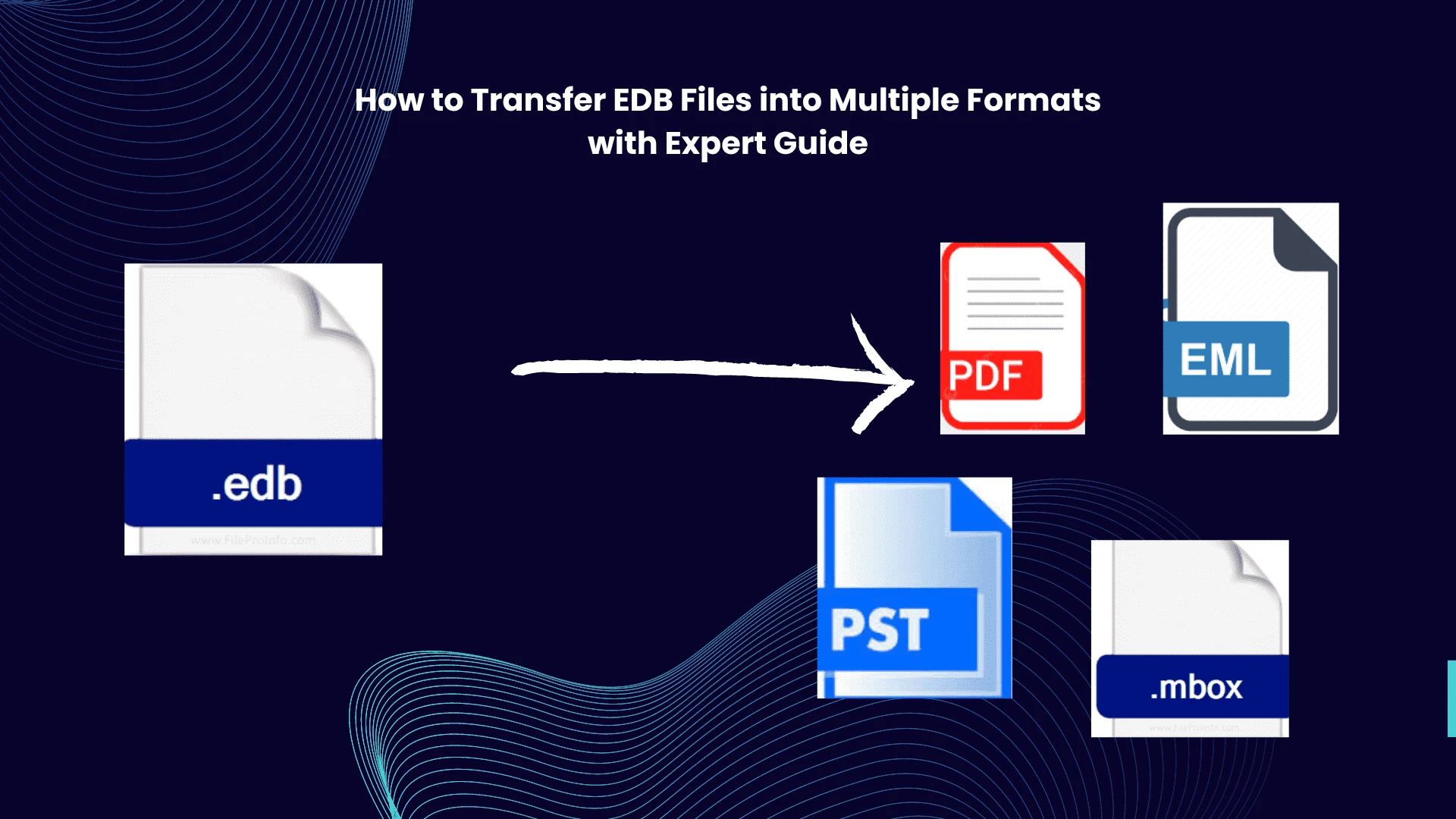

Microsoft Exchange server provides backend support to Outlook email clients. With the help of the Exchange server Outlook is able to send and receive emails to others. When an Outlook user sends an email it hits an SMTP request to the Exchange server then it finds the receiver and delivers it. MS Exchange server also saves the user details in the EDB file. This is an important file because it contains all the mailbox data like emails, tasks, journals, contacts, calendars, and other details. It also contains the deleted data. Which increases the importance of the file. but, handling this file is not easy. Only the admin has access to the EDB file of the Exchange server & this file has a high risk of cyber-attacks because of the crucial information that it contains. Due to different file formats sharing and accessibility of this file is not easy. So, one of the best solutions is to change EDB into a different format which makes this file easy to access on different platforms. In this blog, we discuss the method for transfer EDB files into multiple formats.
Changing the EDB file into different formats helps the admin to analyze the Exchange file easily and open the file without any hassle and also used for taking backups like PDF is preferred to backup or sometimes changing into MBOX format helps in opening an EDB file into a different email client like Apple Mail, Thunderbird, Entourage, and many more. However, the admin preferred to open Outlook because is the primary email client to Microsoft, for doing this admin needs to change the EDB file into PST formats. To convert the EDB file into Outlook-supported formats they can use EDB to PST Converter.
How to Migrate Exchange Files into Multiple Formats - Reasons Behind it
- EDB file contains crucial data of users to take backup in different formats increasing the security data. That is why is preferred for transfer EDB files into multiple formats.
- It improves accessibility on different platforms like email clients and opening a file offline, viewing the file without depending upon the Exchange server. Increase accessibility without the need for any special application.
- Changing EDB files into different formats like HTML, EML, PST and others allows users to import data in different email clients. And easy migration of data.
- By manually admin can open an EDB file just by mounting it on Exchange serve but it affects the server performance and even shuts the servers.
Mater Technique to Transfer EDB Files into Multiple Formats
As we know, there is no direct method for converting EDB files into different formats. In the master technique, we use the third-party automated tool which is SysTools EDB Converter. It is a most reliable and user-friendly tool that provides many features like maintaining the data integrity during the conversion process. That is why is used by professionals in business industries.
Steps to use this tool
- Download and install this tool in your system.
- Go to Add folder for adding the EDB file in tool > it will give two options “Select file” for selecting the file manually or “Search File” in which it scans and loads the file automatically from the selected drive > Tap the Add button.
- After that, all the files are visible on the Dashboard select the all required emails or whole files that you want to convert > Click on the Export button in the menu.
- Select the desired export type from the export option > give the destination location and hit the export button for transfer EDB files into multiple formats
Features of This tool
- It can provide different export options like Convert EDB to MBOX, HTML, PDF, etc. Advance data and category filters are available for selective data conversion.
- It has an automatic scan feature to find and load files automatically. Capable of handling corrupted files efficiently.
- Able to export private (priv.edb) and public(pub.edb) complete without any data loss. Export bulk data without any file size limit efficiently.
- Provides multiple preview options before conversion & it supports all exchanges and windows for transfer EDB files into multiple formats
How to Migrate Exchange Files into Multiple Formats with Online Method
There is no direct manual method to convert EDB files into different formats. Many users use online web tools to change Exchange files into different formats. However, these solutions are not recommended by experts because these methods include lots of risk of file corruption and data leaks generally, these online method steals the file information which is not good as we know EDB files are the important files that contain data of all the user. If this data is going into the wrong hands it harms the user\'s privacy. So, it is better to use automated tools for these types of conversions.
Conclusion
In the above discussion, we discuss the different methods transfer EDB files into multiple formats. We discuss both methods online and professional methods. So, if you are willing to export your data the use automated method is a most secure method and best solution for the user query - “how to migrate Exchange files into multiple formats ” On the other hand online method is not a good choice because of its drawbacks.












Sign in to leave a comment.