

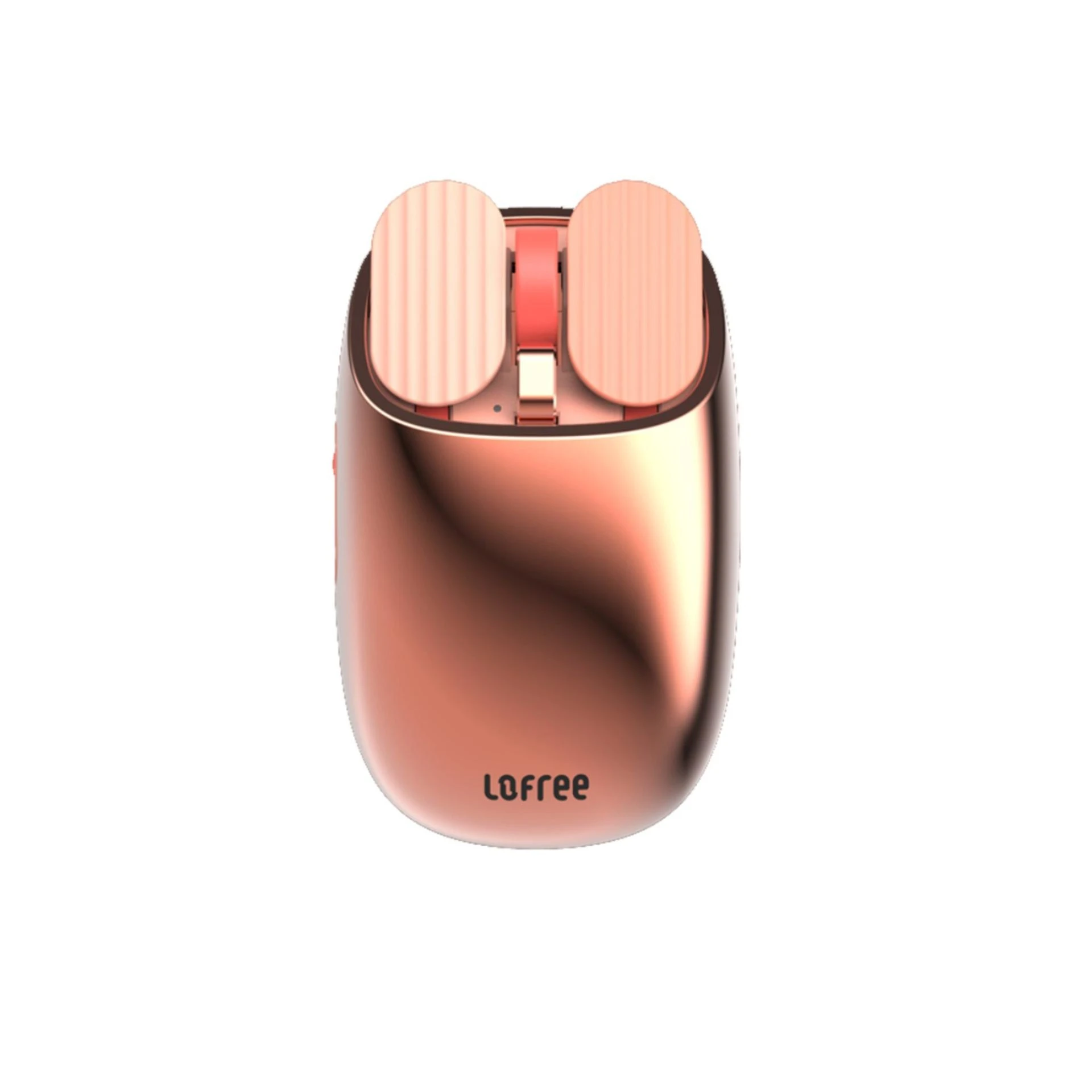
In the fast-moving digital world, looking for ways to maximize productivity while keeping stress at bay is very important. At this juncture, LOFREE Wavy Chips Blossom Edition Bluetooth Mouse—stylish in outlook and functional in operation—is here, developed to get much more done than just click and scroll. One of its potent features includes advanced multi-finger gesture support. But how do you unlock this power in the best way to optimize your work style? In this in-depth blog, explore how to use multi-finger gestures on the Wavy Chips Blossom Edition for effective workflows.
Unveiling the Magic: Multi-Finger Gestures Explained
- Two-Finger Scrolling: Scroll through web pages, documents, and spreadsheets up or down with a simple swipe using two fingers. This saves the pain of scrolling using the scroll wheel all the time and is faster and less tiring to the hand.
- Horizontal Scrolling: This makes it much easier to scroll sideways through long documents or wide web pages. Simply swipe your trackpad left or right with two fingers, and it will move through without a hitch or disturbing your workflow.
- Back/Forward Gestures: Go back and forward across web pages or folders. Just swipe left with two fingers to go back and right to go forward. It's intuitive in its gesture form since it integrates hand actions for the browser 'back' and 'forward' buttons.
- One-Finger App Switcher (Windows Only): Swipe up once to switch between open apps on Windows. You no longer have to minimize windows or use keyboard shortcuts, making you multitask like a pro. Boosting Productivity with Multi-Finger Mastery.
You'd notice that, with these multi-finger gestures, your productivity increases by a long way:
- Reduction of time consumed by mundane tasks: Scrolling and navigation become easy, giving you time to use on other important things.
- Improved Workflow Efficiency: Lightly jump between applications or move between documents, saving one a lot of time while accomplishing more.
- Reduced Workload Stress: Scrolling is a repetitive task that causes discomfort and exhaustion in the hands. More fingers in multi-finger gestures give an ergonomic and gentle mode of interaction with your machine, helping reduce stress and promote good health.
Mastering the Art: Tips for the Effective Usage of Gestures
- Practice Makes Perfect: Just like in any new skill, mastery of multi-finger gestures needs practice. Take some time to get to know the different gestures and practice.
- Personalize Your Experience: The Wavy Chips Blossom Edition supports redefinitions of any basic mouse gesture functions according to your needs. Just check the settings to customize the multi-finger experience.
- Accept the Power of Automation: One can always club multi-finger gestures with various other automation tools toward creating mighty workflows. Investigate software that will help you assign various actions to a gesture. Your work style will become clearer yet.
Upgrade Your Workspace with the Wavy Chips Blossom Edition
Conclusion
The LOFREE Wavy Chips Blossom Edition Bluetooth Mouse—this stylish peripheral—is exclusively available at 21GenX, LOFREE's official reseller in India. One of its most distinct features is its multi-finger gesture support, allowing you to work smarter and not harder. Log onto www.21genx.com for fancy and modern gadgets and widen your horizon about how the Wavy Chips Blossom Edition will redefine your productivity. Let this little blossom of innovation bloom your work!










Sign in to leave a comment.