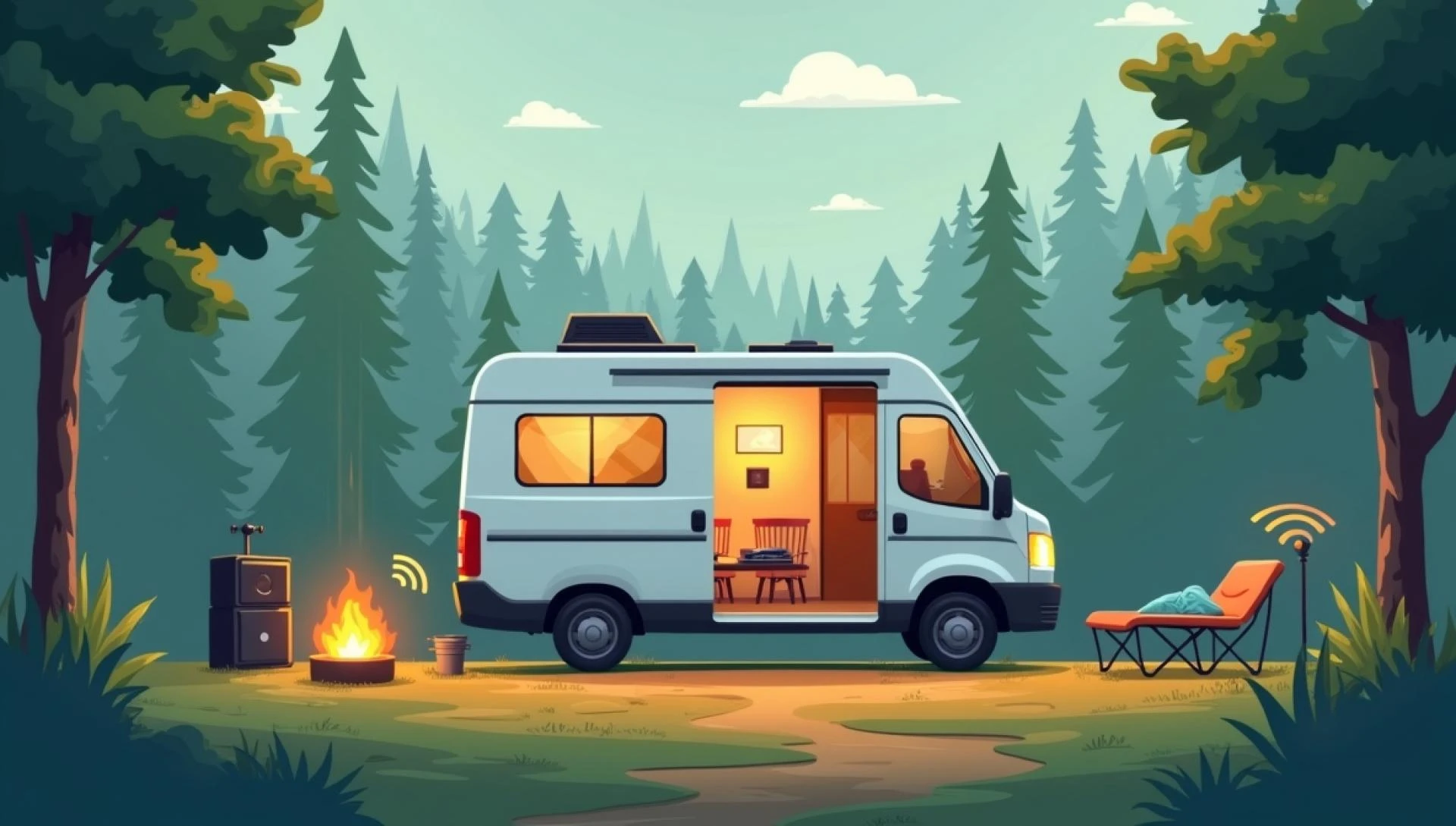

Staying connected while traveling in an RV isn't always easy, especially when you're parked in remote areas or crowded RV parks. Slow speeds, dropped signals, or no connection at all can be frustrating when you're trying to work remotely, stream your favorite shows, or simply check in with family. Fortunately, with the proper setup and strategies, you can boost your signal and enjoy a reliable internet connection on the road. Here's how we've managed to stay connected — and how you can too.
1. Understand the Problem: Why RV Wi-Fi Is Unreliable
Most RV parks offer free Wi-Fi, but that doesn't mean it's dependable. You're often sharing the network with dozens, even hundreds, of other travelers. During peak hours, speeds drop drastically. Additionally, RV park routers are typically located in a central office or clubhouse, often far from where many RVs are parked. Trees, buildings, and even your RV's walls can weaken the signal.
2. Use a Wi-Fi Booster for RV Park Connections
One of the most effective solutions we've used is a Wi-Fi booster for RV parks. This device captures the weak Wi-Fi signal from the park's router and amplifies it to ensure a more reliable connection to your RV. It's beneficial in larger campgrounds or when parked far from the main router.
There are two types of Wi-Fi boosters to consider:
- Wi-Fi range extenders: These rebroadcast the campground's signal, improving reach.
- Wi-Fi repeaters or antennas: These are typically mounted outside the RV and capture weak signals from greater distances.
Look for models specifically designed for RVs, as they're built to handle mobile conditions and different weather elements.
3. Position Your Booster Correctly
Mounting your Wi-Fi booster or antenna on the roof or a tall pole can significantly improve your signal. The higher the booster, the fewer obstacles between it and the park's router. If you're using a portable antenna, try pointing it directly at the Wi-Fi source for the best results. Placement matters — and a few feet can make a big difference.
4. Secure Your Mobile Hotspot
Relying solely on RV park Wi-Fi can be a gamble, especially in remote locations. That's why we always carry our mobile hotspot as a backup. These devices use cellular networks to provide internet access, just like your phone. If you're in an area with strong cell coverage, a hotspot can be faster and more secure than shared campground Wi-Fi.
Some tips:
- Choose a data plan with enough monthly bandwidth.
- Use a dedicated hotspot device rather than tethering from your phone to avoid battery drain and overheating.
- Consider getting a signal booster to enhance your cellular signal if you frequently experience weak coverage.
5. Invest in a MIMO Antenna for Cellular Internet
MIMO (Multiple Input Multiple Output) antennas work in conjunction with LTE routers or hotspots to enhance cellular internet speeds. When paired with a reliable carrier, a MIMO antenna can significantly boost upload and download speeds, especially in fringe coverage areas. This is ideal if you work remotely or do video calls on the road.
6. Pick RV Parks with Reliable Wi-Fi
Not all campgrounds are equal when it comes to internet access. Use apps like Campendium or RV LIFE to check reviews and filter for locations with strong Wi-Fi. Some parks even advertise high-speed internet and offer premium paid options. Before booking, it's worth calling the park and asking about the reliability of their internet, especially if you need to stay online for work.
7. Manage Your Bandwidth Wisely
Even with a strong signal, your internet speed can slow down if you're using too much bandwidth. Here are a few ways to optimize usage:
- Turn off auto-play for videos and apps.
- Download content (movies, podcasts) during off-peak hours.
- Use data-saving modes on streaming services like Netflix and YouTube.
- Limit background data use on devices connected to the network.
8. Consider Satellite Internet as a Last Resort
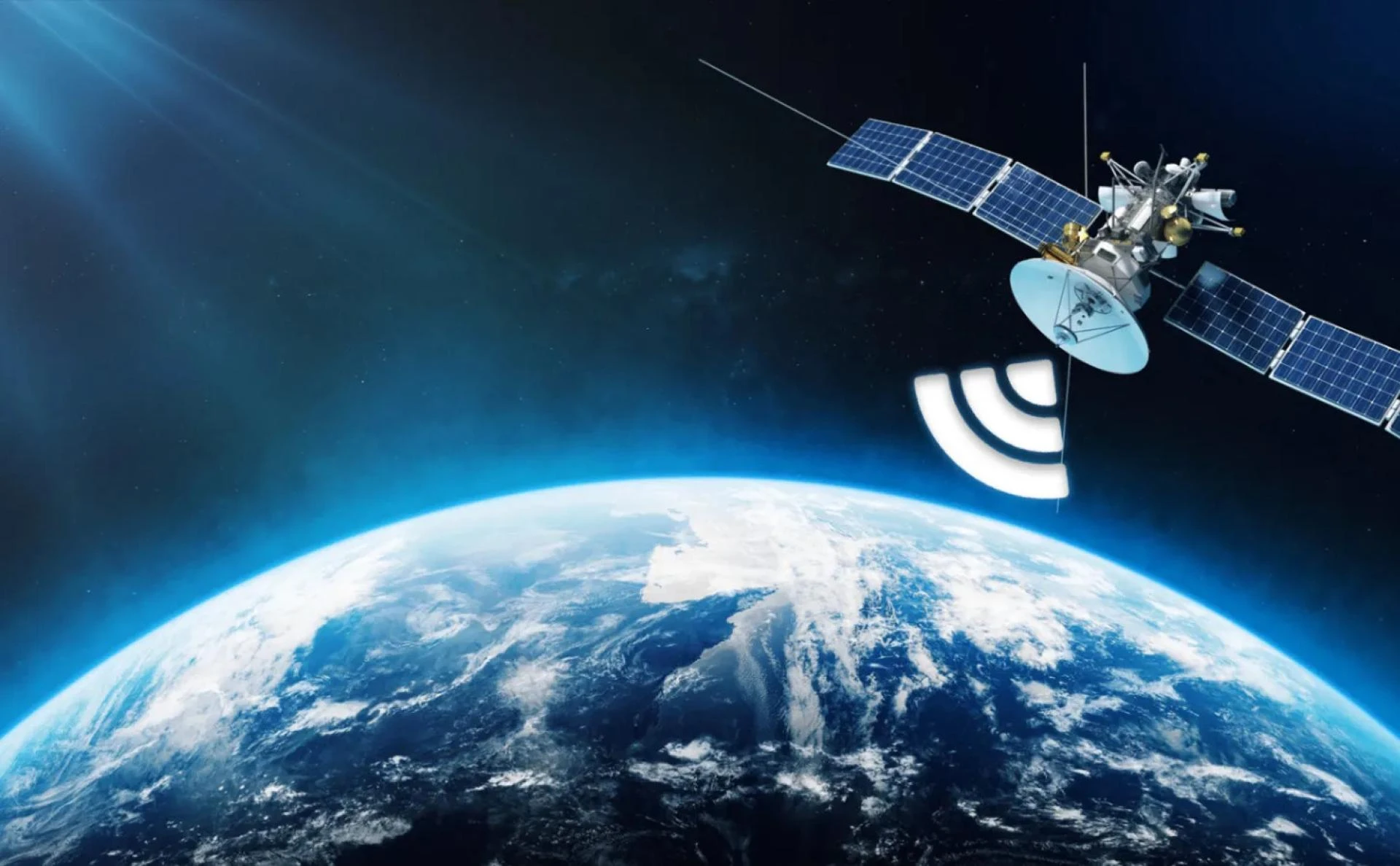
If you plan to spend time completely off the grid, satellite internet may be your only option. While it's more expensive and not ideal for heavy streaming or gaming, it can offer basic connectivity in places where cell and campground Wi-Fi don't reach. Services like Starlink are becoming increasingly popular among full-time RVers.
Final Thoughts
Staying connected on the road doesn't have to be a struggle. With a combination of tools — especially a Wi-Fi booster for RV parks — and smart usage habits, you can enjoy reliable internet in most places your RV takes you. Whether you're working remotely, streaming entertainment, or simply keeping in touch with loved ones, these tips can make life on the road much smoother and more connected.





























Sign in to leave a comment.