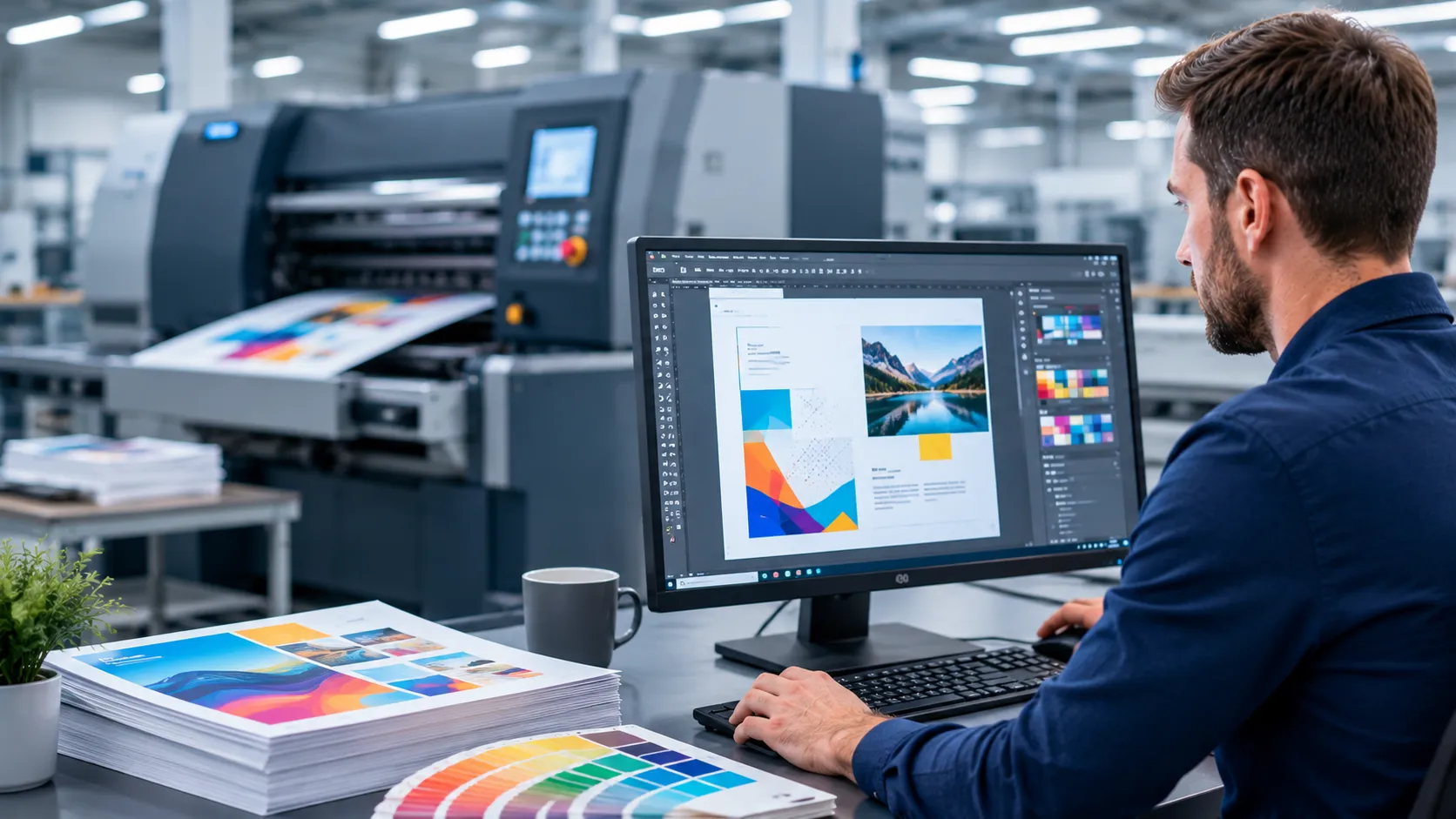

The increased use of the latest tools and technologies helps designers print designs with greater precision and accuracy. But have you ever faced delays in your print job due to incorrect colors, missing fonts, or low-resolution images? These errors are insignificant during the design stage, but they may cause production bottlenecks once the project enters the pressroom.
Poor print file preparation results in delays, reworks, material wastes, and even failure to meet deadlines. It is at this point that professional prepress services come into play. Properly preparing the files before entering the production phase allows businesses to avoid potential expenses and achieve an efficient workflow.
According to the industry statistics, printing rework due to file errors can consume up to 10% of a print shop’s monthly budget. If files are well-prepared, correcting errors in production will not take much time. This article discusses ways to improve production speed and print quality through better file preparation.
Importance Of Proper File Preparation For The Process Of Print Production
All print products are based on digital files. If the file contains technical errors, the production process will not proceed smoothly. The common errors of the files are as follows:
• Barcodes errors.
• Unembedded graphics.
• Incorrect page dimensions.
• Absence or substitution of the fonts.
• Incorrect image resolution.
• RGB files instead of CMYK files.
• Absence of bleed settings.
According to the industry experts working in the prepress sector, incorrect color modes, missing fonts, poor image quality, and bleed issues are among the most common errors in the prepress process.
Late detection of these problems forces operators to stop production to make corrections. Missing fonts, incorrect image settings, and other file issues often force operators to pause production, increasing labor costs and extending production turnaround times.
The Connection Between The File Preparation and Production Speed
Many firms focus on improving the speed of their printing equipment to increase productivity. Although advanced presses are helpful, the quality of files has a much greater impact on a firm’s productivity. The well-prepared files allow for a smooth transition from one stage of production to another without interruptions.
• The standard workflow looks as follows:
• Completion of the design stage.
• Checking the artwork file.
• PDF preflight verification.
• Approving the proof.
• Creation of plates or setting for digital printing.
• Printing.
• Finishing and delivery of the product.
Well-prepared files lead to faster movement through these stages. There will be no need for communication between customers, designers, and production personnel. Thus, the jobs will reach the press sooner and will be produced faster.
Creating An Efficient Prepress Workflow
The prepress workflow serves as the quality control system in the print production process. Before the files enter the production process, prepress specialists should verify that all elements of the files comply with the technical requirements. The following tasks will be performed during prepress.
File Validation
Checking the files for format, image quality, and the presence of missing assets.
PDF Preflight
Using PDF preflight tools automatically identifies potential printing problems.
Font Verification
The verification of all fonts to be embedded in the files.
Image Inspection
The inspection of the images for their resolution, placement, and color settings.
Checking The Bleed and Trim Areas
Early identification of problems allows corrections to be made at an earlier stage, when they are easier and cheaper.
Creation Of Print-Ready Artwork At the Design Stage
One of the best ways to speed up the production process is to create print-ready artwork at the design stage. It is necessary to follow printing specifications from the very beginning of design work. The following aspects should be taken into account:
• Usage of high-resolution images.
• Setting the correct document dimensions.
• Providing the bleed areas.
• Conversion of colors to the adequate ones.
• Embedding of outlining fonts.
• Proper linking of images.
• Removal of unnecessary layers.
The use of such an approach at the design stage facilitates the transition from design to production. Thus, using print-ready artwork eliminates the need for last-minute corrections and speeds up production schedules.
The Role Of Color Management For The Faster Printing Process
Color issues are among the most common reasons for delays in the production process. Most designs use RGB color settings appropriate for digital viewing. But commercial printing requires CMYK color profiles.
Due to poor color management, the printed colors may differ from the expected ones. The proper color management involves the following steps:
The conversion of files to the appropriate color space.
• Standardization of proofing procedures.
• Using ICC color profiles.
• Calibration of monitors.
• Correct color management eliminates the need for revisions during production and proofing. Thus, the approval cycle becomes shorter, and the project moves through the printing process faster.
The Function Of Artwork File Checking to Avoid Delays
Artwork file checking is an important step before printing begins. A missing font might take only a few minutes to fix, but when discovered after plate production has begun, it can delay an entire print run.
This step involves checking all design elements for their technical ability and print compatibility. Among the elements that are checked, there are the following things:
• The quality of images.
• The placement of text.
• Color settings.
• The readability of Barcodes.
• Bleed and margins.
• Layer structure.
•The dimensions of files.
Using a comprehensive artwork file checking, problems are identified before production. Instead of stopping the press for corrections, it is possible to address all problems during prepress, when corrections are easier to implement.
File Optimization For Printing Improves Efficiency
Large, poorly structured files can slow down production systems and increase processing time. File optimization for printing makes documents more efficient without reducing their quality. The following file-optimization practices are applied:
• Reduction of file size.
• Simplification of the complex artwork.
• Compression of oversized images.
• Removal of unused elements.
• Flattening of unnecessary layers.
Optimized files place less strain on RIP software, allowing presses to process jobs faster and reducing bottlenecks during production.
It ensures a smooth print production process and reduces waiting time during practical implementation.
Printing Error Prevention with The Help Of Proper Preparation of Files
The fastest print job is the one that requires no correction. The process of preventing printing errors starts far before production. The structured process of preparing files allows for avoiding the following errors:
• Barcode failures.
• The errors in text formatting.
• Resolution problems.
• Missing graphics.
• Color mismatches.
• Cropping of the content.
According to the research on prepress quality control, early identification of errors helps reduce reprints, delays, and material waste. Early error correction makes the process more profitable and predictable.
Artwork Correction Before Production
On occasion, files may contain errors that need to be corrected before printing. Artwork correction enables prepress personnel to correct the problem without having to start from scratch in the design stage. Examples of typical artwork corrections are:
• Image resolution correction.
• File size correction.
• Bleed correction.
• Font correction.
• Color profile correction.
Performing the correction before the actual production process saves potential headaches down the line.
Achieve Maximum Print Production Speed By Using Prepress Services
Improvement of production speed is not only about fast equipment. It starts with the quality of the files entered into the production process. Proper print and prepress file preparation shortens the approval cycle, reduces errors, and makes the job’s progress through each production stage easier.
By using methods such as preflighting PDF, color management, optimizing print files, creating print-ready artwork, verifying artwork files, and preventing printing errors, it becomes easier to establish an efficient prepress workflow.
























Sign in to leave a comment.