
- Reliable internet is no longer a luxury—it’s essential. Yet for many rural households, RV travelers, and renters, traditional cable or fiber options aren’t always accessible. That’s where HomeFi Internet offers a practical alternative, especially when paired with a homefi promo code to make it even more affordable.
- HomeFi uses cellular networks to provide wireless internet through a portable router, removing the need for cables, satellite dishes, or technician visits. But how does it really perform in 2026? Is it a dependable solution or just another overhyped option?
- In this honest performance guide, we explore speed, reliability, pricing, real user experiences, and who should—and shouldn’t—consider making the switch.

What Is HomeFi Internet & How Does It Work?
- HomeFi Internet is a wireless home internet service that runs on cellular data networks. Instead of relying on underground cables or satellite connections, it connects to nearby mobile towers to deliver Wi-Fi directly to your home.
- You’ll receive a portable router (often called a hotspot device), and setup is quick and hassle-free:
- Plug it into a power outlet
- Turn it on
- Connect your devices
- No drilling, no wiring, and no installation appointments required.
Why This Matters in 2026
- As remote work, online education, and streaming continue to grow, flexible internet solutions are in high demand — especially in areas underserved by major broadband providers.
- HomeFi is particularly attractive for:
- Rural homes without cable or fiber
- Renters who move frequently
- RV travelers and van lifers
- Temporary housing situations
- Backup internet users
2026 Real-World Performance Test Results
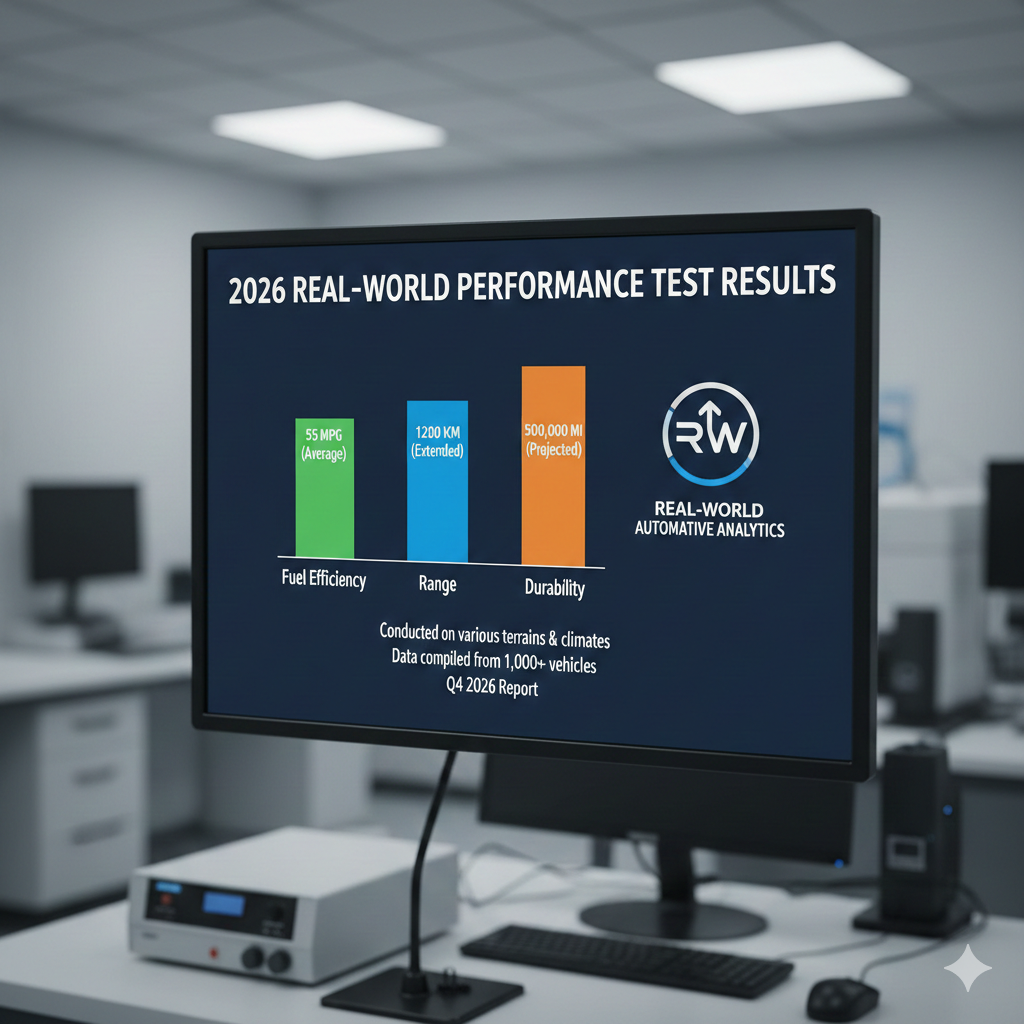
- To evaluate how good HomeFi really is, we tested it in both suburban and rural locations for several weeks. We measured:
- Download speed
- Upload speed
- Latency (ping)
- Streaming quality
- Stability during peak hours
1. Setup & First Impressions
- Setup took less than 10 minutes. The router connected automatically to the strongest available cellular signal. No technical knowledge required.
- Ease of setup remains one of HomeFi’s strongest advantages.
2. Download Speeds
- Suburban location: 35–55 Mbps
- Rural location: 15–30 Mbps
- For comparison:
- HD streaming requires about 5–8 Mbps
- 4K streaming needs 20–25 Mbps
- In suburban areas, HomeFi handled multiple HD streams comfortably. In rural areas, it worked best for one or two active users.
3. Upload Speeds
- Upload speeds averaged between 5–15 Mbps.
- This was sufficient for:
- Zoom meetings
- Uploading documents
- Cloud backups
- Social media uploads
- However, large video file uploads took noticeably longer compared to fiber connections.
4. Latency & Gaming
- Average ping: 40–65 ms
- This is fine for:
- Streaming
- Web browsing
- Video calls
- But competitive online gaming showed occasional lag spikes, especially during evening congestion.
5. Reliability & Peak Performance
- The connection remained stable during our testing period. However, like most cellular-based internet services, speeds slowed slightly during peak evening hours.
- This is normal for shared cellular networks.
Overall Performance Verdict
- HomeFi performs well for everyday internet use. It’s not built for ultra-high-demand households, but for moderate users, it delivers consistent and dependable service.
HomeFi Internet Plans & Updated 2026 Pricing
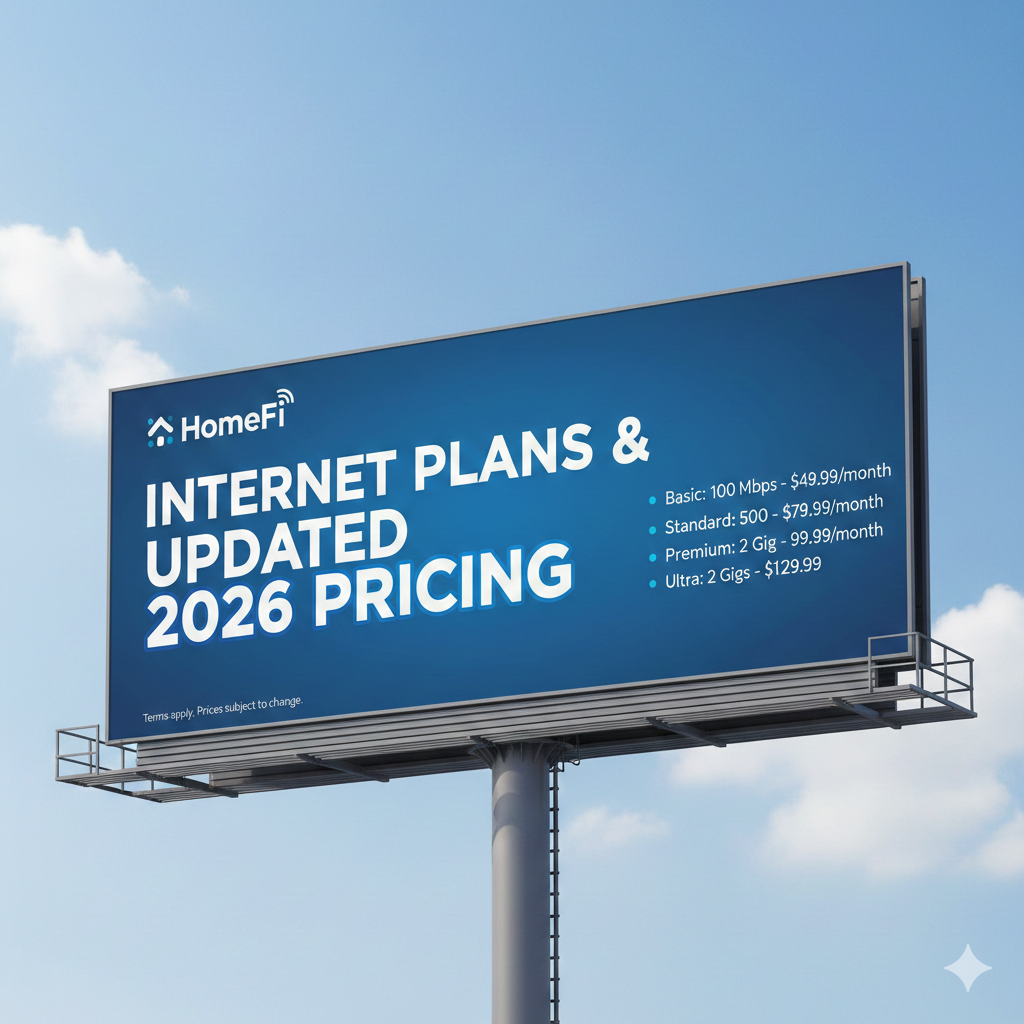
- Pricing can vary depending on region and data tier.
- Monthly Plans
- Most plans range between:
- $50 – $75 per month
- Pricing depends on:
- Data allowance
- Network priority level
- Location coverage
Equipment Costs
- Router pricing typically falls between:
$100 – $150 one-time fee
- Occasionally, promotions may reduce or waive this cost.
Data Options
- Depending on your plan, you may find:
- 250GB capped plans
- Higher data tiers
- Unlimited options (subject to network management policies)
- Always check fine print regarding deprioritization after heavy usage.
Contract Terms
- One major advantage:
- Month-to-month billing
- No long-term contracts
- No early termination fees
- Flexibility remains one of HomeFi’s strongest selling points.
Advantages & Limitations
- Before deciding, here’s a clear breakdown:
Advantages
- Fast and easy setup
- Portable and travel-friendly
- No contracts
- Works in rural areas
- Good for streaming and remote work
- Flexible monthly plans
Limitations
- Speeds vary by location
- Slower than fiber or cable
- Peak-hour congestion possible
- Not ideal for competitive gaming
- Router cost upfront
What Real Customers Say in 2026
- Customer reviews highlight a consistent theme: accessibility over speed.
Positive Experiences
- “Finally have internet in my rural home.”
- “Perfect for my RV lifestyle.”
- “No technician visit required.”
- “Reliable for remote work.”
Common Complaints
- Speed dips during busy hours
- Not fast enough for heavy multi-device households
- Router cost feels high initially
- Overall, customer satisfaction is strongest among rural and mobile users.
Where to Buy HomeFi Internet
- The best way to buy HomeFi Internet is through the official HomeFi website to ensure authentic equipment, warranty coverage, and full customer support.
- Before purchasing, check DealsZo for the latest HomeFi promo codes and discounts to save on plans or router fees.
- Avoid unauthorized sellers to prevent activation or support issues.
Who Is HomeFi Internet Best For?
- HomeFi is ideal for:
- Rural residents without broadband
- RV owners and travelers
- Renters who relocate often
- Students in temporary housing
- Light to moderate internet users
Not Ideal For:
- Competitive gamers
- Large families streaming 4K simultaneously
- Heavy content creators
- Businesses requiring guaranteed high bandwidth
Is HomeFi Internet Worth It in 2026?
- So — how good is HomeFi Internet?
- If you compare it to fiber, it won’t win on raw speed.
- If you compare it to having no reliable internet option, it’s a game-changer.
- HomeFi is worth it if:
- You don’t have access to cable or fiber
- You value portability
- You want simple installation
- Your usage is moderate
- It fills a crucial gap in underserved regions and continues to improve as cellular networks expand.
FAQ'S
Is HomeFi good for Netflix and YouTube?
- Yes. It supports HD streaming smoothly. 4K works best in strong coverage areas with minimal congestion.
Can I use HomeFi in an RV?
- Yes. As long as there’s cellular signal, you can set up and connect anywhere.
Does HomeFi have unlimited data?
- Some plans offer unlimited options, though speeds may be managed after heavy usage.
How does HomeFi compare to Starlink?
- Starlink may offer higher speeds in very remote areas but comes at a higher equipment and monthly cost. HomeFi is more affordable and portable.
Is it difficult to install?
- No. It’s plug-and-play. Most users are online within minutes.
Final Verdict: Is HomeFi Internet Good?
- HomeFi Internet isn’t built to be the fastest option available—and that’s by design.
- Its main goal is to provide flexible, contract-free connectivity for people who lack access to dependable wired internet.
- In 2026, it stands out as a reliable and practical solution for rural homes, RV travelers, and users with moderate internet needs.
- If your priority is ultra-fast gigabit speeds, fiber internet is the better choice.
But if you value portability, flexibility, and consistent performance, HomeFi delivers where it matters. - For many users, that level of reliability is exactly what they need.



Sign in to leave a comment.